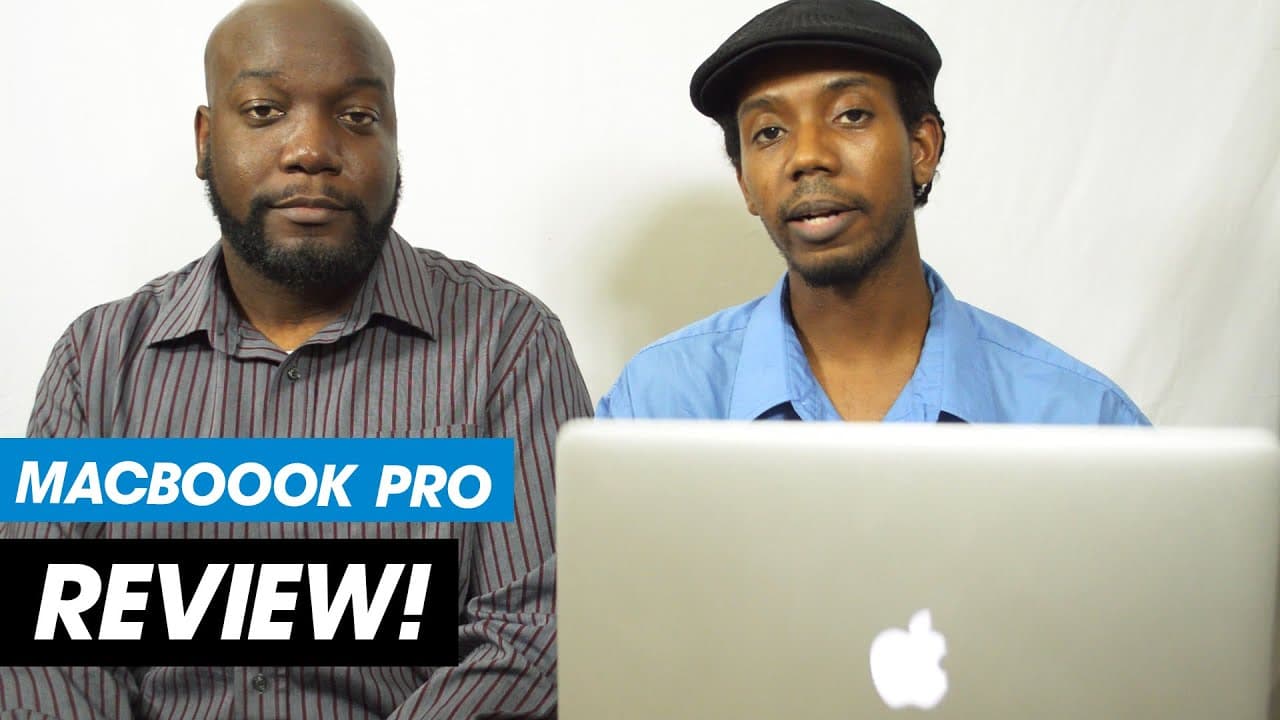
New 2014 Macbook Pro Retina 15" Laptop Review Hands On
TL;DR
A review of the 2014 MacBook Pro highlighting its speed, performance, and suitability for graphic design and photography work.
Transcript
hey everybody this is graphic designer Roberto Blake and today I want to introduce a special guest on the channel my good friend photographer John Covington hey how's it going everybody yeah so you guys have heard me mention John a few times on the channel especially when I'm doing uh Photoshop retouching tutorials a lot of times if I'm not doing m... Read More
Key Insights
- 💦 The 2014 MacBook Pro offers exceptional speed and performance for graphic design and photography work.
- 👤 Seamless integration among Apple devices enhances the user experience for photographers.
- 👤 PC users transitioning to a MacBook Pro may find limitations in customization options.
- 😎 The MacBook Pro's form factor, lightweight design, and efficient cooling system make it ideal for on-the-go creatives.
- 😫 The MacBook Pro's superior speed and performance in launching Adobe applications set it apart from many PC laptops.
- 🐎 The device's flash storage and optimized hardware contribute to its impressive data import speeds and overall performance.
- 😥 The MacBook Pro's price point may be justified by its unmatched performance and user-friendly experience for creative professionals.
Install to Summarize YouTube Videos and Get Transcripts
Explore YouTube Video Summarizer or Get YouTube Transcript Extractor
Questions & Answers
Q: What makes the 2014 MacBook Pro stand out for graphic designers and photographers?
The MacBook Pro impresses with its speed and performance, noticeably launching applications like Photoshop in seconds and providing a seamless workflow for creative professionals.
Q: How does the MacBook Pro's ecosystem benefit photographers using Apple devices?
The integration among iPhone, iPad, and MacBook Pro streamlines photography workflows, allowing seamless syncing of photos and easy control over camera settings, enhancing the overall user experience.
Q: What are the drawbacks of transitioning from a PC to a MacBook Pro in terms of customization?
While the MacBook Pro offers simplicity and efficiency, users accustomed to PC customization may find the transition challenging due to limited customization options and the loss of freedom to tinker with the operating system.
Q: How does the MacBook Pro compare to PC laptops in terms of speed and performance?
The MacBook Pro outshines many PC laptops with its lightning-fast application launches, quick data imports, and overall performance, making it a top choice for graphic design, photography, and digital art workflows.
Summary & Key Takeaways
-
Graphic designer Roberto Blake introduces photographer John Covington as they discuss the 2014 MacBook Pro.
-
John, a traditional PC user, praises the MacBook Pro's speed and performance, especially in launching Photoshop and other Adobe applications.
-
The duo emphasizes the seamless workflow, speed, and convenience the MacBook Pro offers for photographers and graphic designers.
Read in Other Languages (beta)
Share This Summary 📚
Summarize YouTube Videos and Get Video Transcripts with 1-Click
Try YouTube Summary with ChatGPT & Claude or YouTube Transcript Generator
Explore More Summaries from Roberto Blake 📚






Summarize YouTube Videos and Get Video Transcripts with 1-Click
Try YouTube Summary with ChatGPT & Claude or YouTube Transcript Generator