Walkthrough of how I set up Next-Auth with Prisma Adapter (Planetscale)
TL;DR
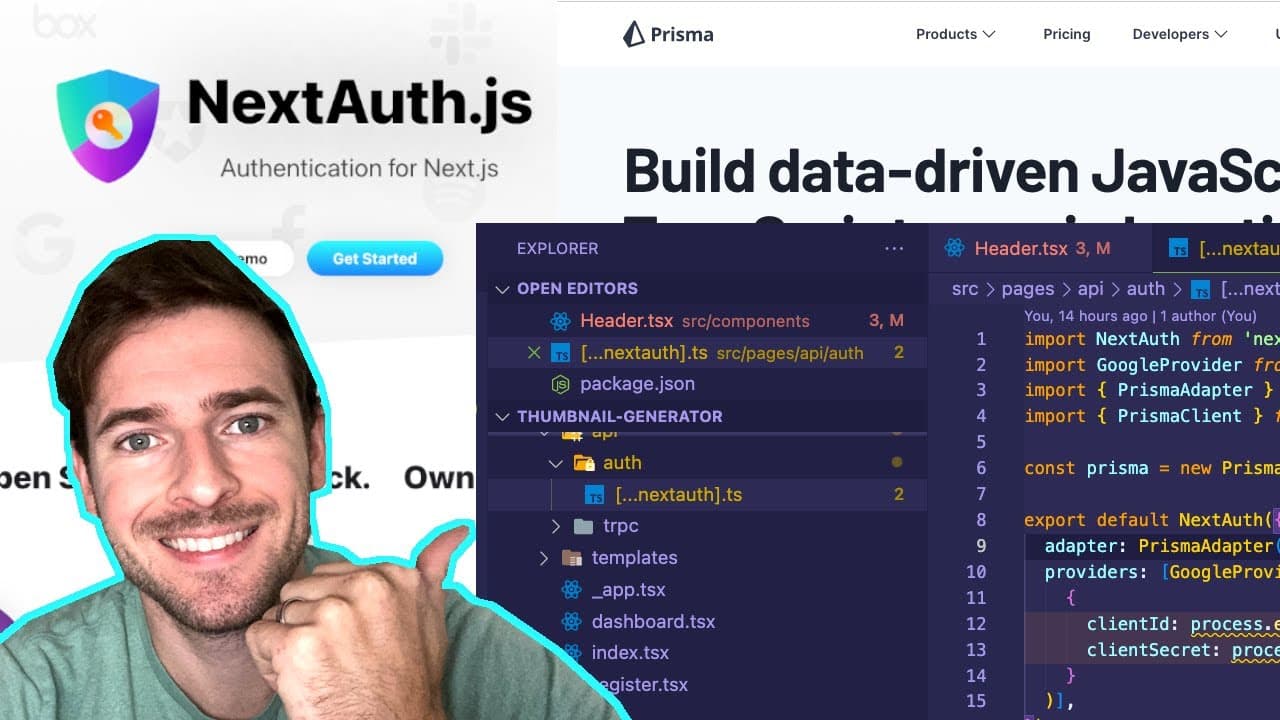
Overview of setting up authentication using Next Auth with Google integration and Prisma database.
Transcript
all right how's it going everyone so i want to kind of share with you how i have next auth setup in this application that i'm working on i'm not going to do any live coding i'm just going to walk you through some code show you some files you're going to be able to understand it just as well and it's probably going to be faster than live coding i go... Read More
Key Insights
- 😑 Next Auth simplifies the implementation of authentication in web applications, providing pre-defined API routes and easy integration options.
- 👤 Google authentication is a straightforward option, requiring a few setup steps to generate API credentials, providing a secure method for user authentication.
- 👤 The integration of session tokens with user interactions enhances security, preventing unauthorized access by managing login states effectively.
- 🧑🦽 Using Prisma as a database adapter facilitates the automated saving of user session data, eliminating the need for manual data management.
- 👻 The customization possibilities with Next Auth allow developers to tailor the user experience, from personalized sign-in pages to conditional UI elements.
- 📦 Proper management of environment variables is critical for security and functionality during the setup of authentication packages like Next Auth.
- 🦻 The ability to see real-time user session management through database queries aids in understanding and debugging authentication features.
Install to Summarize YouTube Videos and Get Transcripts
Explore YouTube Video Summarizer or Get YouTube Transcript Extractor
Questions & Answers
Q: How do you set up Google authentication with Next Auth?
To set up Google authentication, first create credentials in the Google Developer Console, where you’ll obtain a Client ID and Client Secret. These details are essential for the OAuth 2.0 process with Next Auth. You'll store them in your environment variables and configure the Google provider in your Next Auth setup file.
Q: What role does Prisma play in the Next Auth setup?
Prisma serves as an ORM that simplifies interactions with your database. By integrating Prisma with Next Auth, you can manage user sessions and other authentication data easily. The Prisma adapter allows Next Auth to save session information directly to your specified database, providing a structured environment for user management.
Q: How do session tokens work in Next Auth?
Session tokens are stored as cookies on the user's browser once they log in. These tokens uniquely identify an active session. When a user logs out or if the token is deleted, the authentication session ends, and the user is required to log in again to create a new session.
Q: Can you customize the sign-in and sign-out process in Next Auth?
Yes, Next Auth allows you to customize the sign-in and sign-out flows. You can create your own UI components for these actions. Additionally, Next Auth provides options like callbacks to execute custom logic before finalizing sessions or tokens, allowing for flexible authentication management.
Q: What are some challenges you faced during the Next Auth setup?
One of the main challenges was configuring the Google API to create the necessary credentials, which can be tedious. Ensuring that the correct callback URLs are set up and managing environment variables correctly can also pose challenges for those unfamiliar with the process.
Summary & Key Takeaways
-
The speaker shares their journey of implementing Next Auth for user authentication in a web application, emphasizing its ease of integration with Google authentication and Prisma.
-
They explain session management, noting how session tokens stored in cookies are used to authenticate user requests, demonstrating this through Google sign-in.
-
Detailed steps on configuring the Google API, creating credentials, and using Next Auth with a Prisma adapter, showcasing the database schema required for user sessions.
Read in Other Languages (beta)
Share This Summary 📚
Summarize YouTube Videos and Get Video Transcripts with 1-Click
Try YouTube Summary with ChatGPT & Claude or YouTube Transcript Generator
Explore More Summaries from Web Dev Cody 📚





Summarize YouTube Videos and Get Video Transcripts with 1-Click
Try YouTube Summary with ChatGPT & Claude or YouTube Transcript Generator