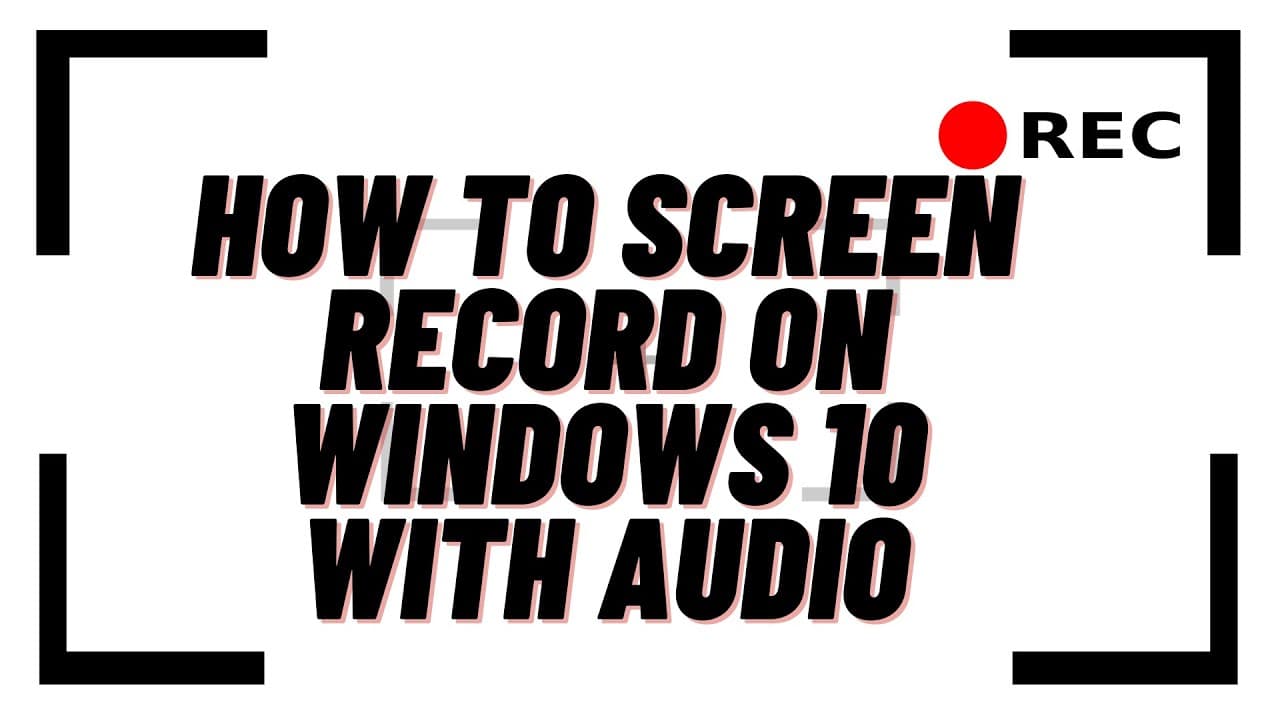
How to Screen Record on Windows 10 With Audio
TL;DR
Learn how to screen record on Windows 10 for free using the built-in Xbox Game Bar, which allows you to record gameplay, browser activity, and applications.
Transcript
what you guys got another video here for you on how to screen record on windows 10 with audio using no software from the internet it's basically built into windows 10. it's very simple and easy to do it's xbox game bar which is on windows 10. i wanted to make a video to show you you can either go to the search box and type game bar inside here and ... Read More
Key Insights
- 👻 The Xbox Game Bar is a built-in feature in Windows 10 that allows users to screen record without downloading or installing additional software.
- 👨🔬 Users can access the Xbox Game Bar by searching for it or using a keyboard shortcut.
- 🎮 The Xbox Game Bar offers options to record gameplay, browser activity, and application screens.
- 👤 Users can choose their desired audio sources for recording, including their voice, gameplay audio, or a combination.
- 📁 Recorded files are stored in the Videos folder in a subfolder named "Captures."
- 💻 Although there are other software options like OBS Studio for more advanced screen recording, the Xbox Game Bar is a convenient and simple choice for quick recordings.
- 👤 Users can customize the settings and shortcuts of the Xbox Game Bar for their preferences.
Install to Summarize YouTube Videos and Get Transcripts
Explore YouTube Video Summarizer or Get YouTube Transcript Extractor
Questions & Answers
Q: How do I access the Xbox Game Bar on Windows 10?
You can access the Xbox Game Bar by either searching for it in the search box or pressing the Windows key + G.
Q: What can I record using the Xbox Game Bar?
You can record gameplay, browser activity, and applications using the Xbox Game Bar.
Q: Can I record audio along with the screen recording?
Yes, you can choose to record audio from your voice, gameplay audio, or a combination of both.
Q: Where are the recorded files stored?
The recorded files are stored in your Videos folder, specifically in a folder called "Captures."
Summary & Key Takeaways
-
The video demonstrates how to use the Xbox Game Bar on Windows 10 to screen record with audio.
-
Users can access the Xbox Game Bar by searching for it in the search box or pressing the Windows key + G.
-
The Xbox Game Bar allows users to record gameplay, capture browser activity, and choose audio sources for recording.
Read in Other Languages (beta)
Share This Summary 📚
Summarize YouTube Videos and Get Video Transcripts with 1-Click
Try YouTube Summary with ChatGPT & Claude or YouTube Transcript Generator
Explore More Summaries from Britec09 📚

Summarize YouTube Videos and Get Video Transcripts with 1-Click
Try YouTube Summary with ChatGPT & Claude or YouTube Transcript Generator