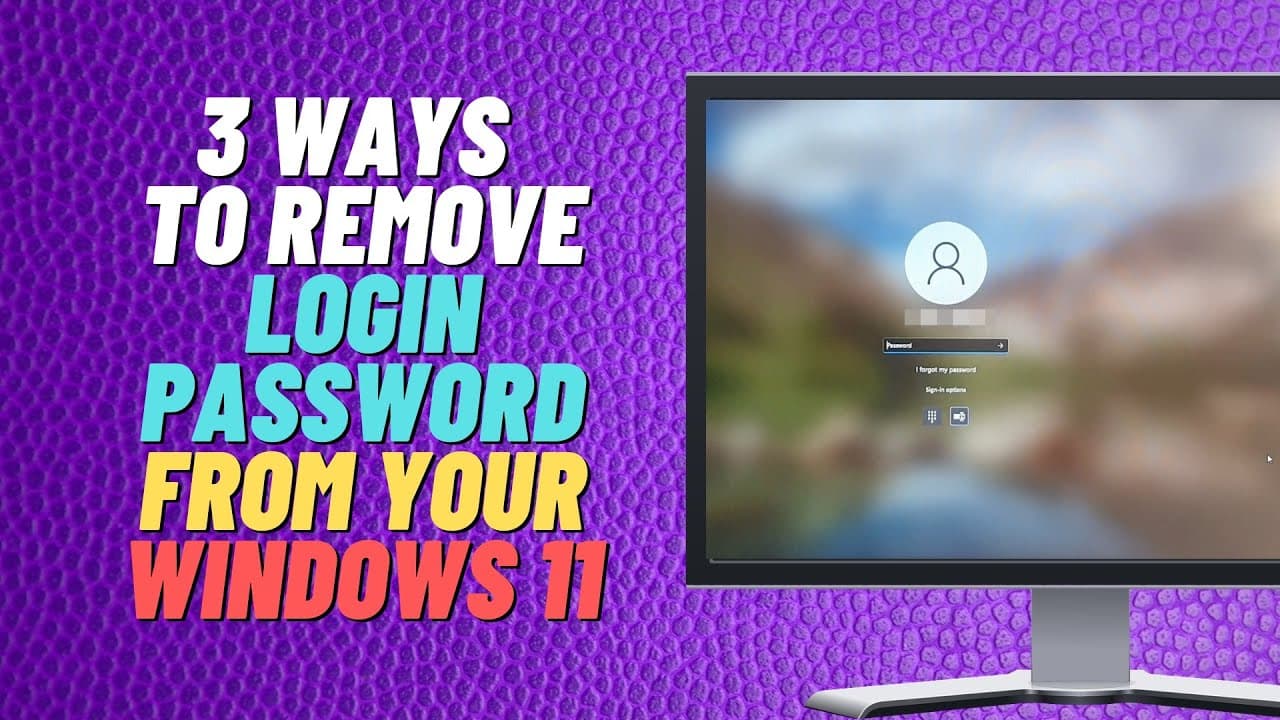
3 Ways To Remove Login Password From Your Windows 11
TL;DR
This video demonstrates three methods to remove the login password from Windows 11.
Transcript
what you guys got another video on three ways to remove your login password from your windows 11 pc now you'll be asked to type in your correct password every time you log in if you have a microsoft account and you will need to put in your password but if you do want to remove that and you find it a bit tiresome i'm going to show you a way to actua... Read More
Key Insights
- 🔑 Removing the login password from Windows 11 can be done through multiple methods, such as using the user accounts settings, the lusrmgr.msc command, or the registry editor.
- 🔒 The first method involves going to the user accounts settings and unchecking the box that requires users to enter a username and password to use the computer. This allows for the password to be removed and for immediate log in.
- 🖥️ The second method utilizes the lusrmgr.msc command, which opens up the Local Users and Groups Manager. From there, users can set a blank password and remove the need for a password during log in.
- 🔐 Another method involves accessing the sign-in options in the Windows 11 settings, where users can manage various types of password settings, such as using a PIN or Windows Hello.
- 🔑 Using the registry editor is a more complicated but effective way to remove the password requirement. The process involves navigating to specific folders and modifying values, such as the default username and default password, to allow for automatic log in.
- 🛡️ It's important to note that removing the login password is a security risk and should be considered carefully. The password requirement is in place to protect the system from unauthorized access.
- ⚠️ Removing the password can also result in the loss of features associated with logging into a Microsoft account. Consider the implications before proceeding with password removal.
- 💡 Overall, there are multiple ways to remove the login password from Windows 11, but it's important to weigh the convenience against the potential security risks and loss of features associated with a Microsoft account.
Install to Summarize YouTube Videos and Get Transcripts
Explore YouTube Video Summarizer or Get YouTube Transcript Extractor
Questions & Answers
Q: How can I remove the login password from my Windows 11 PC?
There are three methods you can use to remove the login password from your Windows 11 PC. You can either go to the user accounts settings, use the Local Users and Groups manager, or edit the registry.
Summary & Key Takeaways
-
Method 1: Access the user accounts settings and remove the checkmark for "users must enter username and password to use this computer."
-
Method 2: Use the "lusrmgr.msc" command to open the Local Users and Groups manager and remove the password for the user account.
-
Method 3: Edit the registry by navigating to "HKEY_LOCAL_MACHINE\SOFTWARE\Microsoft\Windows NT\CurrentVersion\Winlogon" and modifying the default username, default password, and auto admin logon values.
Read in Other Languages (beta)
Share This Summary 📚
Summarize YouTube Videos and Get Video Transcripts with 1-Click
Try YouTube Summary with ChatGPT & Claude or YouTube Transcript Generator
Explore More Summaries from Britec09 📚


Summarize YouTube Videos and Get Video Transcripts with 1-Click
Try YouTube Summary with ChatGPT & Claude or YouTube Transcript Generator