Testing the New Android 12 Build for Raspberry Pi and It's Really Good!!
TL;DR
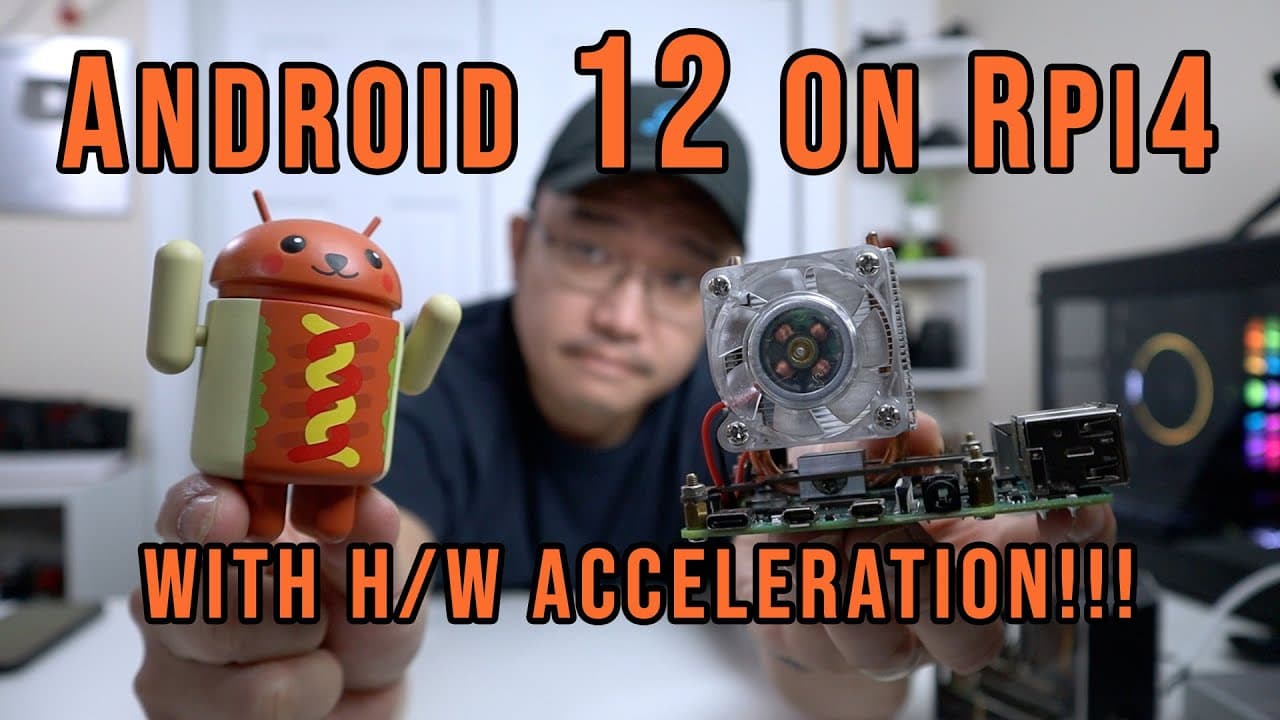
Android 12 with hardware acceleration now runs smoothly on Raspberry Pi 4.
Transcript
hey guys what's going on it's don here from nova spare tech and welcome back to the channel and today we are going to be checking out android's wall for raspberry pi 4 so let's get started now it's been a while since i tested an android operating system on a raspberry pi and that's because it never was really too exciting because the lack there of ... Read More
Key Insights
- ♓ The introduction of hardware acceleration for Android 12 greatly enhances usability on Raspberry Pi 4.
- 👤 Installation is user-friendly, requiring simple download and burn procedures using Raspberry Pi Imager.
- 😫 Smooth browsing and application functionality are now possible, setting this build apart from earlier versions.
- 😄 Users can configure audio outputs, resolution settings, and GPIO functionalities with ease.
- 🎥 There is still no support for the Raspberry Pi camera, limiting some multimedia applications.
- 👻 Overclocking options allow for potential performance improvements, catering to advanced users willing to experiment.
- 🧑💻 The ability to remote into Android devices via SSH or VNC provides a creative outlet for tech enthusiasts.
Install to Summarize YouTube Videos and Get Transcripts
Explore YouTube Video Summarizer or Get YouTube Transcript Extractor
Questions & Answers
Q: Why hasn't Android been exciting for Raspberry Pi 4 until now?
Previous Android builds for Raspberry Pi 4 lacked hardware acceleration, making them nearly unusable for browsing and gaming due to significant lag. The latest build on Lineage OS specifically addresses this issue, allowing a smoother experience which is pivotal for the performance of applications that rely on hardware resources.
Q: What steps are involved in installing Android 12 on Raspberry Pi 4?
To install Android 12, first download the image file (about 650 MB). Then, use the Raspberry Pi Imager to burn this image onto an SD card. Insert the SD card into the Raspberry Pi 4, and boot it up to get started with the Android interface, allowing for straightforward access to features.
Q: What functionalities are available in the new Android 12 build for Raspberry Pi 4?
This build includes hardware acceleration for improved performance, various display resolutions, GPIO configuration for remote controls, and overclocking options. However, users need to sideload the Google Play Store, as it isn't included, limiting access to certain applications.
Q: Does the new Android build support camera functionality?
Unfortunately, the current version of Android 12 running on Raspberry Pi 4 does not support the Raspberry Pi camera. Users will need to find alternative solutions for camera functionality until future updates potentially rectify this limitation.
Q: Can users overclock their Raspberry Pi while using Android 12?
Yes, users have the option to overclock the Raspberry Pi 4 up to 2 GHz within the Android settings. Overclocking can boost overall performance; however, it should be approached with caution as it may affect system stability and lead to overheating if not monitored.
Q: How does the browsing experience on Android 12 for Raspberry Pi 4 compare to previous versions?
The browsing experience on the latest Android build is significantly enhanced because of hardware acceleration, resulting in smooth scrolling and faster loading times. Users can now navigate websites and perform tasks more comfortably, which was not achievable in prior builds that suffered from lag.
Q: What are the potential uses for running Android 12 on Raspberry Pi 4?
With hardware acceleration and smooth operation, this setup can be utilized for a variety of applications, such as an Android server, development platform, or a media center. It's ideal for testing apps, running specific programs remotely, or exploring Android functionalities without necessitating a dedicated device.
Q: Is the Google Play Store available on this version of Android 12?
No, this version is not an official Google build, thus it doesn’t come pre-installed with the Google Play Store. Users will need to manually install it through sideloading or using alternative app stores to access their desired applications.
Summary & Key Takeaways
-
A new build of Android 12 on Raspberry Pi 4 supports hardware acceleration, significantly improving usability and performance in applications and games.
-
The installation process is straightforward: download a 650 MB image, use Raspberry Pi Imager, and burn it onto an SD card.
-
While many features work well, the system currently lacks support for the Raspberry Pi camera and requires manual installation for the Google Play Store.
Read in Other Languages (beta)
Share This Summary 📚
Summarize YouTube Videos and Get Video Transcripts with 1-Click
Try YouTube Summary with ChatGPT & Claude or YouTube Transcript Generator
Explore More Summaries from Novaspirit Tech 📚






Summarize YouTube Videos and Get Video Transcripts with 1-Click
Try YouTube Summary with ChatGPT & Claude or YouTube Transcript Generator