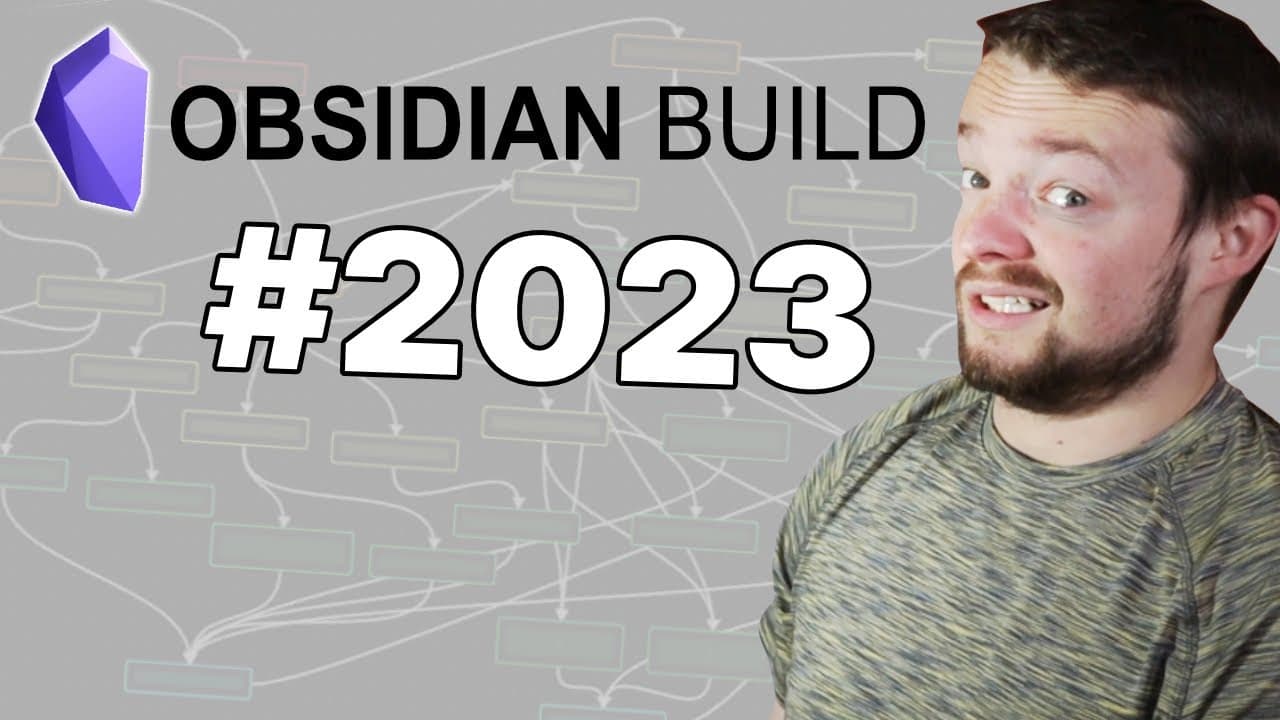
How I use Obsidian (Early 2023)
TL;DR
Learn how to build and customize an Obsidian Vault from scratch, including workspace layout, plugin settings, and organization techniques.
Transcript
I'm going to build from scratch the Vault I'm going to be using in 2023 including the core plug-in settings the community plugin settings and all of the other configurations that would go with it I'm currently on version 1.17 using the obsidian Insider builds but to start with I want to sort out the workspace Anatomy so I'm going to move my start p... Read More
Key Insights
- 📁 Building an Obsidian Vault from scratch involves setting up the workspace layout, configuring plugin settings, and organizing files and folders.
- 🖐️ Community plugins play a crucial role in enhancing the functionality and flexibility of Obsidian.
- 👤 Customization options such as visual enhancements, hotkeys, and templates can greatly improve the user experience.
Install to Summarize YouTube Videos and Get Transcripts
Explore YouTube Video Summarizer or Get YouTube Transcript Extractor
Questions & Answers
Q: What are the main components covered in this tutorial?
This tutorial covers workspace anatomy, plugin settings, file organization, database folders, calendar integration, Kindle highlights sync, visual customizations, and more.
Q: How can I customize my workspace layout in Obsidian?
You can modify the workspace layout by moving panels, adding or removing plugins, rearranging the ribbon, and using community plugins like Workspace Plus.
Q: How can I sync my Kindle highlights with Obsidian?
Use the Kindle highlights plugin to sync your Kindle highlights by logging into your Amazon account or uploading an exported clippings file.
Q: Can I customize the appearance of links in Obsidian?
Yes, you can use the Supercharged Links plugin to add icons and visual enhancements to external links in your notes.
Q: How can I manage and track updates for community plugins in Obsidian?
The Plugin Update Tracker plugin helps you stay up to date with plugin updates and notifies you when new versions are available.
Summary & Key Takeaways
-
This video tutorial guides viewers through the process of setting up an Obsidian Vault from scratch.
-
The content covers topics such as workspace anatomy, plugin settings, customization options, and organization techniques.
-
The tutorial emphasizes the use of community plugins to enhance flexibility and functionality in Obsidian.
Read in Other Languages (beta)
Share This Summary 📚
Summarize YouTube Videos and Get Video Transcripts with 1-Click
Try YouTube Summary with ChatGPT & Claude or YouTube Transcript Generator
Explore More Summaries from Danny Hatcher 📚

Summarize YouTube Videos and Get Video Transcripts with 1-Click
Try YouTube Summary with ChatGPT & Claude or YouTube Transcript Generator