New setup makes notetaking easier
TL;DR
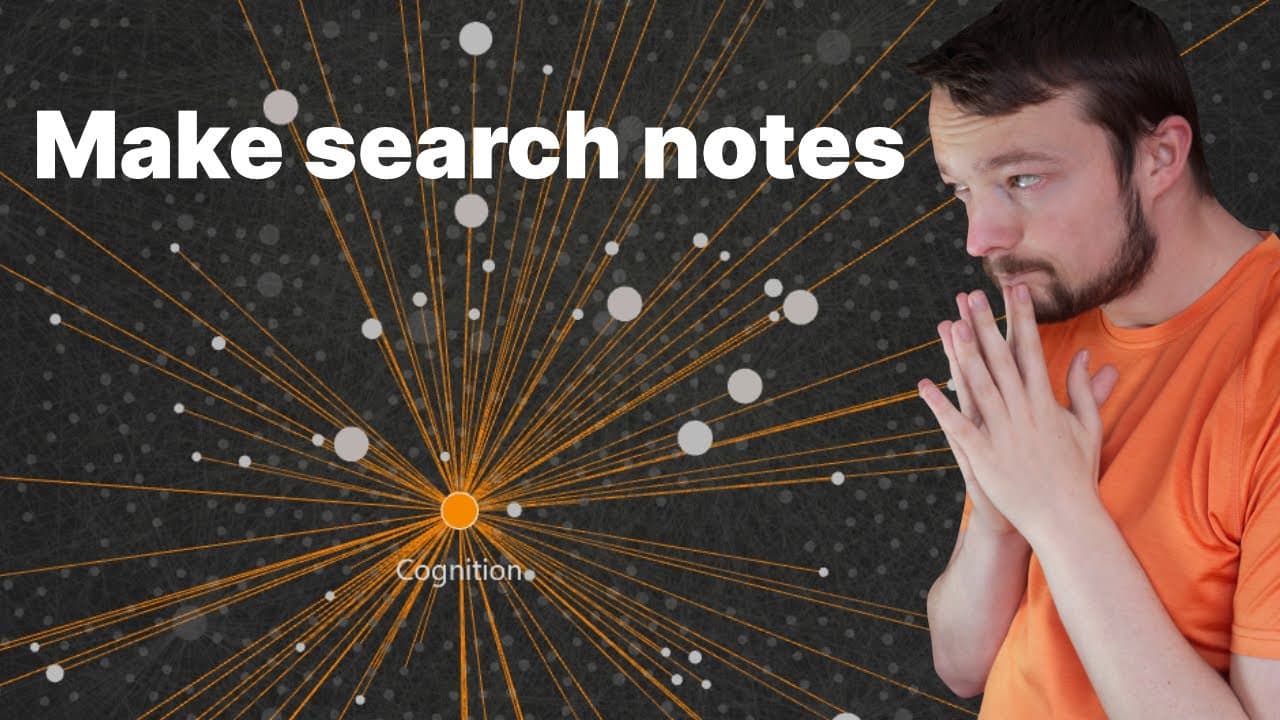
The content provides an in-depth analysis of how the author organizes and manages multiple Obsidian Vaults for different purposes, including personal and collaborative projects.
Transcript
I recently got a new job so my use case is for obsidian are a little bit different depending on the context I'm working in if we take a look at my Vault switch I have four volts that I actually use I have my personal vault which is synced to my mobile device the obsidian onboarding course which you can purchase in the description below which goes t... Read More
Key Insights
- ❓ The author highlights the flexibility of Obsidian in adapting to different workflow contexts, like personal organization, collaboration, and educational content creation.
- 🖐️ Metadata properties and data view queries play a crucial role in managing and filtering projects effectively.
- 🧡 The Obsidian ecosystem offers a wide range of plugins that can enhance productivity, customization, and collaboration within the software.
- 📽️ The Canvas dashboard provides an overview of projects, priorities, and ideas, helping the author stay focused and organized.
- 🎨 The author emphasizes the importance of design and aesthetic customization for an enjoyable Obsidian experience.
- 👨🔬 Obsidian's integration with Zotero enables seamless referencing and management of research sources.
- 😒 The use of multiple Obsidian Vaults allows the author to compartmentalize different areas of their work and maintain clarity.
Install to Summarize YouTube Videos and Get Transcripts
Explore YouTube Video Summarizer or Get YouTube Transcript Extractor
Questions & Answers
Q: How does the author organize and categorize their different Obsidian Vaults?
The author maintains separate Vaults for personal, collaborative, onboarding course, and research projects. They use specific folder structures and naming conventions to keep things organized.
Q: How does the author customize their Obsidian layout and use plugins?
The author utilizes plugins like Recent Files, Supercharged Links, and Snippet Downloader to enhance their Obsidian experience. They also customize the appearance of their Vault using the Style Settings plugin.
Q: How does the author manage and prioritize their projects within Obsidian?
The author uses data view queries to create dynamic tables for active projects, completed projects, and sources. They apply filters based on project status and priority to stay focused on important tasks.
Q: How does the author handle collaboration in Obsidian Vaults?
The author uses sync settings and plugin configurations to collaborate with another person in a shared Vault. They differentiate their changes with their name and only sync image files for privacy reasons.
Key Insights:
- The author highlights the flexibility of Obsidian in adapting to different workflow contexts, like personal organization, collaboration, and educational content creation.
- Metadata properties and data view queries play a crucial role in managing and filtering projects effectively.
- The Obsidian ecosystem offers a wide range of plugins that can enhance productivity, customization, and collaboration within the software.
- The Canvas dashboard provides an overview of projects, priorities, and ideas, helping the author stay focused and organized.
- The author emphasizes the importance of design and aesthetic customization for an enjoyable Obsidian experience.
- Obsidian's integration with Zotero enables seamless referencing and management of research sources.
- The use of multiple Obsidian Vaults allows the author to compartmentalize different areas of their work and maintain clarity.
- Collaboration in Obsidian requires careful sync settings and plugin configurations to ensure privacy and efficient teamwork.
Summary & Key Takeaways
-
The author uses four different Obsidian Vaults for various purposes, including personal notes, collaborative work, an onboarding course, and research.
-
The author shares their preferred layout and plugins for organizing their Vault and accessing different features like backlinks and search.
-
The author demonstrates how they use the Canvas dashboard, data view queries, and metadata properties to manage and prioritize their projects.
Read in Other Languages (beta)
Share This Summary 📚
Summarize YouTube Videos and Get Video Transcripts with 1-Click
Try YouTube Summary with ChatGPT & Claude or YouTube Transcript Generator
Explore More Summaries from Danny Hatcher 📚
Summarize YouTube Videos and Get Video Transcripts with 1-Click
Try YouTube Summary with ChatGPT & Claude or YouTube Transcript Generator