PhotoGIMP - Converts GIMP into Photoshop for Linux
TL;DR
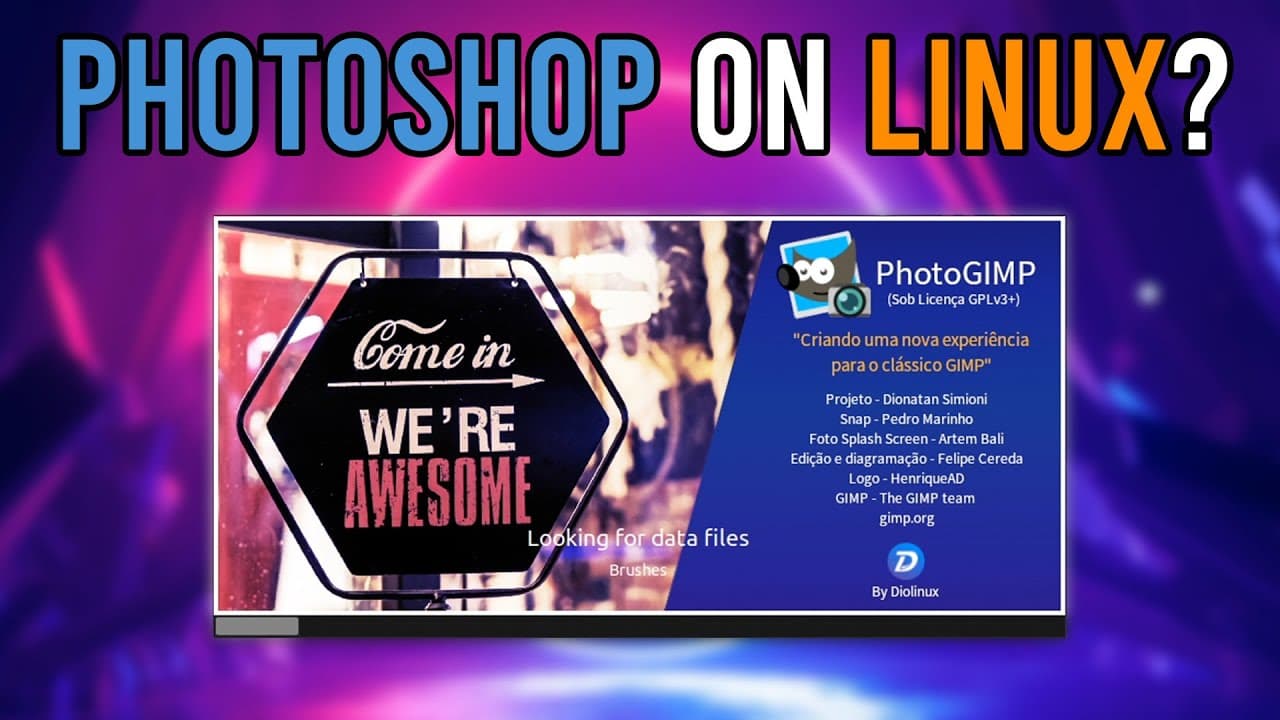
This video reviews a Linux plugin called Photo that mimics Photoshop's interface.
Transcript
hey guys what's going on it's down here from Nova spirit second welcome back to the channel and today we are gonna be taking a look at a software in Linux called photo so let's get started before we begin I do want to thank my sponsor for this video which is Ridge wallet this is one of the easiest ad reads I ever have to do because I truly believe ... Read More
Key Insights
- 👤 The Photo plugin is ideal for users transitioning from Photoshop to Linux, offering a familiar interface and functionality.
- 👤 Users can choose to install the plugin through the Ubuntu Software Center or GitHub, providing flexibility in installation methods.
- 😑 The plugin includes several tools and features that enhance photo editing, such as a Healing Brush and various pre-installed fonts.
- 👤 The user's experience may vary due to differences in hotkey assignments, which require adjustment and learning.
- 👶 Photo's design aims to eliminate the intimidation factor that comes with learning new software, particularly for seasoned Photoshop users.
- 👤 The presenter suggests that the plugin can reignite interest in photo editing for Linux users previously reliant on Adobe products.
- 😀 Engagement with the audience is encouraged through comments, highlighting community building and support for users facing challenges.
Install to Summarize YouTube Videos and Get Transcripts
Explore YouTube Video Summarizer or Get YouTube Transcript Extractor
Questions & Answers
Q: What are the main features of the Photo software plugin?
The Photo plugin mimics Photoshop, bringing essential features like a Healing Brush, various fonts, and a layout reminiscent of Adobe's software. It also provides a more familiar environment for users who are accustomed to Photoshop's tools and functions, easing the transition for Linux users.
Q: How can someone install the Photo plugin on Linux?
Users can install the Photo plugin via the Ubuntu Software Center by searching for it or downloading it directly from GitHub. The installation process is designed to be straightforward, automatically configuring the necessary components to ensure that it operates like Photoshop.
Q: What are the significant differences in hotkeys between Photo and Photoshop?
While many hotkeys in Photo are designed to replicate Photoshop’s functionality, there are variations. For instance, the shortcut for deselecting in Photo might duplicate an item instead, which can be disorienting for new users. Familiarizing oneself with these differences is crucial for a smooth experience.
Q: Why did the presenter switch from using Krita to the Photo plugin?
The presenter indicates a preference for Photo due to its interface resembling that of Photoshop, which makes it easier for him as a user to navigate and utilize. While Krita is excellent for drawing, Photo's layout and hotkey familiarity have made it a more suitable choice for photo editing tasks.
Summary & Key Takeaways
-
The video introduces a Linux plugin named Photo that enhances an existing photo editing experience, making it feel similar to Photoshop.
-
The presenter explains the installation process via the Ubuntu Software Center or GitHub, highlighting the user-friendly features it includes, like the Healing Brush.
-
He discusses key differences in hotkeys and icons compared to Photoshop, emphasizing how familiar users might find the transition easier thanks to the plugin.
Read in Other Languages (beta)
Share This Summary 📚
Summarize YouTube Videos and Get Video Transcripts with 1-Click
Try YouTube Summary with ChatGPT & Claude or YouTube Transcript Generator
Explore More Summaries from Novaspirit Tech 📚






Summarize YouTube Videos and Get Video Transcripts with 1-Click
Try YouTube Summary with ChatGPT & Claude or YouTube Transcript Generator