How to Get Started with Creative Coding in p5.js
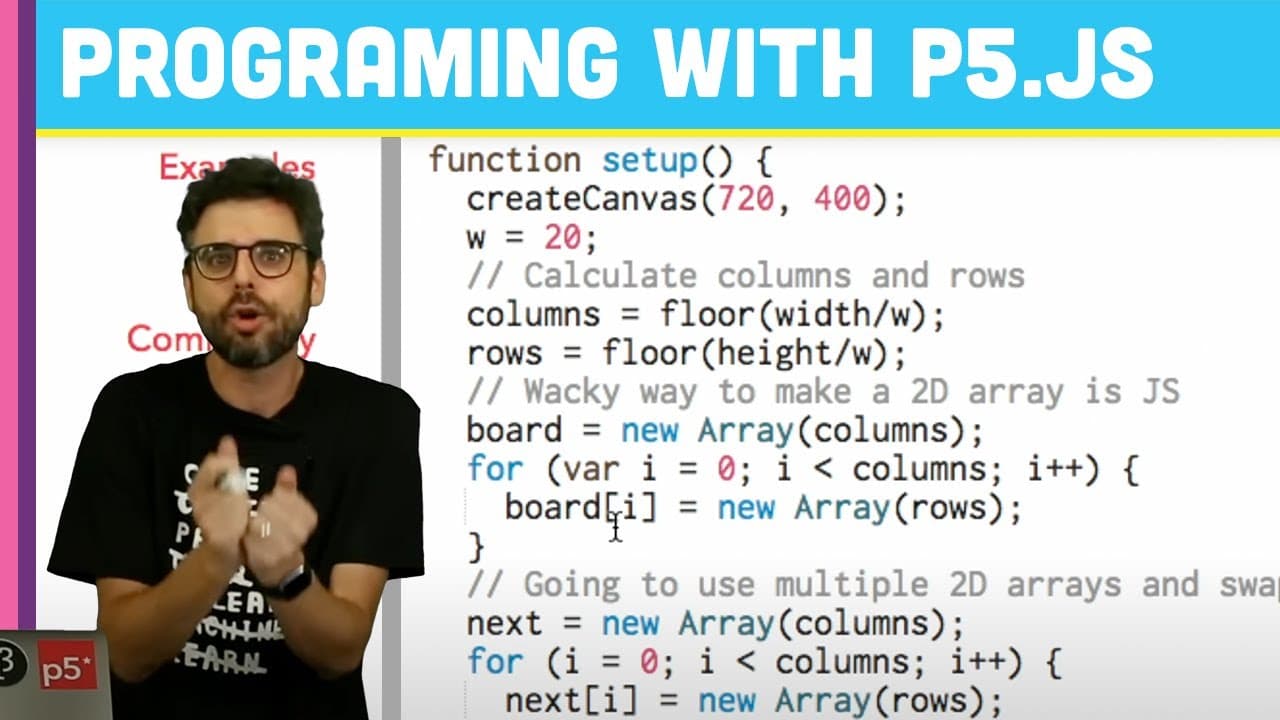
TL;DR
To start creative coding with p5.js, use the p5.js Web Editor to write JavaScript code that allows you to create interactive visual designs. This beginner-friendly series focuses on programming concepts and encourages experimentation and creativity in coding, making it accessible for anyone without prior experience.
Transcript
[BELL DINGING] Hello. Welcome to the first video in what is a playlist of many, many, many, probably too many videos about learning to code. If you have never written any code before, if you've never programmed before, if you don't know anything about programming, it's my intention for this playlist to be for you. So this is the first introductory ... Read More
Key Insights
- 👨💻 p5.js Web Editor offers a beginner-friendly platform for coding and creating interactive designs.
- 🔰 JavaScript and p5.js provide a straightforward approach to programming for beginners.
- 👤 The collaborative nature of p5.js encourages users to contribute to the project and learn from others.
- 🎮 The video emphasizes the importance of understanding the syntax of a programming language for effective communication with the computer.
- 👤 The p5.js Web Editor's accessibility features make it inclusive for users with visual impairments.
- ❓ The connection between p5.js and The Processing Foundation highlights the support available for learners.
- 🫵 The video introduces viewers to the fundamentals of programming and encourages creativity in software development.
Install to Summarize YouTube Videos and Get Transcripts
Explore YouTube Video Summarizer or Get YouTube Transcript Extractor
Questions & Answers
Q: What is the main focus of the video?
The video focuses on introducing beginners to coding using p5.js Web Editor to create interactive designs easily without the need for prior programming knowledge.
Q: Why is JavaScript chosen as the programming language?
JavaScript is chosen due to its accessibility and the existence of the p5.js library, which is supported by The Processing Foundation, making it a user-friendly choice for beginners.
Q: How does the p5.js Web Editor differ from traditional coding tools?
The p5.js Web Editor allows users to write and share code directly in the browser without any downloads, making it convenient for beginners to experiment with coding.
Q: What other resources are available for users interested in learning with p5.js?
The video mentions resources such as tutorials, examples, and a community statement on the p5.js website, along with the option of contributing to the p5.js project.
Summary & Key Takeaways
-
The video introduces coding for beginners using p5.js Web Editor.
-
It emphasizes the importance of writing instructions for the computer to draw pictures.
-
The tutorial focuses on JavaScript and p5.js, highlighting the collaborative nature of the tool and its connection to The Processing Foundation.
Read in Other Languages (beta)
Share This Summary 📚
Summarize YouTube Videos and Get Video Transcripts with 1-Click
Try YouTube Summary with ChatGPT & Claude or YouTube Transcript Generator
Explore More Summaries from The Coding Train 📚






Summarize YouTube Videos and Get Video Transcripts with 1-Click
Try YouTube Summary with ChatGPT & Claude or YouTube Transcript Generator