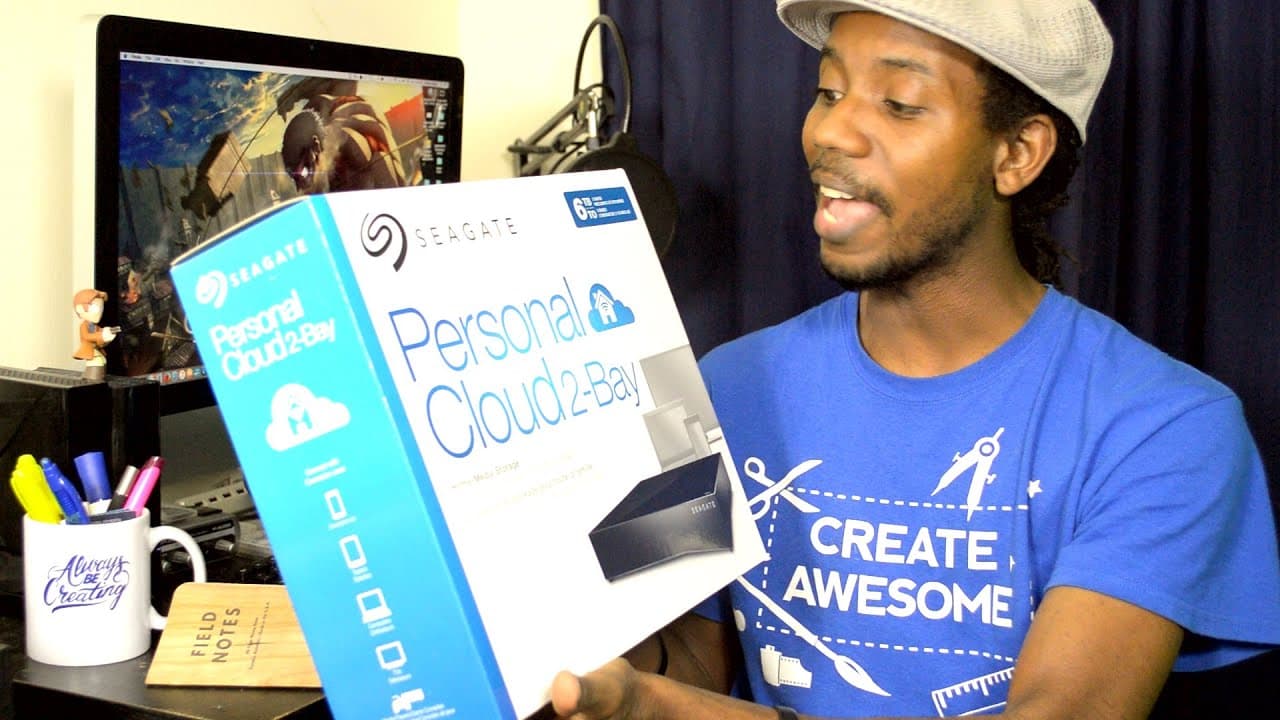
Seagate Personal Cloud 6TB Unboxing
TL;DR
Unboxing and discussing the Seagate Personal Cloud for remote backup and archival, highlighting its features and potential use cases.
Transcript
hey everybody this is Roberto Blake of robertoblake.com geeking out with you today for a special unboxing video so today I have something really cool to unbox we got something from our friends over at Seagate that they wanted me to try out and I really think you're going to like this one because I absolutely am super excited about this it is the Se... Read More
Key Insights
- 🎮 The Seagate Personal Cloud offers a convenient solution for remote backup and archival of video content.
- 🍧 Roberto emphasizes the importance of staying organized and having dedicated storage solutions for specific types of files.
- 😎 The device's design includes ventilation for cooling and practical ports for connectivity.
- 🌱 Future plans involve expanding storage infrastructure with larger RAID arrays and using multiple external hard drives for backup.
- 🫵 Recommendations are made for viewers to consider enhancing their backup systems and infrastructure.
- 😒 Promises a detailed review of the Seagate Personal Cloud after a week or two of actual use.
- 🌱 Roberto highlights the importance of creating a structured file backup and archival plan for efficient storage management.
Install to Summarize YouTube Videos and Get Transcripts
Explore YouTube Video Summarizer or Get YouTube Transcript Extractor
Questions & Answers
Q: What are the key features of the Seagate Personal Cloud as highlighted in the unboxing video?
The Seagate Personal Cloud features a 2 Bay design with two 3TB hard drives, ventilation for cooling, Ethernet and USB ports for connectivity, and a power button for easy operation.
Q: How does Roberto Blake intend to use the Seagate Personal Cloud for his video content?
Roberto plans to use the Personal Cloud as a dedicated video backup and archival solution, isolating video content for backup and remote access to work on projects across different platforms.
Q: What future plans does Roberto mention regarding his storage setup beyond the Seagate Personal Cloud?
Roberto intends to expand his storage setup with a larger RAID array, potentially a 4 Bay or more setup, and utilize multiple external hard drives connected to his desktop for additional storage capacity.
Summary & Key Takeaways
-
Roberto Blake unboxes the Seagate Personal Cloud, a 2 Bay personal cloud with two 3TB hard drives each, emphasizing its utility for remote backup and archival of video content.
-
He showcases the design and features of the device, highlighting its ventilation, Ethernet and USB ports, and power button for easy use.
-
Roberto plans to use the Personal Cloud for dedicated video backup and archiving, alongside other hard drives, and recommends expanding backup infrastructure.
Read in Other Languages (beta)
Share This Summary 📚
Summarize YouTube Videos and Get Video Transcripts with 1-Click
Try YouTube Summary with ChatGPT & Claude or YouTube Transcript Generator
Explore More Summaries from Roberto Blake 📚






Summarize YouTube Videos and Get Video Transcripts with 1-Click
Try YouTube Summary with ChatGPT & Claude or YouTube Transcript Generator