How to Set Up Phalcon PHP with Apache Web Server
TL;DR
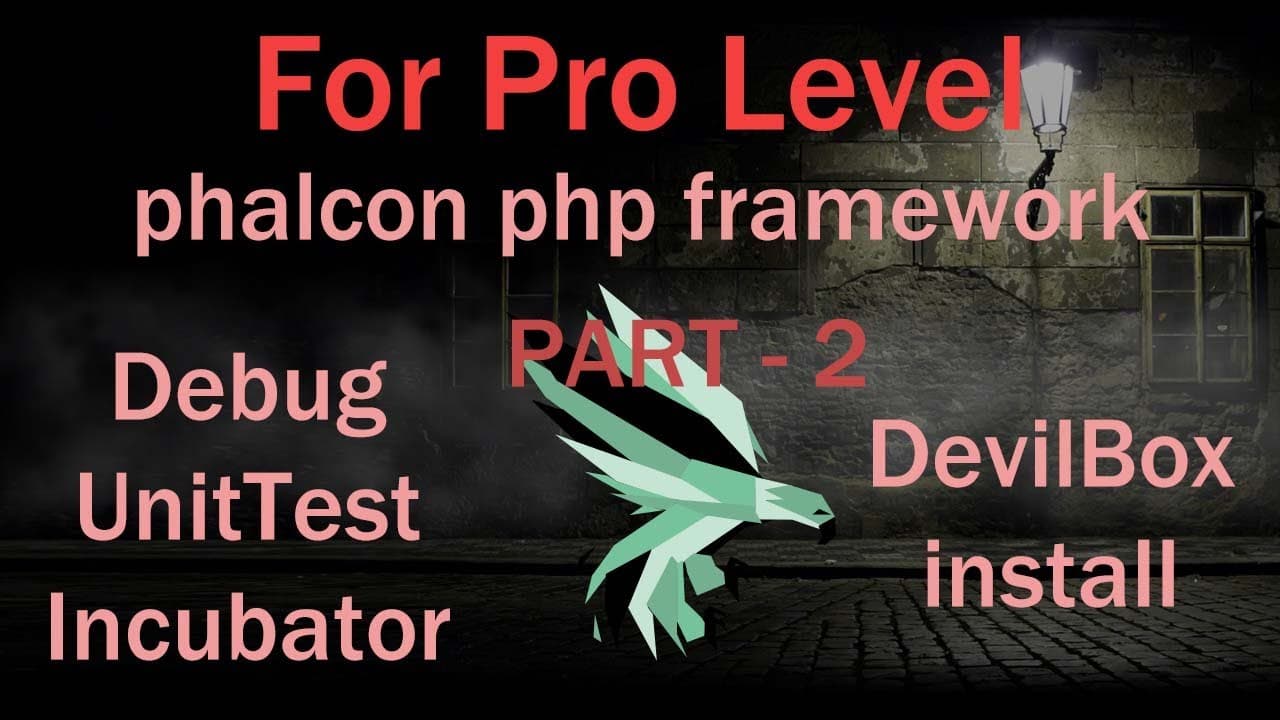
To set up Phalcon PHP with an Apache web server, create essential configuration files like .htaccess and index.php, and configure your virtual host settings for proper functionality. Install Xdebug to enhance debugging capabilities and ensure your environment is stable by managing dependencies with Composer. Unit testing with PHPUnit is recommended for identifying functional bugs during development.
Transcript
foreign welcome back to Falcon another tutorial in previous tutorial I was describing how to install Falcon and devtool now this tutorial I'll describe the previous topics and continue and new topics now let's start first I'll go to the Falcon website search falcon and go to this site and go to the document folder and go to the getting start and in... Read More
Key Insights
- 📁 The installation of Falcon and Apache requires careful attention to file structure and directory settings, key for proper functionality.
- 📁 Configuration files, such as .htaccess and index.php, are pivotal in directing server requests and managing routing for web applications.
- 👻 Virtual host configuration is critical in a multi-site setup; it permits specific site behaviors through dedicated server settings.
- 👨💻 Installing Xdebug can significantly enhance debugging capabilities, making the code development process more efficient and less prone to errors.
- 👍 Dependency management via Composer proves essential for ensuring that the correct versions of packages are installed, which enhances project stability.
- 🐛 Proper testing through unit testing frameworks like PHPUnit helps identify and rectify functional bugs early in development.
- 💁 Documentation and community support are invaluable resources during the installation and configuration processes, offering guidance and troubleshooting tips.
Install to Summarize YouTube Videos and Get Transcripts
Explore YouTube Video Summarizer or Get YouTube Transcript Extractor
Questions & Answers
Q: What is the first step in setting up Falcon on a server?
The first step in setting up Falcon involves visiting the Falcon website to access the documentation for installation. After this, it's crucial to choose the appropriate server setup, such as an Apache server, as mentioned in the tutorial. This ensures a solid foundation for the subsequent configuration steps.
Q: How does the tutorial recommend configuring the Apache server for Falcon?
The tutorial outlines that configuring the Apache server involves creating and modifying important files like the .htaccess and index.php files. Additionally, it discusses setting up a virtual host configuration, ensuring the ServerAdmin and Directory directives are correctly entered to facilitate proper server interaction with Falcon.
Q: What role does Xdebug play in the development process?
Xdebug acts as a debugging tool for PHP applications, enhancing the development process by allowing for deeper inspection of code execution. The tutorial details how to download, install, and configure Xdebug, enabling developers to track and resolve issues effectively within their Falcon applications.
Q: What should developers do if they encounter compatibility issues with Falcon packages?
If developers face compatibility issues, such as certain packages not supporting the current version of Falcon, the tutorial suggests skipping those packages until an updated version compatible with the current Falcon setup is available. Keeping track of version compatibility is essential for successful installations.
Summary & Key Takeaways
-
The tutorial walks through the steps required to install and set up Falcon alongside an Apache server, detailing the creation of essential configuration files.
-
It explains how to customize the virtual host settings, emphasizing the importance of the .htaccess and index.php files in ensuring a successful web server setup.
-
The video also covers error tracking and debugging with Xdebug, including its installation and configuration within a PHP environment.
Read in Other Languages (beta)
Share This Summary 📚
Summarize YouTube Videos and Get Video Transcripts with 1-Click
Try YouTube Summary with ChatGPT & Claude or YouTube Transcript Generator
Explore More Summaries from script spark 📚



Summarize YouTube Videos and Get Video Transcripts with 1-Click
Try YouTube Summary with ChatGPT & Claude or YouTube Transcript Generator