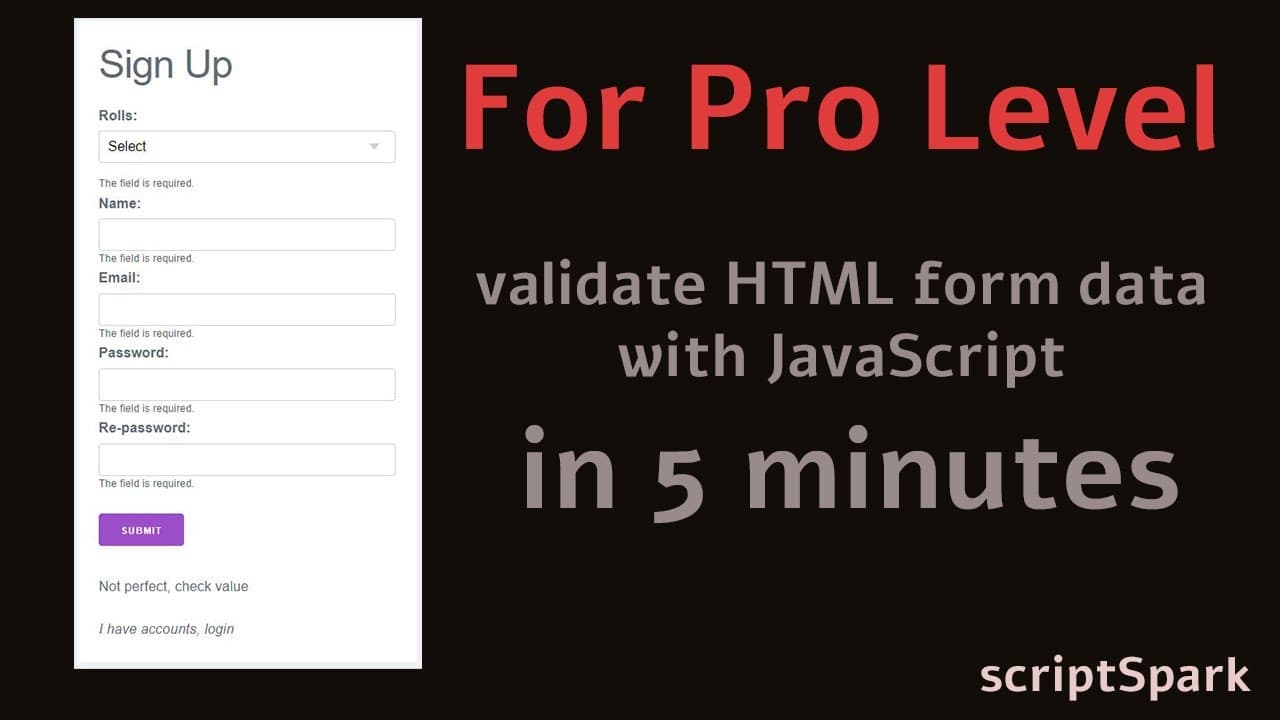
validate HTML form data client-side with JavaScript in 5 minutes
TL;DR
A detailed overview of creating a JavaScript form validation system for HTML and AJAX requests.
Transcript
so I should skip this. and our final form validator HTML templates. that is our HTML form template, I skip this coding. open it with a browser. that is our HTML template now i will create a javascript validator. look at the browser. now include the LOG.js file inside the index.html pages. open the index.html file and link log.js inside in ind... Read More
Key Insights
- 💁 Form validation is critical for enhancing user experience and ensuring data integrity during submissions.
- 📁 Properly integrating external JavaScript files is essential for accessing functions and methods necessary for validation.
- 💁 Error handling in form validation should be robust, providing clear feedback to users to rectify input issues effectively.
- 🎮 Utilizing the console for debugging helps in identifying logical errors or issues related to variable scope in JavaScript functions.
- 💁 Implementing both HTML and AJAX requests provides versatility in handling form submissions based on application needs.
- 👻 jQuery can simplify AJAX query operations, allowing for concise syntax and easier management of asynchronous requests.
- 💁 Understanding the difference between using GET and POST methods greatly impacts how data is managed and submitted in web forms.
Install to Summarize YouTube Videos and Get Transcripts
Explore YouTube Video Summarizer or Get YouTube Transcript Extractor
Questions & Answers
Q: What are the essential attributes required for an HTML form tag?
An HTML form tag must include three essential attributes: method, action, and name. The method attribute specifies how the form data will be submitted, either through HTTP GET or POST. The action attribute defines the URL to which the data is sent upon form submission, while the name attribute aids in identifying the form within JavaScript.
Q: How can JavaScript be used to validate form input?
JavaScript can validate form input by utilizing functions that check the validity of user input. The process can include the creation of event listeners for form submission, which trigger a validity check. If any input fields contain errors, the script can display error messages and prevent form submission until corrections are made.
Q: What is the role of AJAX in form submission?
AJAX (Asynchronous JavaScript and XML) allows for non-blocking form submissions, meaning the webpage can update without a full reload. When using AJAX for form requests, data is sent to the server and a response is received without interrupting the user experience, which enables smoother interactions on web applications.
Q: How do you debug JavaScript errors in a browser?
Debugging JavaScript errors can be accomplished using the browser's developer tools, accessed by pressing F12. In the console tab, developers can view error messages, inspect variables, and test scripts in real-time to identify and resolve issues within the JavaScript codebase effectively.
Summary & Key Takeaways
-
The content outlines the process of setting up an HTML form validator using JavaScript, emphasizing the importance of including essential attributes like method, action, and name within the form tag.
-
It describes the integration of external JavaScript files, such as LOG.js and valid.js, while demonstrating how to identify and rectify errors in form submission using console debugging.
-
The text discusses the differences between handling HTML and AJAX requests, providing insights on AJAX implementations and utilizing jQuery for asynchronous operations.
Read in Other Languages (beta)
Share This Summary 📚
Summarize YouTube Videos and Get Video Transcripts with 1-Click
Try YouTube Summary with ChatGPT & Claude or YouTube Transcript Generator
Explore More Summaries from script spark 📚






Summarize YouTube Videos and Get Video Transcripts with 1-Click
Try YouTube Summary with ChatGPT & Claude or YouTube Transcript Generator