How to Create Beautiful Documents with Quarto and R
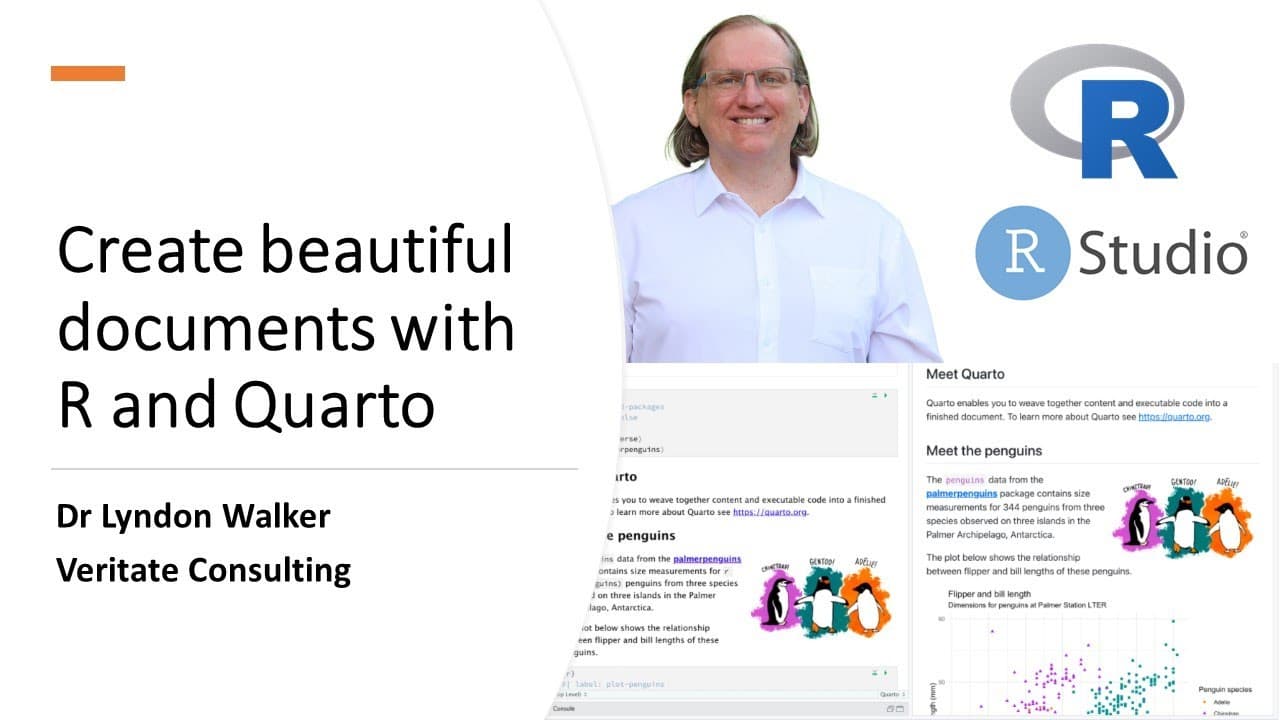
TL;DR
To create beautiful documents with Quarto and R, install Quarto, then use RStudio to generate .qmd files. Quarto enhances formatting and usability with features like code folding, inline code execution, and easy citation management, allowing seamless integration of code and visual content in your documents.
Transcript
hi and welcome to my youtube channel if you're not already a subscriber i would love it for you to hit that subscribe button i'm dr lyndon walker and i have been using r for 25 years on this channel i present a mixture of ah statistics research and other technical bits and pieces so today what i wanted to tell you about is a new program called quar... Read More
Key Insights
- 👤 Quarto significantly improves upon R Markdown with a user-friendly interface and enhanced functionality for document creation.
- 👻 The ability to utilize multiple programming languages such as R, Python, and Julia allows users to cater to diverse projects and audiences.
- 👨💻 Features like code folding and inline coding facilitate a less cluttered, more organized document layout, enhancing user experience.
- 💄 Quarto's citation management tools streamline the process of referencing, making it easier to prepare academic or technical documents.
- ℹ️ Users can create multiple output formats from a single source document, improving workflow efficiency and adaptability to different publication standards.
- 🦻 The outline feature aids in the navigation of larger documents, making it easier to manage complex projects.
- 😵 Quarto provides robust support for integrating visual content by streamlining figure handling, labeling, and cross-referencing options.
Install to Summarize YouTube Videos and Get Transcripts
Explore YouTube Video Summarizer or Get YouTube Transcript Extractor
Questions & Answers
Q: What is Quarto and how does it differ from R Markdown?
Quarto is a new document authoring system that builds upon the concepts of R Markdown but expands its capabilities significantly. It allows users to create beautiful technical documents not just in R, but also in Python, Julia, and Observable. This makes Quarto a versatile tool for data science and technical writing, offering a more robust and flexible environment compared to R Markdown.
Q: How do you install Quarto and where can you find it?
Installing Quarto is a simple process. Users can visit the official Quarto website, quarto.org, where they can choose the appropriate version for their operating system—Windows, Mac, or Linux. The installation involves a quick download followed by a straightforward installation process, allowing users to quickly start creating documents.
Q: Can you explain the code chunk functionality in Quarto?
Quarto adopts the concept of code chunks similar to R Markdown, allowing users to execute R code within their documents. Code chunks are defined by starting and ending with three backticks, along with relevant code. Users can run individual code chunks or the entire document, which significantly aids in debugging and testing during the document preparation process.
Q: What is the advantage of the code folding feature in Quarto?
The code folding feature in Quarto enhances document readability by allowing users to collapse or fold code chunks, minimizing the visual clutter in documents. This is particularly useful when working with large code blocks or when producing documents for a non-technical audience, as it allows the content to focus on outputs while still keeping the underlying code accessible if needed.
Q: How does Quarto handle citations and references?
Quarto simplifies the process of inserting citations into documents by utilizing a dedicated citation tool. Users can easily manage references from sources like Zotero or PubMed, which can then be included within the text using square brackets. This streamlines the workflow for writing long documents, making citation management more efficient and organized.
Q: What document formats can you create with Quarto?
Quarto supports a plethora of output formats including HTML, PDF, and Word documents, in addition to interactive presentations. Users can select their desired formats during the document creation process, allowing for flexibility and customization based on their specific needs and audience.
Q: How does Quarto facilitate the inclusion of figures and plots in documents?
Quarto enhances the integration of figures and plots by allowing users to add captions, alternate text for accessibility, and set sizing options. Users can label their figures for referencing within the text, making it easier to present complex data visually while maintaining a structured layout in documents.
Q: What resources are available for learning how to use Quarto?
Quarto provides extensive resources for users including tutorials accessible from its website. These tutorials cover a wide range of topics from getting started with installation to more advanced features, enabling users to learn and adapt the tool effectively as they progress in their document creation skills.
Summary & Key Takeaways
-
Quarto offers an enhanced version of R Markdown, enabling users to create technical documents with improved formatting and usability through its user-friendly interface integrating various programming languages.
-
The installation process is straightforward, and users can easily navigate through a variety of tutorials that guide them in creating rich documents combining code and visual content.
-
Key features of Quarto include code folding, inline code capabilities, and enhanced linking and referencing options for figures and citations, which significantly streamline the document creation process.
Read in Other Languages (beta)
Share This Summary 📚
Summarize YouTube Videos and Get Video Transcripts with 1-Click
Try YouTube Summary with ChatGPT & Claude or YouTube Transcript Generator
Explore More Summaries from Dr Lyndon Walker 📚






Summarize YouTube Videos and Get Video Transcripts with 1-Click
Try YouTube Summary with ChatGPT & Claude or YouTube Transcript Generator