How to Use Popsync for Faster Image Searches
TL;DR
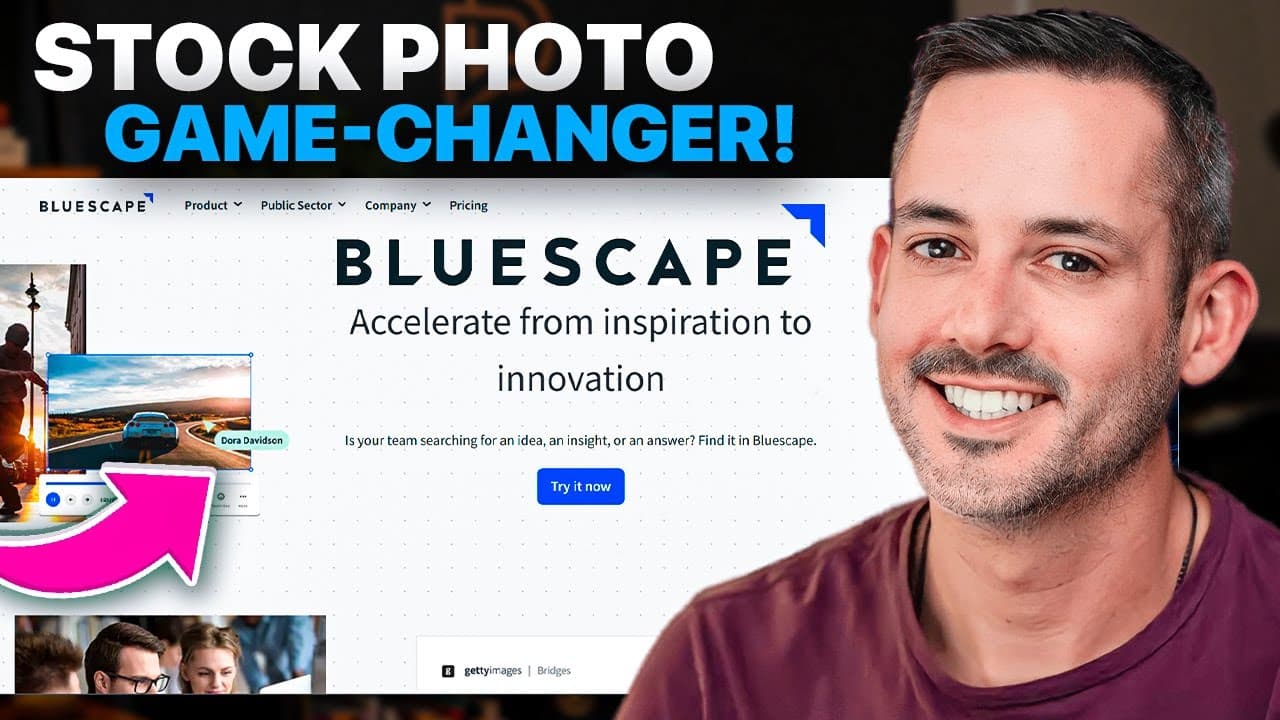
Popsync allows you to quickly search multiple image libraries like Getty Images, Unsplash, and Google Images simultaneously, making it easier to find high-quality images for projects. This tool is ideal for creating mood boards, design reviews, and collaborating in real-time during meetings, significantly enhancing productivity and teamwork.
Transcript
Today I want to help you find the perfect images for your next project. Anything you might create a mood board for or whiteboarding to collaborate during a meeting for me designing a personal brand or a website? That's what I would use images for or in a collection an ad campaign. You get the idea of finding images. Finding these images t... Read More
Key Insights
- 👨🔬 Popsync streamlines image searches from multiple sources, improving productivity and collaboration.
- 🏂 The tool is versatile and can be used for various projects like mood boards, website content, and design reviews.
- ⌛ Popsync offers features like reacting to images, selecting from templates, and collaborating in real-time during meetings.
- 😴 Users can customize mood boards, pin, present, and select images from different sources for visual creativity.
- 📽️ Collaborative tools like Popsync enhance teamwork and communication for project success.
- 🏛️ Popsync simplifies the process of finding and comparing images, making it easy to build visual content for projects.
- 👤 Bluescape offers plans with Popsync integration, giving users access to workspaces, storage, and collaborative tools.
Install to Summarize YouTube Videos and Get Transcripts
Explore YouTube Video Summarizer or Get YouTube Transcript Extractor
Questions & Answers
Q: How does Popsync streamline image searches for collaborative projects?
Popsync enables users to search multiple image libraries at once, populating a workspace for collaborative projects with images from various sources like Getty Images, Google, and Unsplash. This streamlines the search process, saving time and improving productivity.
Q: What are the key features of Popsync that make it valuable for users?
Popsync allows users to upload their content, start from templates, and search for images using keywords from multiple sources simultaneously. The tool also offers features like pinning, presenting, and reacting to images for improved collaboration.
Q: In what ways can Popsync enhance the creation of mood boards?
Popsync simplifies the creation of mood boards by allowing users to search for images related to their themes, select and organize images from various sources, and add text or shapes to describe and enhance the mood board. The tool facilitates visual creativity and customization.
Q: How does Popsync support collaborative meetings and brainstorming sessions?
Popsync can be used in collaborative meetings by allowing users to join a meeting, share a workspace with attendees in real-time, and interact, react, and add text to images together. It promotes a collaborative environment without the need to share screens, enhancing communication and creativity.
Summary & Key Takeaways
-
Popsync is a tool that allows users to search multiple image libraries simultaneously, saving time and improving collaboration.
-
Users can visualize and build ideas in a workspace populated with images from Getty Images, Google, Unsplash, and more.
-
The tool is versatile, suitable for various projects like mood boards, design reviews, website content, and collaborative meetings.
Read in Other Languages (beta)
Share This Summary 📚
Summarize YouTube Videos and Get Video Transcripts with 1-Click
Try YouTube Summary with ChatGPT & Claude or YouTube Transcript Generator
Explore More Summaries from Phil Pallen 📚






Summarize YouTube Videos and Get Video Transcripts with 1-Click
Try YouTube Summary with ChatGPT & Claude or YouTube Transcript Generator