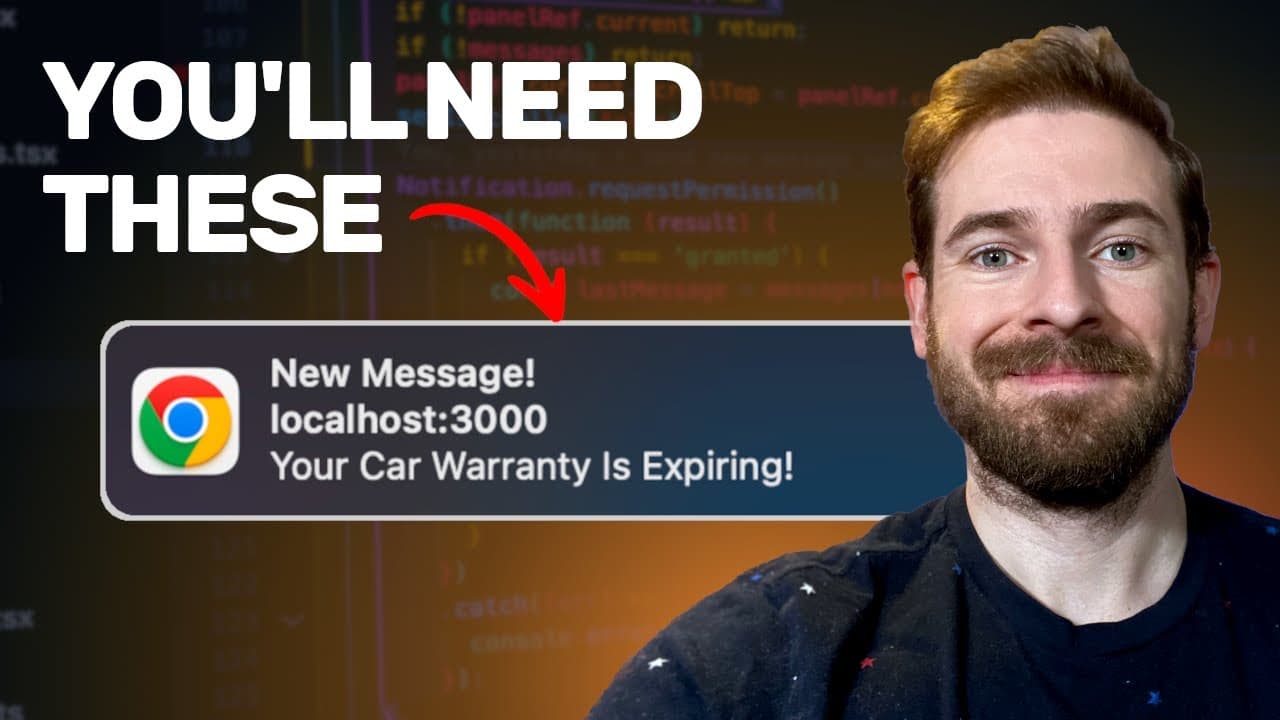
This is why you'll want the Notifications API
TL;DR
The project planner AI now supports team collaboration and enhanced messaging features.
Transcript
so we added a couple of new features to this project planner ai.com application I want to kind of share with you what we added and how you can Implement yourself in code I think you'll find these things pretty interesting so one feature that we have is you can have multiple people collaborate on the same project right so we're kind of building this... Read More
Key Insights
- 👥 Team collaboration is significantly improved with the introduction of an internal messaging system tailored for small groups.
- 🫥 Visual notifications, such as red dots on favicon icons, enhance user engagement by clearly indicating unread messages.
- 👻 The integration of the browser's notification API allows seamless alerts to users, improving responsiveness to new messages.
- 👻 An effective tracking system for unread messages relies on timestamps, allowing the application to maintain an accurate message status.
- 😤 Implementing collaborative features in web applications can foster better communication among team members.
- 😤 Using real-time notifications can reduce the need for external messaging platforms, streamlining team communication.
- 👤 The application leverages modern web technologies, like JavaScript and APIs, to enhance user experience and functionality.
Install to Summarize YouTube Videos and Get Transcripts
Explore YouTube Video Summarizer or Get YouTube Transcript Extractor
Questions & Answers
Q: What new collaboration features were added to the project planner AI?
The project planner AI has introduced messaging capabilities that allow multiple users to collaborate in real time. This includes features for sending messages, visual notifications for unread messages, and a red dot indicator on the favicon, enhancing user engagement and communication within smaller teams.
Q: How do the new messaging features improve user experience?
The new messaging features provide instant notifications and visual cues, such as a red dot for unread messages. This makes it easier for users to stay updated on conversations without needing to constantly check the application, thus improving overall usability and team communication efficiency.
Q: Can you explain how the notification system works?
The notification system is built using the browser's notification API, which allows the application to send alerts to the user. When a new message arrives, the application requests permission to send notifications. If granted, it displays a notification message even when the user is not actively focused on the app.
Q: What technological approach is used to track unread messages?
The tracking of unread messages is managed through a notifications table and a messages table in the application's database. By comparing timestamps whenever a message is read, the application can determine if there are new unread messages and update the notification status accordingly.
Q: How do users activate notifications in the project planner AI?
Users activate notifications by granting permission when prompted by the application. This allows the project planner AI to send pop-up alerts for new messages, enhancing communication without the need for the user to be actively engaged with the application at all times.
Q: What role does JavaScript play in the project planner AI?
JavaScript is utilized for dynamic updates within the application. It manages the real-time detection of new messages, updates the DOM elements to reflect the current notification status, and facilitates communication between the user interface and the backend systems that manage messages.
Summary & Key Takeaways
-
The project planner AI has introduced new features aimed at improving team collaboration, particularly for small teams of Indie hackers, such as messaging and notification systems.
-
Users can now send messages within the application, with visual indicators like a red dot for unread messages and notifications for incoming messages.
-
The implementation of these features involves JavaScript for dynamic updates and uses the browser's notification API to alert users of new messages, even if they are not actively viewing the tab.
Read in Other Languages (beta)
Share This Summary 📚
Summarize YouTube Videos and Get Video Transcripts with 1-Click
Try YouTube Summary with ChatGPT & Claude or YouTube Transcript Generator
Explore More Summaries from Web Dev Cody 📚





Summarize YouTube Videos and Get Video Transcripts with 1-Click
Try YouTube Summary with ChatGPT & Claude or YouTube Transcript Generator