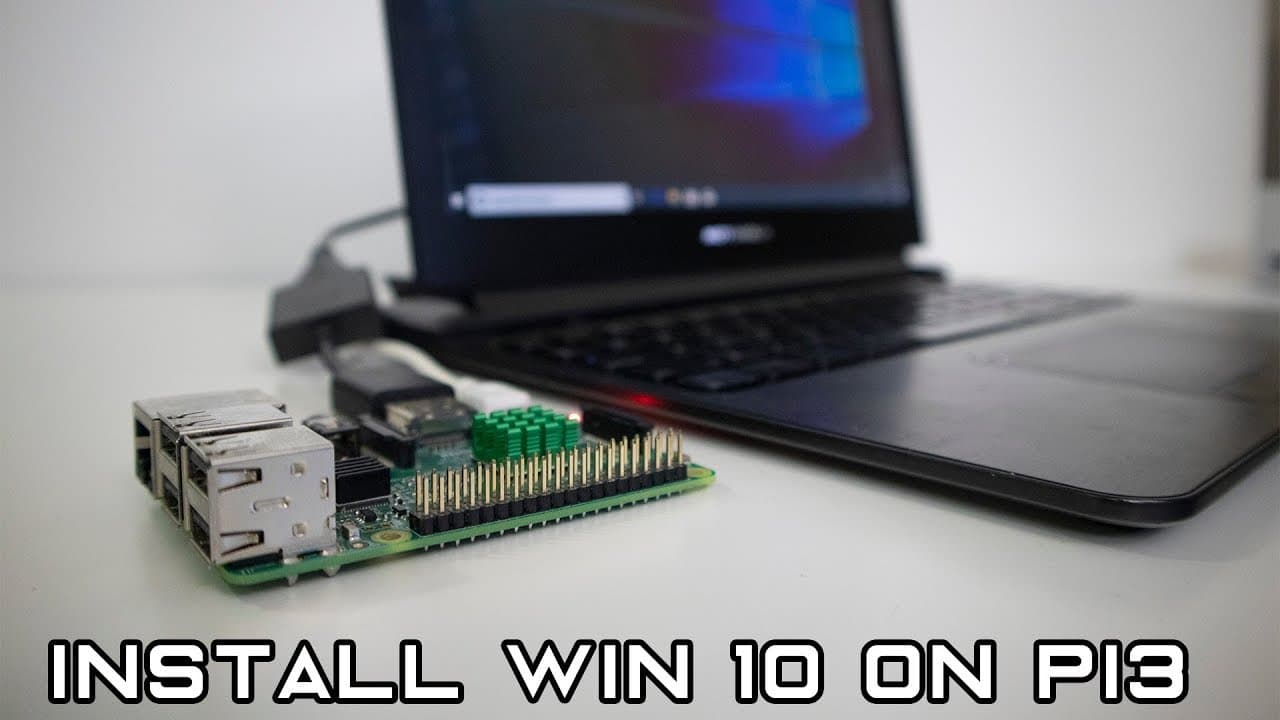
How to install Windows 10 WoA (not iot) on raspberry pi 3
TL;DR
A guide on installing Windows 10 ARM on a Raspberry Pi.
Transcript
hey guys going on it's down here from Nova spirit Tech and as you can see from the title below we are gonna be installing windows 10 on our Raspberry Pi and not not the IOT version but the windows on arm so let's get started so before we begin I gotta give credit to all the people who were involved in this project well at least to the ones that pop... Read More
Key Insights
- 🦾 The project to install Windows 10 ARM on Raspberry Pi is driven by community collaboration and contributions from various developers, enhancing the collective knowledge.
- 🗯️ Establishing the installation requires attention to detail in selecting the right drivers, configurations, and versions of both installation tools and the operating system.
- ☠️ The installation process is technical but structured, involving the formatting of the SD card and a clear installation sequence to ensure an operational Windows environment.
- 😃 Users should be aware of the current limitations regarding connectivity and driver support while keeping an eye on active development forums for updates and improvements.
- 💻 While functional, this setup is primarily experimental and caters to enthusiasts willing to navigate its challenges rather than being a mainstream desktop solution.
- 😒 The successful demonstration of running Windows applications on the Raspberry Pi highlights the potential for practical uses, particularly for legacy software in limited scenarios.
- 🪛 Continued improvements in driver development are crucial for realizing the full potential of Windows 10 on Raspberry Pi, particularly regarding internet access and peripheral support.
Install to Summarize YouTube Videos and Get Transcripts
Explore YouTube Video Summarizer or Get YouTube Transcript Extractor
Questions & Answers
Q: What is the significance of NT Authority in this project?
NT Authority is credited for initially sharing a photo of Windows 10 running on a Raspberry Pi, which ignited interest in porting Windows to the device. This sparked a community effort to develop methods and tools to achieve a stable installation of Windows 10 ARM on the Raspberry Pi, building on his pioneering work.
Q: What tools and files are required for the installation process?
To install Windows 10 on a Raspberry Pi, you need to download a zip file with drivers, a specific version of the installation utility (like WOE), and the Windows ARM ISO file. Additionally, tools from GitHub repositories for UEFI firmware are essential to tailor the installation process and create bootable media on an SD card.
Q: How does the installation process for Windows 10 ARM work on the Raspberry Pi?
The installation involves several steps, including downloading necessary files, selecting the correct configurations, and formatting the SD card. The user must choose the ARM image and its structure, mount the ISO, and finally execute the installation process, which formats the device and installs Windows 10 ARM.
Q: What limitations does Windows 10 ARM on Raspberry Pi currently have?
While Windows 10 ARM runs on Raspberry Pi, it has limitations like missing drivers for Ethernet and Bluetooth connectivity, which restricts internet access and peripheral functionality. Users can still utilize GPIO and SPI interfaces, but without stable internet access, the utility is limited for traditional desktop use.
Q: Can the Raspberry Pi run 32-bit applications effectively on Windows 10 ARM?
Yes, the Raspberry Pi can run 32-bit x86 applications through a feature known as Windows on Windows (WoW). In the video, the presenter successfully demonstrates installing and using Microsoft Word 2016, showing promising performance for certain legacy applications despite the limitations in other areas.
Q: How long does the initial boot and setup take?
The initial boot into Windows 10 ARM on the Raspberry Pi may take approximately ten minutes due to system setups and installations. After this boot, the system may display a blue screen before rebooting, followed by the configuration options for setting up Windows.
Summary & Key Takeaways
-
The video explains how to install Windows 10 ARM on a Raspberry Pi, acknowledging contributions from various developers who facilitated the project.
-
It details the necessary software, tools, and installation steps required to set up Windows 10 on the device, including downloading specific drivers and configuring the filesystem.
-
The speaker demonstrates the capabilities of Windows 10 on the Raspberry Pi, including running 32-bit applications, while noting current limitations with drivers for connectivity and peripherals.
Read in Other Languages (beta)
Share This Summary 📚
Summarize YouTube Videos and Get Video Transcripts with 1-Click
Try YouTube Summary with ChatGPT & Claude or YouTube Transcript Generator
Explore More Summaries from Novaspirit Tech 📚






Summarize YouTube Videos and Get Video Transcripts with 1-Click
Try YouTube Summary with ChatGPT & Claude or YouTube Transcript Generator