Windows on Arm for Raspberry Pi SSD install guide
TL;DR
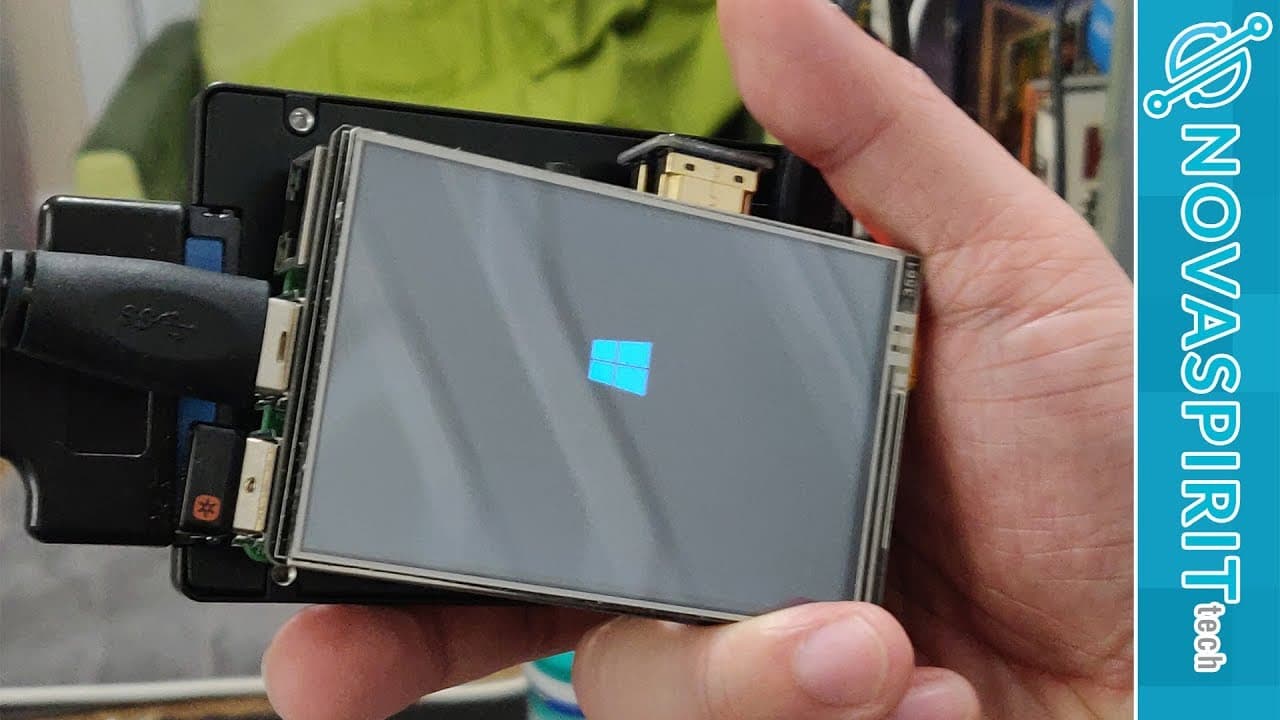
A detailed guide on installing Windows 10 ARM on Raspberry Pi 3 via SSD.
Transcript
hey guys going on it's not here from Nova spirit Tech and today I'm gonna be showing you guys how to install Windows 10 on arm on SSD for our Raspberry Pi 3 so let's get started so before I get into this tutorial I do want to mention one thing and answer a couple of questions one MCC I the creators of the USB drivers may actually have this huge pro... Read More
Key Insights
- ⛔ Installing Windows 10 on Raspberry Pi 3 requires specific hardware features, limiting compatibility to devices with UEFI support.
- 🥾 The modification of INF files is critical for enabling the system to boot from SSD, addressing common setup failures.
- ☠️ A swap disk on an SD card is necessary for stable system performance, as using SSD alone lacks this functionality.
- ☠️ Users can expect a notable performance improvement when running an operating system from an SSD compared to an SD card, although speeds still fall short of modern expectations.
- 😘 Potential applications include using Raspberry Pi for downloading games remotely, taking advantage of its low power consumption and portability.
- 👤 Users should set the max USB current in the config to improve device stability during use, avoiding power-related crashes.
- 🎮 The video also addresses common pitfalls and provides additional resources for further assistance in the setup process.
Install to Summarize YouTube Videos and Get Transcripts
Explore YouTube Video Summarizer or Get YouTube Transcript Extractor
Questions & Answers
Q: Can Windows 10 ARM be installed on devices other than Raspberry Pi 3?
No, Windows 10 ARM installation requires a UEFI boot BIOS, which devices like Pine 64 and Tinker Board currently lack. Even if UEFI were created for these devices, drivers would still need to be developed, making it improbable for this setup to be feasible yet.
Q: What modifications need to be made to driver files during installation?
Users must edit specific INF files in the driver pack by changing start types. For instance, change one file's start type from 3 to 0 and save it, then do the same for another INF file, allowing proper SSD boot functioning.
Q: Why is a blank SD card necessary in this process?
The blank SD card is crucial as it serves as a swap disk, which is necessary for the Raspberry Pi. Due to limitations with USB drives, the swap partition needs to be created on the SD card to ensure the Raspberry Pi can operate properly without running out of memory.
Q: How can users verify the success of the installation?
After installation, users should check the SD card for space used, indicating that the swap disk was successfully created. If there’s no space taken up, users may need to modify settings to direct the page file to the appropriate drive.
Summary & Key Takeaways
-
The tutorial details how to install Windows 10 ARM on a Raspberry Pi 3 using an SSD, emphasizing that this process is not applicable to other devices like Pine 64 due to UEFI boot requirements.
-
Essential steps include modifying driver files for the SSD boot, using a blank SD card for swap space, and setting USB boot mode in Raspberry Pi for a successful installation.
-
The comparison of SSD and SD card speeds reveals SSD performance is significantly better, making the overall user experience more efficient, though still not particularly fast by modern standards.
Read in Other Languages (beta)
Share This Summary 📚
Summarize YouTube Videos and Get Video Transcripts with 1-Click
Try YouTube Summary with ChatGPT & Claude or YouTube Transcript Generator
Explore More Summaries from Novaspirit Tech 📚






Summarize YouTube Videos and Get Video Transcripts with 1-Click
Try YouTube Summary with ChatGPT & Claude or YouTube Transcript Generator