How to Set Up a Green Screen in OBS for YouTube
TL;DR
To set up a green screen in OBS for your YouTube recordings, start by adding a video capture device and then apply a chroma key filter to it. Adjust settings like smoothness and brightness to optimize the effect, while ensuring proper lighting and distance from the green screen to achieve the best results.
Transcript
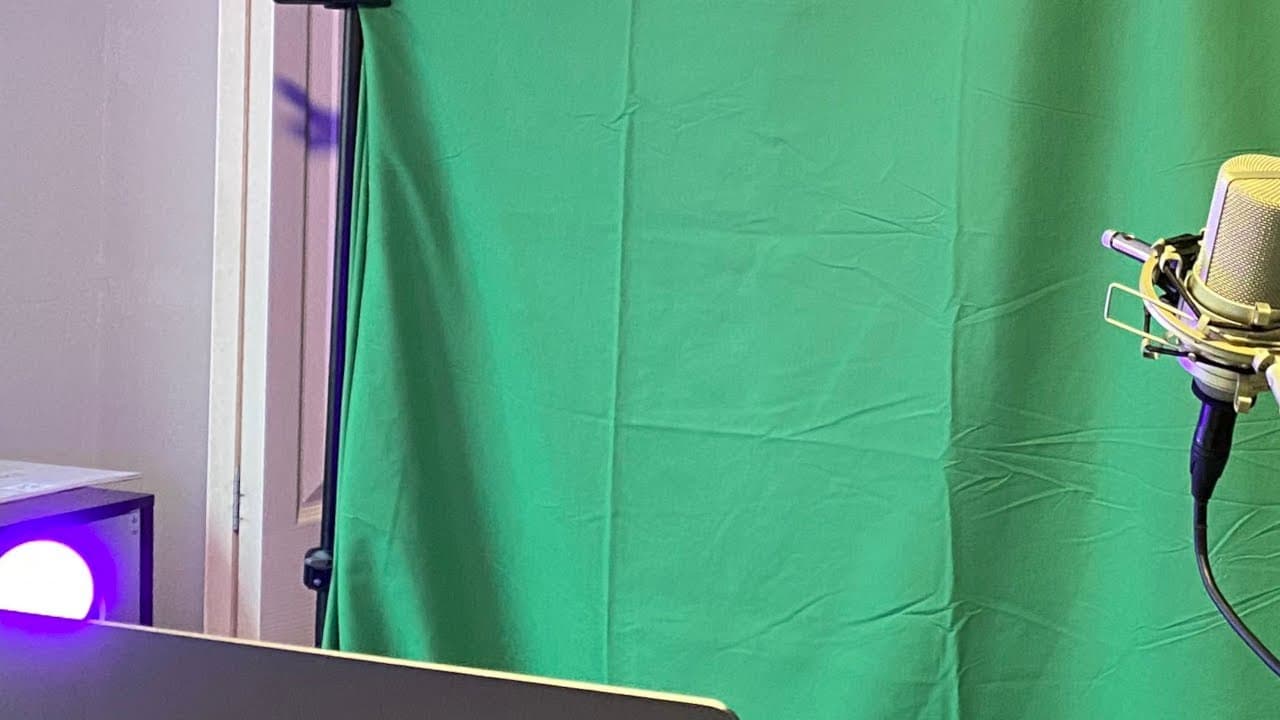
hey everyone welcome back i hope you're having a great day this is a web dev junkie video and my name is cody cyber so what i'm going to be showing you in this video is a quick little tour of my current youtube setup and it's it's kind of a hot mess right now i'm using my my child's playroom the other room is actually being used as a spare bedroom ... Read More
Key Insights
- 👾 A modest YouTube setup can be effective; Cody demonstrates that even a playroom can serve as a recording space.
- 😘 Using Amazon for low-cost green screen materials can help aspiring creators make improvements without significant financial investment.
- 🤩 OBS is a powerful tool for video recording and live streaming, as highlighted by Cody's tutorial on adding and customizing chroma key filters.
- 🙂 Lighting affects video quality; Cody recommends using lamps and ring lights to enhance lighting for better green screen results.
- 🥳 Environmental variables, such as time of day, can necessitate adjustments in recording settings to maintain consistency in video quality.
- 🙂 The placement of lighting is crucial; Cody points out that lights must be positioned properly to avoid interference with the green screen's effectiveness.
- 👤 Users can experiment with color settings in their lighting to create unique aesthetics during recordings.
Install to Summarize YouTube Videos and Get Transcripts
Explore YouTube Video Summarizer or Get YouTube Transcript Extractor
Questions & Answers
Q: What equipment is Cody using for his YouTube setup?
Cody is using basic and makeshift equipment for his YouTube setup, including a green screen cloth, a stand, old lamps for lighting, and a ring light for face illumination. He emphasizes the cost-effectiveness of his setup, demonstrating that quality content can be produced without professional gear.
Q: How does Cody achieve the green screen effect in OBS?
To achieve the green screen effect, Cody uses OBS and adds a video capture device for his webcam. He then applies the chroma key filter under effect filters and adjusts the settings such as threshold and smoothness to ensure the effect works optimally, even with subpar lighting.
Q: Why does Cody mention the importance of lighting for the green screen?
Cody highlights that proper lighting significantly impacts the quality of the green screen effect. He explains that uneven lighting can lead to poor visual results, requiring adjustments in OBS settings. Good lighting helps achieve a more professional look and minimizes issues such as shadows or discoloration.
Q: What challenges does Cody face with his current setup?
Cody faces several challenges with his current makeshift setup, such as underwhelming lighting, the limitations of recording in a child's playroom, and the need to adjust his OBS settings based on various environmental factors like time of day. He acknowledges that these obstacles can hinder the quality of his tutorials.
Summary & Key Takeaways
-
Cody provides a detailed tour of his makeshift YouTube recording setup located in his child's playroom, using basic lighting and a green screen.
-
He explains the process of setting up a green screen using OBS software, detailing how to apply the chroma key filter for background removal.
-
The video outlines how to adjust factors like lighting, smoothness, and color spill to optimize the quality of the green screen effect during recordings.
Read in Other Languages (beta)
Share This Summary 📚
Summarize YouTube Videos and Get Video Transcripts with 1-Click
Try YouTube Summary with ChatGPT & Claude or YouTube Transcript Generator
Explore More Summaries from Web Dev Cody 📚





Summarize YouTube Videos and Get Video Transcripts with 1-Click
Try YouTube Summary with ChatGPT & Claude or YouTube Transcript Generator