What Are the Must-Know Features of the Samsung Galaxy Z Fold 2?
TL;DR
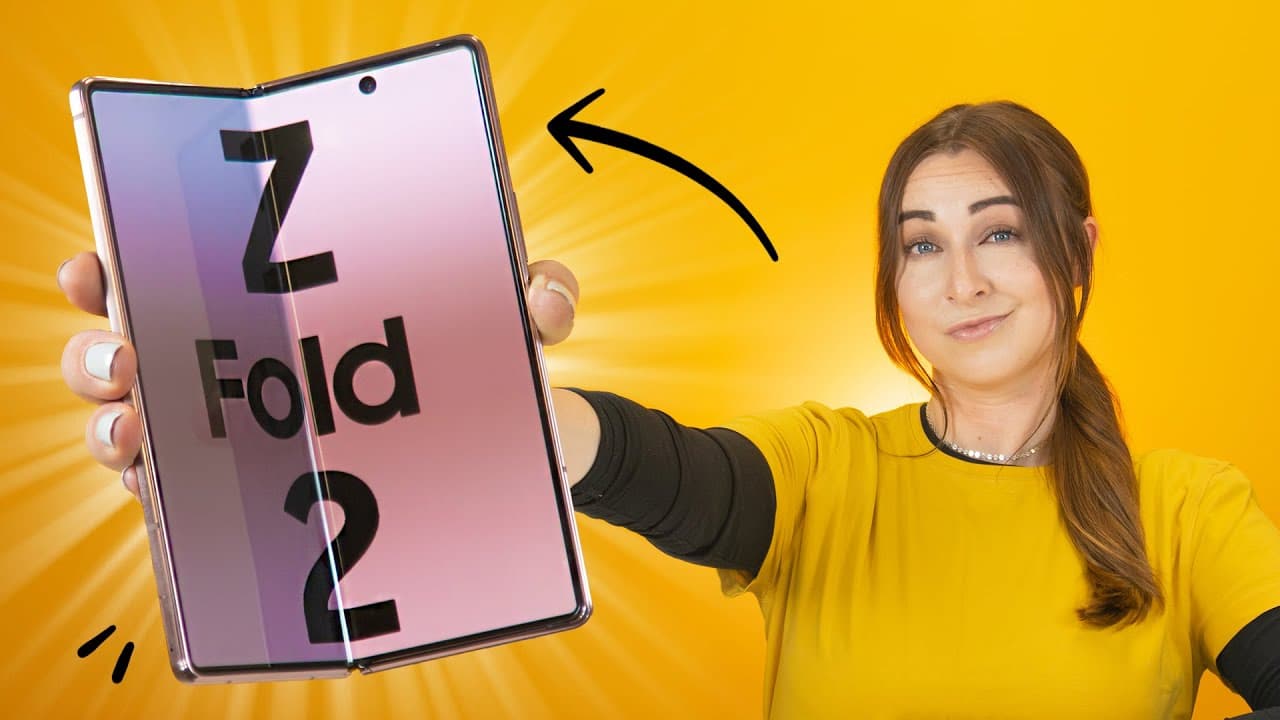
The Samsung Galaxy Z Fold 2 features unique camera tricks, including using the entire screen as a viewfinder and flex mode for stable shots. It excels in multitasking with resizable split-screen capabilities, customizable keyboard modes, and the ability to wirelessly connect to smart TVs using Samsung DeX, enhancing user experience and productivity.
Transcript
so i'm about to show you some sick features on the samsung galaxy z fold 2 that some phones just don't have from camera tricks to multi-tasking fast navigation and some quick tips these are my top features for the galaxy z folder 2 along with some awesome free wallpapers so let's get into it one of the coolest things about the z-fold 2 is all the d... Read More
Key Insights
- 💤 Samsung Galaxy Z Fold 2 offers innovative camera features like using the entire screen as a viewfinder and flex mode for stable shots.
- 😀 The phone's multitasking capabilities allow for split-screen usage, resizable windows, and quick app switching.
- 👤 Users can customize keyboard modes, enjoy flexible viewing angles, use wireless powersharing, and switch between 60Hz and 120Hz display settings.
- 💻 Customizable edge screen lighting adds a unique touch to notifications, and users can save time by opening multiple apps in split-screen mode simultaneously.
- 📱 The phone supports wireless connectivity to smart TVs using Samsung DeX, enabling enhanced control with touchpad or external mouse and keyboard.
Install to Summarize YouTube Videos and Get Transcripts
Explore YouTube Video Summarizer or Get YouTube Transcript Extractor
Questions & Answers
Q: How does the Samsung Galaxy Z Fold 2 leverage its unique camera setup?
The phone offers various camera modes like using the entire screen as a viewfinder, flex mode for stable shots, and switching between selfie cams for pro selfies.
Q: What are the multitasking capabilities of the Samsung Galaxy Z Fold 2?
The phone allows for split-screen usage, resizable windows, and quick app switching, making multitasking effortless and efficient for users.
Q: How can you enhance the usability of the fingerprint reader on the Samsung Galaxy Z Fold 2?
By enabling the fingerprint always-on feature and fingerprint sensor gestures in the settings, users can easily unlock their phone and access notifications with a swipe.
Q: How can you wirelessly connect the Samsung Galaxy Z Fold 2 to a smart TV using Samsung DeX?
By toggling the DeX icon in the notification panel and connecting to a smart TV, users can use their phone as a touchpad or connect a Bluetooth mouse and keyboard for enhanced control.
Summary & Key Takeaways
-
The Samsung Galaxy Z Fold 2 offers innovative camera features like using the entire screen as a viewfinder and flex mode for stable shots.
-
Its multitasking capabilities allow for split-screen usage and quick app switching with resizable windows.
-
Additional features include unique keyboard modes, flexible viewing angles, wireless powersharing, 120Hz display, and customizable edge screen lighting.
Read in Other Languages (beta)
Share This Summary 📚
Summarize YouTube Videos and Get Video Transcripts with 1-Click
Try YouTube Summary with ChatGPT & Claude or YouTube Transcript Generator
Explore More Summaries from Hayls World 📚






Summarize YouTube Videos and Get Video Transcripts with 1-Click
Try YouTube Summary with ChatGPT & Claude or YouTube Transcript Generator