Little Town - Session 03 - 16 Using Function
TL;DR
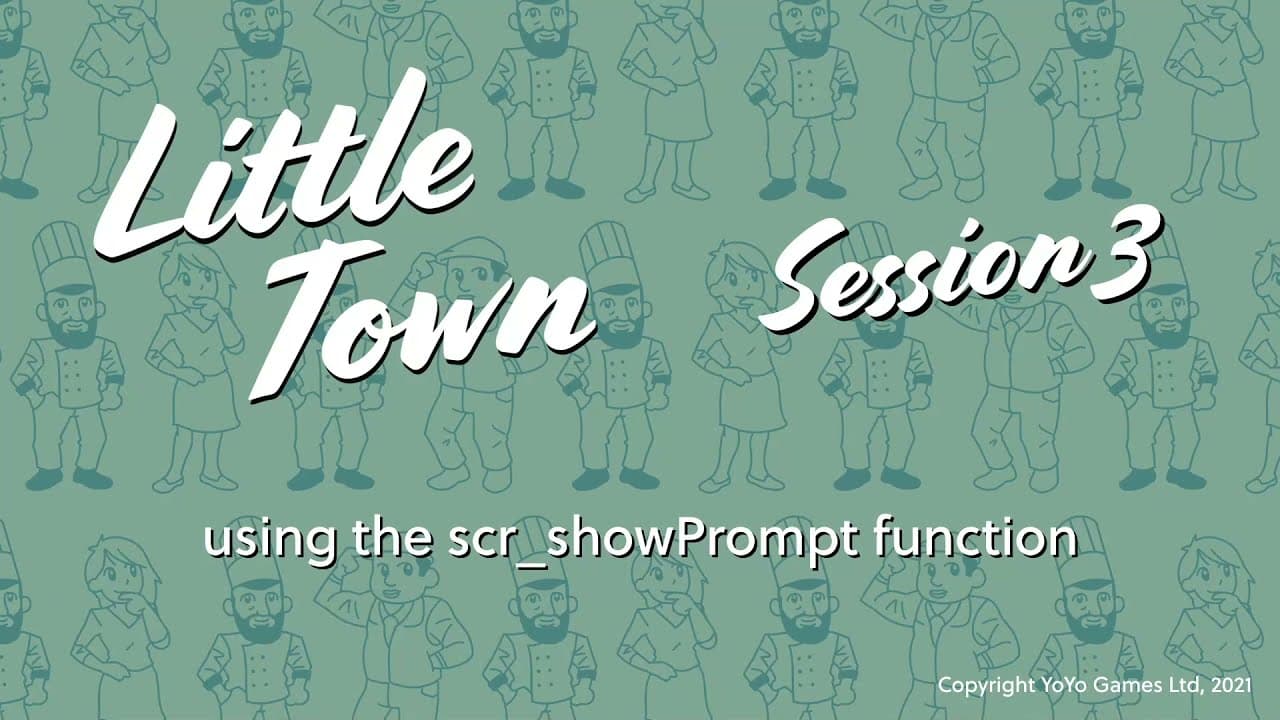
Learn how to add a NPC prompt function in Game Maker Studio 2 to display prompts when the player interacts with non-playable characters (NPCs).
Transcript
let's implement this new function so we can understand how it all works open your player object and go to its crate event in the variables code block let's add one more line let's type npc prompt equals no one again npc prompt is just a variable that we're making up and we're setting it to no one by default next let's go to the step event and go to... Read More
Key Insights
- 👻 Adding a new function to the player object allows for the implementation of NPC prompts in Game Maker Studio 2.
- 👣 The "npc prompt" variable is used to track the state of the NPC prompt and determine when to display it.
- 🤙 The "pop up prompt" code block checks for specific conditions before calling the "scr_show_prompt" function.
- 🧘 The "scr_show_prompt" function takes arguments to specify the position and details of the NPC prompt.
- 🥘 Modifying the y coordinate in the function call allows for customized positioning of the NPC prompt.
- 🍵 The NPC prompt remains on the screen until further programming is implemented to handle its removal.
- ❓ The tutorial advises adjusting the positioning of the prompt if desired.
Install to Summarize YouTube Videos and Get Transcripts
Explore YouTube Video Summarizer or Get YouTube Transcript Extractor
Questions & Answers
Q: What is the purpose of the "npc prompt" variable in Game Maker Studio 2?
The "npc prompt" variable is a user-defined variable that is used to track the status of the NPC prompt. It helps determine whether the prompt should be displayed or not.
Q: How is the NPC prompt displayed in Game Maker Studio 2?
The NPC prompt is displayed using a function called "scr_show_prompt" that is called when certain conditions are met. The function takes arguments to specify the location and details of the prompt.
Q: What does the code block "pop up prompt" do in Game Maker Studio 2?
The code block "pop up prompt" checks if the "npc prompt" variable is set to "no one" or "undefined" before displaying the NPC prompt. If the condition is met, it calls the "scr_show_prompt" function with the appropriate arguments.
Q: How is the position of the NPC prompt determined in Game Maker Studio 2?
The position of the NPC prompt is determined by the x and y coordinates of the nearby NPC. In the provided code, the y coordinate is modified to be 450 pixels above the NPC's original position.
Summary & Key Takeaways
-
The content explains how to add a new function to the player object in Game Maker Studio 2 to implement NPC prompts.
-
The tutorial demonstrates adding a variable "npc prompt" and setting a default value for it.
-
The step event is modified to include a new code block called "pop up prompt" that checks for a specific condition before displaying the prompt.
-
The code block uses a function called "scr_show_prompt" with arguments to determine the position and details of the NPC prompt.
Read in Other Languages (beta)
Share This Summary 📚
Summarize YouTube Videos and Get Video Transcripts with 1-Click
Try YouTube Summary with ChatGPT & Claude or YouTube Transcript Generator
Explore More Summaries from GameMaker 📚

Summarize YouTube Videos and Get Video Transcripts with 1-Click
Try YouTube Summary with ChatGPT & Claude or YouTube Transcript Generator