How I take notes on my iPad Pro in medical school - Cambridge University medical student
TL;DR
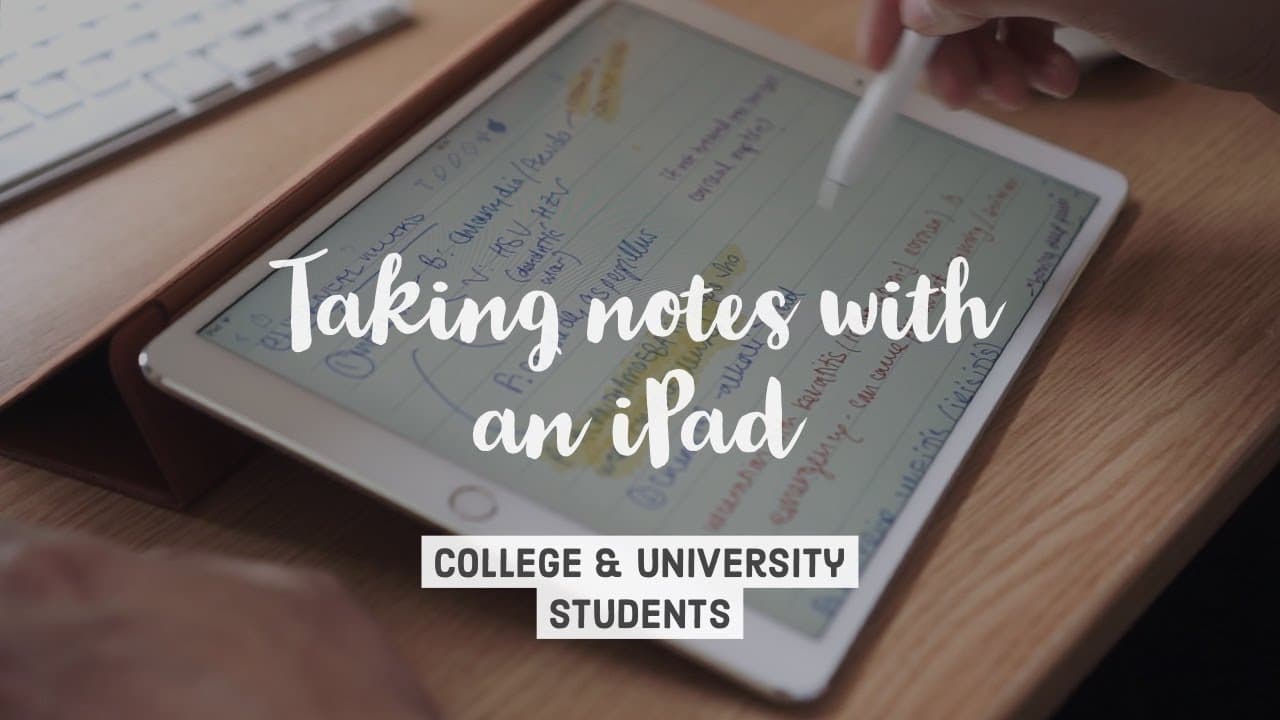
iPad note-taking combines handwriting benefits with digital organization for efficient studying.
Transcript
hey guys welcome back to the channel if you new here my name is Elia I'm a final year medical student at Cambridge University and today we're going to be talking about how I take notes are using the iPad and the Apple pencil in terms of structure this videos gonna be split up into three parts in the first part I'm going to talk about why I use the ... Read More
Key Insights
- 🛀 iPad note-taking combines handwriting benefits with digital organization.
- 😀 Notability app offers structured note-taking with color options and sync features.
- 🧑🎓 Cost-effective iPad options like the 2018 model for student note-taking needs.
- 🎵 Importance of pre-reading lecture notes for effective note-taking during lectures.
- 🛀 Utilizing photo-taking feature in Notability for image-based subjects like radiology.
- 🎵 Notability's features for sharing notes easily with peers for collaboration.
- 🛀 Advantages of iPad for note-taking in clinical settings and real-life scenarios.
Install to Summarize YouTube Videos and Get Transcripts
Explore YouTube Video Summarizer or Get YouTube Transcript Extractor
Questions & Answers
Q: Why does the speaker prefer using an iPad for note-taking?
The iPad combines the benefits of handwriting notes for better retention with digital organization for easy access and syncing across devices, offering a balanced note-taking approach.
Q: Which iPad model is recommended for note-taking purposes?
The speaker suggests the 2018 iPad with Apple Pencil support as a budget-friendly option that provides similar functionality to the iPad Pro for effective note-taking.
Q: What advantages does the app Notability offer for note-taking?
Notability provides a structured note-taking format with dividers, subjects, and color options, along with seamless integration with Google Drive and Dropbox for importing PDFs and images, enhancing note organization.
Q: How can an iPad and Notability be used in different note-taking scenarios?
The iPad and Notability offer versatility in note-taking, whether in lectures with PowerPoints, handouts, clinical scenarios, or even annotating PDFs, providing a comprehensive tool for various study needs.
Summary & Key Takeaways
-
iPad Note-Taking: Combines benefits of handwriting and digital syncing for effective studying.
-
iPad Selection: iPad Pro vs. 2018 iPad comparison for optimal note-taking.
-
App Recommendation: Notability for structured note-taking with color options and integration.
Read in Other Languages (beta)
Share This Summary 📚
Summarize YouTube Videos and Get Video Transcripts with 1-Click
Try YouTube Summary with ChatGPT & Claude or YouTube Transcript Generator
Explore More Summaries from Ali Abdaal 📚





Summarize YouTube Videos and Get Video Transcripts with 1-Click
Try YouTube Summary with ChatGPT & Claude or YouTube Transcript Generator