How to Create a Chatbot for Your PDF Using Python
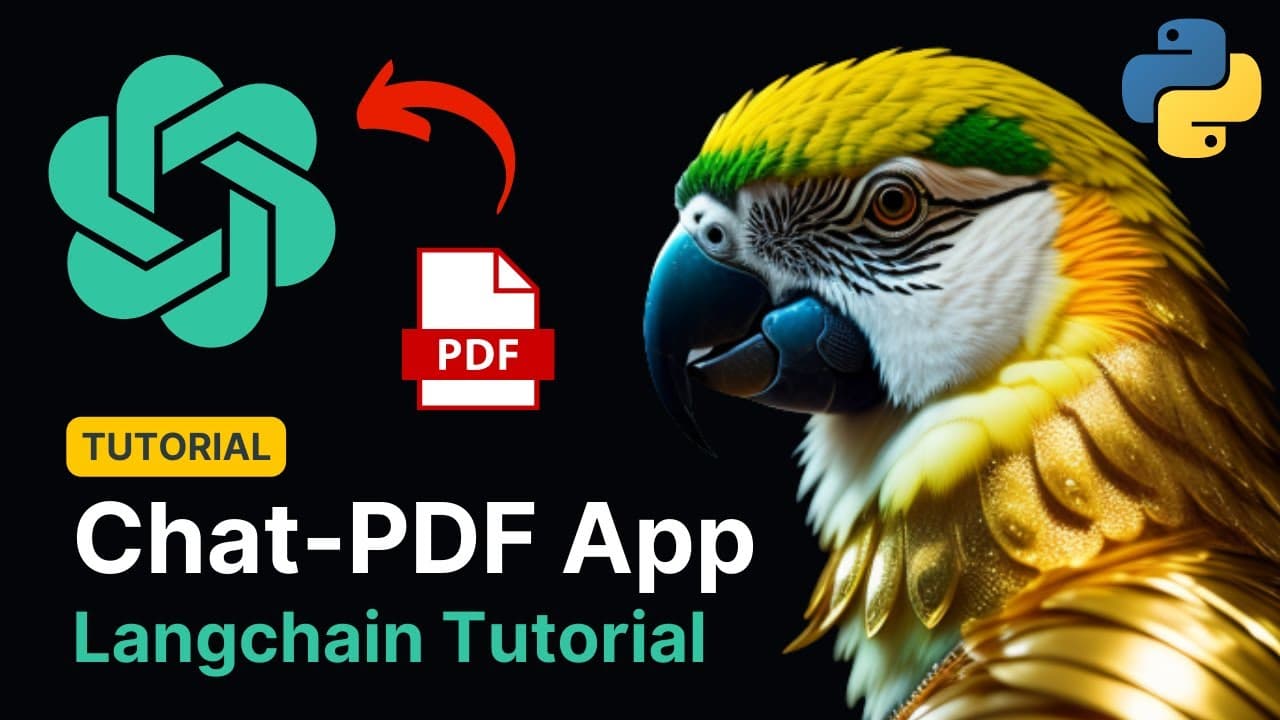
TL;DR
To create a PDF chatbot in Python, extract text from PDF files, chunk the text for context, and use embeddings to build a knowledge base for semantic search. Users can ask questions about the PDF content, and the chatbot leverages a language model to find relevant chunks and generate answers. Additionally, track API usage costs for each query with analytics features.
Transcript
thank you good morning everyone how is it going today welcome to this amazing tutorial in which I'm going to show you exactly how to build this application that you're seeing in front of you okay let me show you real quick how it works so it's uh it has a graphical user interface of course completely coded in Python and then if you write if you dro... Read More
Key Insights
- 👤 The application extracts text from PDFs using PyPDF2 and creates a graphical user interface using Streamlit.
- 📚 Text is divided into chunks using a text splitter from the LangChain library for easier processing and context.
- 👨🔬 Chunks are converted into embeddings, or vector representations, and used to create a knowledge base for semantic search.
- 👤 Users can ask questions about the PDF content, and the application uses a language model, such as OpenAI, to find relevant chunks and provide answers.
- ⁉️ The application enables tracking of spending per question by utilizing the OpenAI callback function provided by LangChain.
Install to Summarize YouTube Videos and Get Transcripts
Explore YouTube Video Summarizer or Get YouTube Transcript Extractor
Questions & Answers
Q: How does the application extract text from a PDF?
The application uses the PyPDF2 library to read the text from the uploaded PDF file.
Q: How are the PDF text chunks created?
The text is divided into chunks using a character text splitter from the LangChain library. Chunks are of a specified size and have an overlap for context.
Q: How does the application find relevant chunks for a user's question?
The application performs a semantic search using Facebook's AI similarity search library (Faiss) on the knowledge base created from the embeddings of the text chunks.
Q: How does the application generate answers to user questions?
A language model, such as OpenAI, is used in the application to answer questions based on the relevant chunks found in the knowledge base.
Summary & Key Takeaways
-
The tutorial demonstrates how to build a Python application that extracts text from PDFs and creates a graphical user interface.
-
The text is divided into chunks and converted into embeddings to create a knowledge base for semantic search.
-
Users can ask questions about the PDF content, and the application uses a language model to find relevant chunks and provide answers.
Read in Other Languages (beta)
Share This Summary 📚
Summarize YouTube Videos and Get Video Transcripts with 1-Click
Try YouTube Summary with ChatGPT & Claude or YouTube Transcript Generator
Explore More Summaries from Alejandro AO - Software & Ai 📚

Summarize YouTube Videos and Get Video Transcripts with 1-Click
Try YouTube Summary with ChatGPT & Claude or YouTube Transcript Generator