Chat with Multiple PDFs | LangChain App Tutorial in Python (Free LLMs and Embeddings)
TL;DR
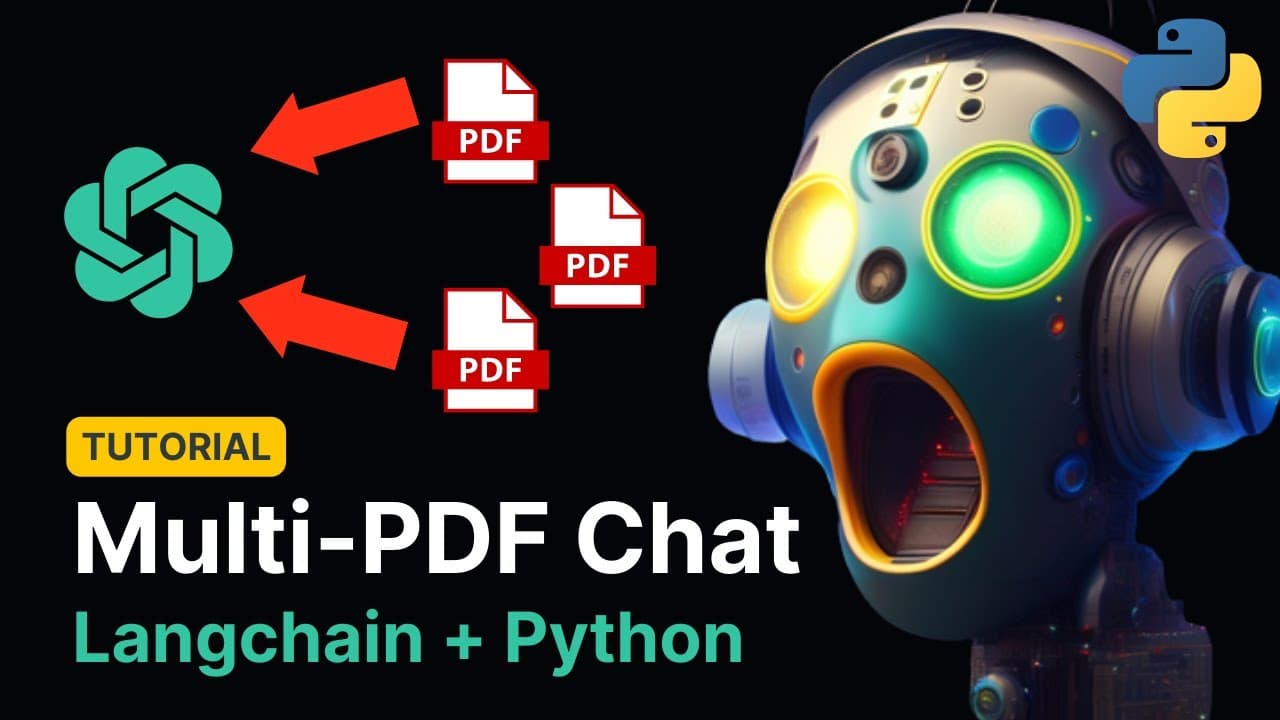
Learn how to create a chatbot application that allows users to interact with multiple PDFs by uploading them, extracting text, and answering questions related to the contents using openAI and hugging face models.
Transcript
good morning everyone how's it going today welcome to this new video tutorial in which I'm going to show you exactly how to build this application that you see right here it is a chatbot that allows you to chat with multiple PDFs from your computer at once okay let me show you how it works and for this example I'm going to be uploading the Constitu... Read More
Key Insights
- 👤 The tutorial guides users in building a chatbot application that can handle multiple PDFs and provide informative responses.
- 🤗 Both openAI and hugging face models are demonstrated as options for embedding text and generating chatbot responses.
- 👤 The application uses a Vector Store to store and search for relevant information based on user queries.
- 🔠 User input is captured through a text input field, and the application provides formatted responses using HTML templates.
Install to Summarize YouTube Videos and Get Transcripts
Explore YouTube Video Summarizer or Get YouTube Transcript Extractor
Questions & Answers
Q: How does the chatbot work with multiple PDFs?
The chatbot allows users to upload multiple PDFs, which are processed and stored in a database. Users can then ask questions related to the uploaded PDFs, and the chatbot will retrieve and provide relevant answers.
Q: Which AI models are used in building the chatbot?
The tutorial demonstrates the use of both openAI and hugging face models. OpenAI models are used for embedding the text and generating responses, while hugging face models are shown as an alternative.
Q: How is user input handled in the application?
User input is processed through a text input field, where users can ask questions about the uploaded PDFs. The application captures the user's input and uses it to generate chatbot responses.
Q: What is the purpose of the Vector Store in the application?
The Vector Store is used to store the vector representations of the text chunks extracted from the uploaded PDFs. It acts as a knowledge base that can be searched for relevant information when users ask questions.
Key Insights:
- The tutorial guides users in building a chatbot application that can handle multiple PDFs and provide informative responses.
- Both openAI and hugging face models are demonstrated as options for embedding text and generating chatbot responses.
- The application uses a Vector Store to store and search for relevant information based on user queries.
- User input is captured through a text input field, and the application provides formatted responses using HTML templates.
- The tutorial emphasizes the use of streamlit to develop and deploy the application easily.
Summary & Key Takeaways
-
The tutorial demonstrates how to build a chatbot that can interact with multiple PDFs.
-
Users can upload PDF documents, which are processed and stored in a database.
-
The chatbot can answer questions based on the content of the uploaded PDFs.
Read in Other Languages (beta)
Share This Summary 📚
Summarize YouTube Videos and Get Video Transcripts with 1-Click
Try YouTube Summary with ChatGPT & Claude or YouTube Transcript Generator
Explore More Summaries from Alejandro AO - Software & Ai 📚



Summarize YouTube Videos and Get Video Transcripts with 1-Click
Try YouTube Summary with ChatGPT & Claude or YouTube Transcript Generator