Stop over-engineering your CSS
TL;DR
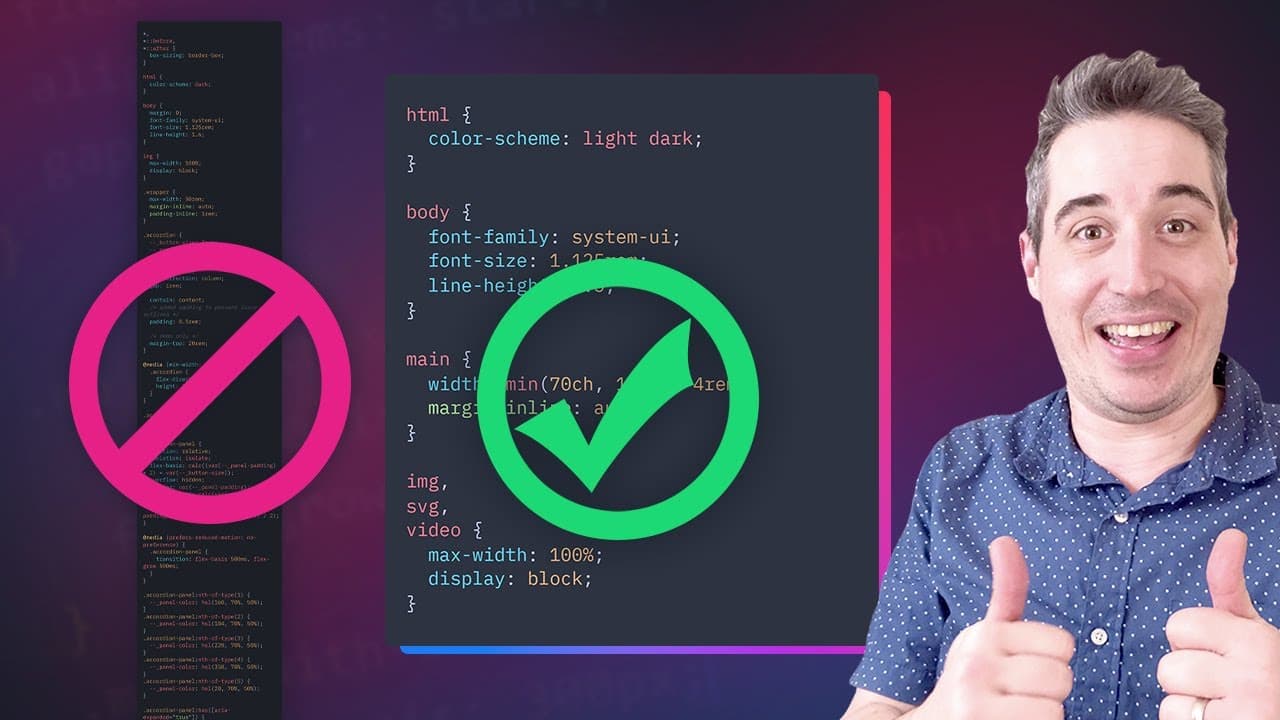
Learn how to create a responsive website with minimal CSS to improve efficiency and reduce coding errors.
Transcript
hi there my front end friends if you know me you know I love CSS but one thing I often advocate for is actually writing less CSS people are often over engineering Solutions and running into problems so we're going to take a look at this absolutely beauty of a website that we have right here and see how we can write the least amount of CSS possible ... Read More
Key Insights
- 👨💻 Writing minimal CSS for a responsive website improves efficiency and reduces the chances of coding errors.
- 😫 Setting a max width and using display block for images helps to avoid overflow issues and improves responsiveness.
- 🫥 Making small adjustments to font family, line height, and font size can greatly enhance the appearance of a website with minimal CSS.
- 👻 Implementing a color scheme property allows the website to adapt to the user's system preferences, such as offering a dark mode option.
- 🫥 A few lines of CSS can create a responsive website that looks better than many existing websites.
- 🤗 Opening the responsive mode in dev tools helps to test the website's responsiveness at different screen sizes.
- ❓ Starting with a minimal CSS approach provides a solid foundation that can be further improved upon.
Install to Summarize YouTube Videos and Get Transcripts
Explore YouTube Video Summarizer or Get YouTube Transcript Extractor
Questions & Answers
Q: Why is it important to write less CSS for a responsive website?
Writing less CSS for a responsive website helps to avoid over-engineering and potential coding errors. It improves efficiency and makes maintenance easier.
Q: How can you make images responsive with minimal CSS?
You can make images responsive by setting a max width of 100% and using display block to remove any annoying space below the images.
Q: What are some ways to improve the appearance of a website with minimal CSS?
You can change the font family, increase line height, and adjust the base font size to make the website look better. These small changes can have a significant impact on the overall appearance.
Q: How can you implement a dark mode option for the website?
By adding a color scheme property to the HTML element with "light" and "dark" values, the website can adapt to the user's system preferences. You can also provide a user toggle to choose between light and dark mode.
Summary & Key Takeaways
-
Over-engineering CSS can lead to problems, so it's important to write minimal CSS for a responsive website.
-
By setting a max width and display block for images, you can avoid overflow issues and improve the responsiveness of the site.
-
Changing the font family, increasing line height, and adjusting the base font size can make the website look better without extensive CSS coding.
Read in Other Languages (beta)
Share This Summary 📚
Summarize YouTube Videos and Get Video Transcripts with 1-Click
Try YouTube Summary with ChatGPT & Claude or YouTube Transcript Generator
Explore More Summaries from Kevin Powell 📚

Summarize YouTube Videos and Get Video Transcripts with 1-Click
Try YouTube Summary with ChatGPT & Claude or YouTube Transcript Generator