Products
Features
YouTube Video Summarizer
Summarize YouTube videos
Web & PDF Highlighter
Highlight web pages & PDFs
Chat with PDF
Ask any PDF questions with AI
Ask AI Clone
Chat with your highlights & memories
Audio Transcriber
Transcribe audio files to text
Glasp Reader
Read and highlight articles
Kindle Highlight Export
Export your Kindle highlights
Idea Hatch
Hatch ideas from your highlights
Integrations
Obsidian Plugin
Notion Integration
Pocket Integration
Instapaper Integration
Medium Integration
Readwise Integration
Snipd Integration
Hypothesis Integration
Apps & Extensions
Chrome Extension
Safari Extension
Edge Add-ons
Firefox Add-ons
iOS App
Android App
Discover
Discover
Ideas
Discover new ideas and insights
Articles
Curated articles and insights
Books
Book recommendations by great minds
Posts
Essays and notes from readers
Quotes
Inspiring quotes collection
Videos
Curated videos and summaries
Explore Glasp
Glasp Newsletter
Weekly insights and updates
Glasp Talk
Interview series with great minds
Glasp Blog
Latest news and articles
Glasp Use Cases
Learn how others use Glasp
Build & Support
Glasp API
Access Glasp's API for developers
MCP Connector
Connect Glasp to Claude & ChatGPT
Community
Glasp Reddit Community
Students
Student discount and benefits
FAQs
Frequently Asked Questions
AboutPricing
DashboardLog inSign up

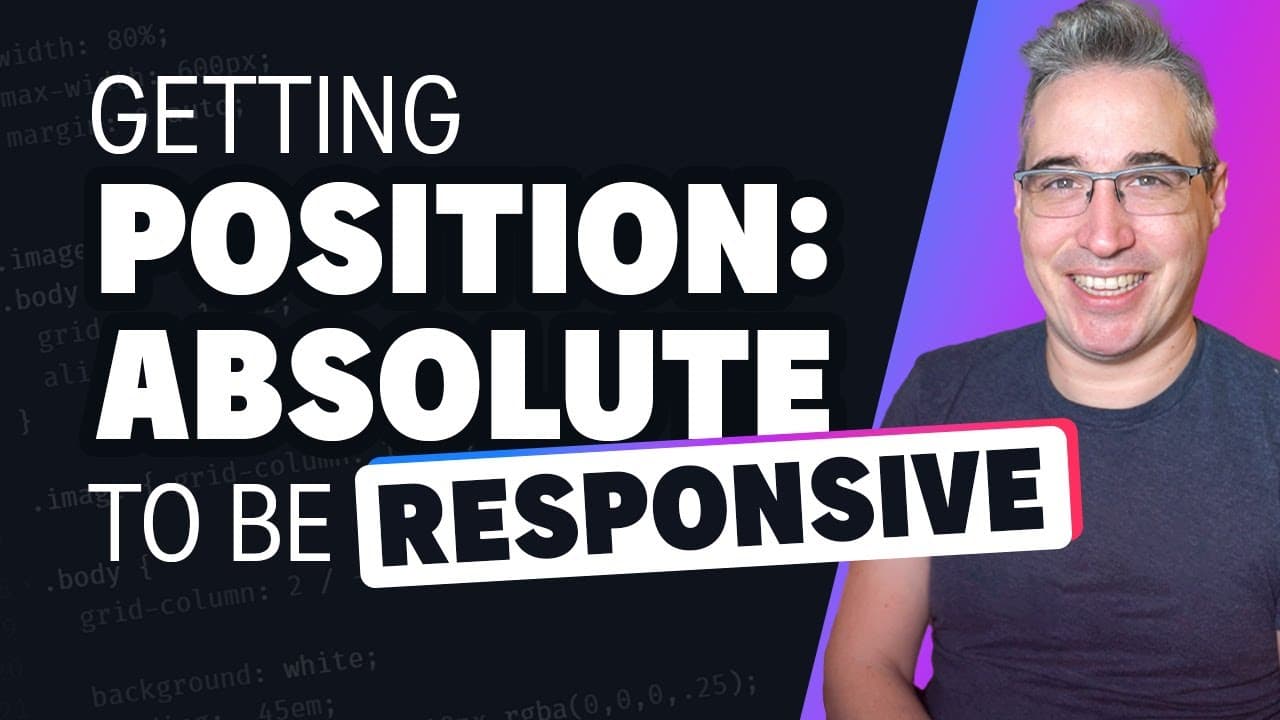
Position absolute and responsive layouts
78.5K views
•
January 19, 2023
by
Kevin Powell
YouTube video player
Position absolute and responsive layouts

TL;DR

Learn how to use position absolute in a responsive way by understanding the concept of a containing block and using relative positioning.

Transcript

one thing I've noticed is a lot of people really struggle with using position absolute when it comes to making responsive designs and of course we need to make everything responsive and position absolute maybe the first thing is maybe don't use it if you can avoid it but sometimes it is the better solution or sometimes you're stuck having to use it... Read More

Key Insights

  • 🔍 Position absolute can be challenging for making responsive designs, but it can work well when used correctly.

Install to Summarize YouTube Videos and Get Transcripts

Explore YouTube Video Summarizer or Get YouTube Transcript Extractor

Questions & Answers

Q: How can position absolute be used to create responsive designs?

Position absolute can be made responsive by using a containing block and relative positioning. This locks the absolute elements into a specific space, allowing them to respond to different screen sizes.

Q: What is the importance of a containing block in using position absolute?

A containing block defines the space within which position absolute elements will be positioned. It is important to set the containing block relative to ensure accurate positioning of absolute elements.

Q: How can custom properties and grid be used with position absolute for responsive layouts?

Custom properties can be used to set values for absolute element positioning within a specific context. Grid can be used to create responsive layouts, with position absolute elements adapting to the grid structure.

Q: What are some challenges in using position absolute for responsive designs?

One challenge is ensuring that the absolute elements have a defined space to work within, which can be achieved by using a containing block. Another challenge is avoiding magic numbers and finding the right approach for positioning elements based on their context.

Summary & Key Takeaways

  • Position absolute can be tricky to use in responsive designs, but with the right approach, it can be made responsive.

  • By using a containing block and relative positioning, elements within position absolute can be locked into a specific space and respond to different screen sizes.

  • Custom properties and grid can also be used to create responsive layouts with position absolute.


Read in Other Languages (beta)

English

Share This Summary 📚

Summarize YouTube Videos and Get Video Transcripts with 1-Click

Download browser extensions on:

Try YouTube Summary with ChatGPT & Claude or YouTube Transcript Generator

Explore More Summaries from Kevin Powell 📚
1 million subs! thumbnail
1 million subs!
Kevin Powell
CSS gap is NOT a replacement for margins thumbnail
CSS gap is NOT a replacement for margins
Kevin Powell
5 CSS fouls that I see way too often thumbnail
5 CSS fouls that I see way too often
Kevin Powell
One of the most common CSS issues people run into thumbnail
One of the most common CSS issues people run into
Kevin Powell
HTML & CSS for Beginners Part 4: Bold and Italic text and HTML comments thumbnail
HTML & CSS for Beginners Part 4: Bold and Italic text and HTML comments
Kevin Powell
More CSS quick tips thumbnail
More CSS quick tips
Kevin Powell

Summarize YouTube Videos and Get Video Transcripts with 1-Click

Download browser extensions on:

Try YouTube Summary with ChatGPT & Claude or YouTube Transcript Generator

Apps & Extensions

  • Chrome Extension
  • Safari Extension
  • Edge Add-ons
  • Firefox Add-ons
  • iOS App
  • Android App

Key Features

  • YouTube Video Summarizer
  • Web & PDF Summarizer
  • Web & PDF Highlighter
  • Chat with PDF
  • Ask AI Clone
  • Audio Transcriber
  • Glasp Reader
  • Kindle Highlight Export
  • Idea Hatch

Integrations

  • Obsidian Plugin
  • Notion Integration
  • Pocket Integration
  • Instapaper Integration
  • Medium Integration
  • Readwise Integration
  • Snipd Integration
  • Hypothesis Integration

More Features

  • APIs
  • MCP Connector
  • Blog & Post
  • Embed Links
  • Image Highlight
  • Personality Test
  • Quote Shots

Company

  • About us
  • Blog
  • Community
  • FAQs
  • Job Board
  • Newsletter
  • Pricing
Terms

•

Privacy

•

Guidelines

© 2026 Glasp Inc. All rights reserved.