Unstructured Document Processing with Power Apps and AI Builder
TL;DR
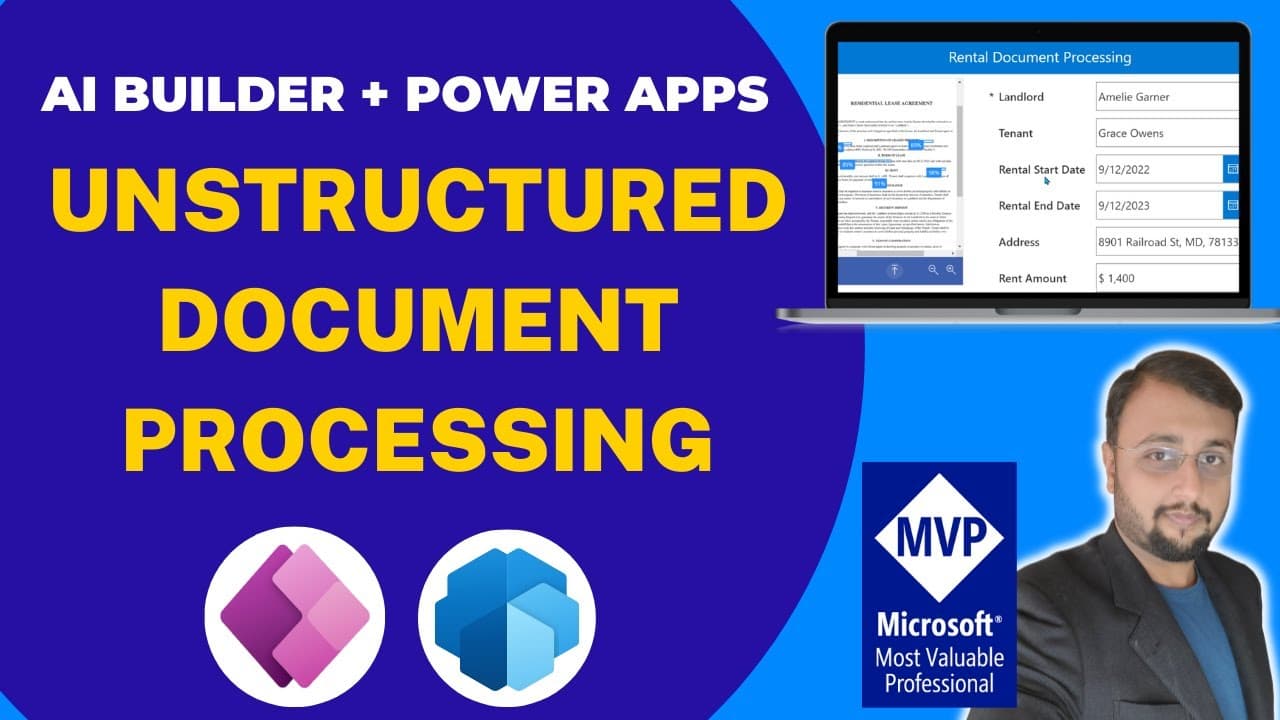
Learn how to use the newly rolled out feature in Power Platform AI Builder to process unstructured documents, such as rental agreements, and automate the extraction of information.
Transcript
hey makers this is ruvin and today i am going to talk about the newly rolled out feature in power platform ai builder which is processing the unstructured document we all aware about the form processing model where we have structured document and we were able to process those documents but let's say for an example sometimes we have a requirement wh... Read More
Key Insights
- 📜 Power Platform AI Builder now supports processing unstructured documents, expanding its capabilities beyond structured document processing models.
- 📜 The unstructured document processing feature can be useful in various industries, such as real estate (rental agreements) and human resources (resume processing).
- 👻 The tagging process for fields in the documents allows the AI model to extract the relevant information accurately.
- 🚂 Training the AI Builder model requires uploading a sufficient number of documents and carefully tagging their fields.
- 💁 After training, the model can be tested and utilized in PowerApps to automate the extraction of information from unstructured documents.
- 👤 PowerApps can be used to create user-friendly interfaces for document processing, allowing users to upload and process documents seamlessly.
- ℹ️ The extracted information can be stored in SharePoint lists or other data sources for further processing and analysis.
Install to Summarize YouTube Videos and Get Transcripts
Explore YouTube Video Summarizer or Get YouTube Transcript Extractor
Questions & Answers
Q: What type of documents can be processed using the AI Builder's unstructured document processing feature?
AI Builder can process various types of unstructured documents, including rental agreements, resumes, contracts, and more.
Q: Can the AI Builder model be trained using a small number of documents?
While a minimum of 5 documents is required for training, it is recommended to upload 15 to 20 documents for better results.
Q: How can fields be tagged in the documents for extraction?
There are multiple techniques for tagging fields, such as drawing rectangles around the field, selecting consecutive words with Ctrl or Shift key, or continuing tagging for multiple words.
Q: Can fields be untagged or removed from the model?
Yes, fields can be unticked or removed from the model by selecting the field and clicking on the respective options.
Summary & Key Takeaways
-
Power Platform AI Builder now supports processing unstructured documents, making it easier to extract information from documents like rental agreements.
-
This feature can be applied in various use cases, such as processing resumes in different formats in HR systems.
-
The video provides a step-by-step demonstration of creating a rental document processing PowerApp, where users can upload scanned copies of documents to extract information automatically.
Read in Other Languages (beta)
Share This Summary 📚
Summarize YouTube Videos and Get Video Transcripts with 1-Click
Try YouTube Summary with ChatGPT & Claude or YouTube Transcript Generator
Explore More Summaries from Dhruvin Shah 📚
Summarize YouTube Videos and Get Video Transcripts with 1-Click
Try YouTube Summary with ChatGPT & Claude or YouTube Transcript Generator