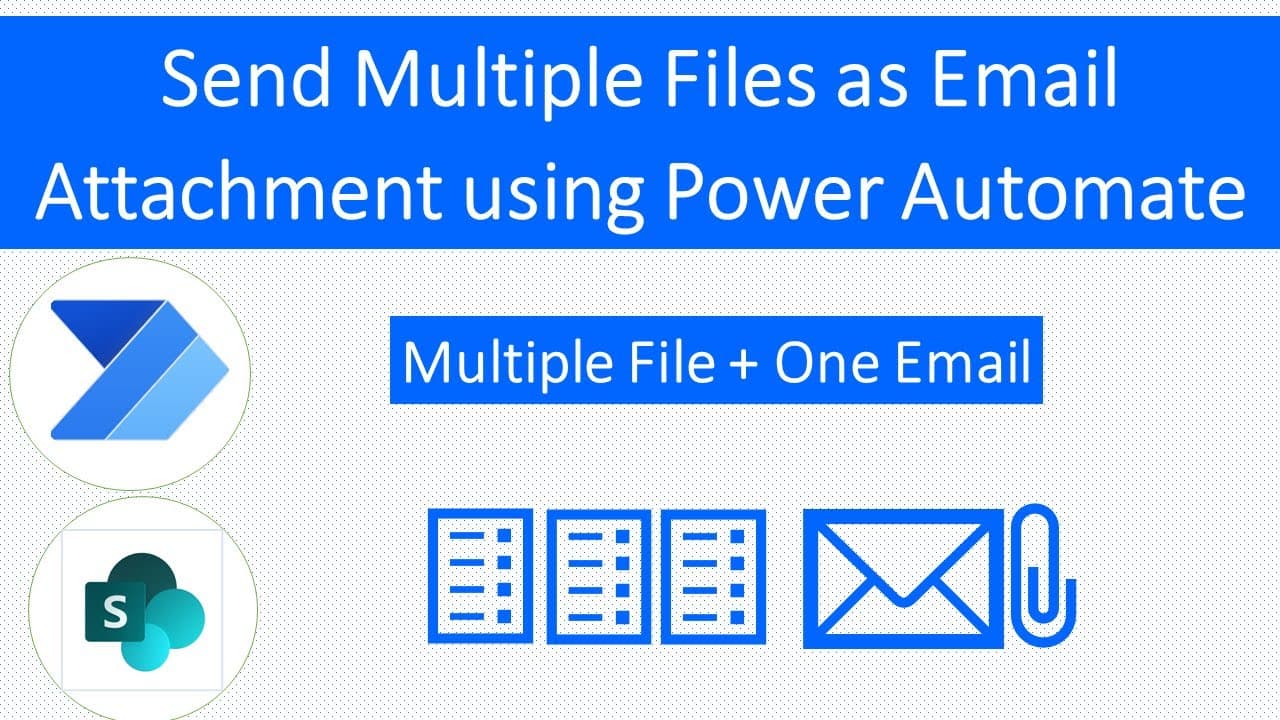
Dynamically Send Multiple Files as Email Attachment in Single Email using Power Automate
TL;DR
Learn how to use Power Automate to attach multiple files as email attachments dynamically when a new item is created in a SharePoint list.
Transcript
hey makers this is druveen and in this session i am going to talk about how you can attach multiple file as an attachment dynamically when your item is created into your sharepoint list this is the most requested topic from my youtube channel where people are asking that how we can attach multiple files at a single go in a dynamic manner so let's t... Read More
Key Insights
- 📁 This tutorial addresses the highly requested functionality of attaching multiple files dynamically in SharePoint using Power Automate.
- 📁 The process involves triggering the flow on item creation, retrieving file properties, getting file content, and appending the content to an array variable.
- 💌 The final step is sending an email with the multiple attachments, enabling efficient communication in SharePoint.
- 🤩 The tutorial emphasizes the importance of understanding array variables and appending file content as the key principles in achieving this functionality.
- 💁 The creator of the content has launched an Instagram page where they share additional tips and tricks related to Power Platform.
- 🫵 They also provide a GitHub repository where viewers can access the template for the Power Automate flow discussed in the tutorial.
- 💬 The content creator encourages engagement from viewers, inviting questions and comments in the comment section of the video.
Install to Summarize YouTube Videos and Get Transcripts
Explore YouTube Video Summarizer or Get YouTube Transcript Extractor
Questions & Answers
Q: Why is attaching multiple files dynamically a common request for SharePoint users?
Attaching multiple files dynamically allows users to automate the process of sending relevant documents as email attachments, saving time and effort compared to manual attachment selection.
Q: How can I access the template for this Power Automate flow?
The template for this flow can be downloaded from the creator's GitHub repository, ensuring easy access and implementation.
Q: Can I customize the email subject and body in the flow?
Yes, you can customize the email subject and body to suit your specific requirements. The tutorial provides an example subject and body text but encourages customization to fit your needs.
Q: Are there any limitations to the number of files that can be attached using this method?
There are no explicit limitations mentioned in the content, suggesting that you can attach any number of files dynamically by following the provided steps.
Key Insights:
- This tutorial addresses the highly requested functionality of attaching multiple files dynamically in SharePoint using Power Automate.
- The process involves triggering the flow on item creation, retrieving file properties, getting file content, and appending the content to an array variable.
- The final step is sending an email with the multiple attachments, enabling efficient communication in SharePoint.
- The tutorial emphasizes the importance of understanding array variables and appending file content as the key principles in achieving this functionality.
- The creator of the content has launched an Instagram page where they share additional tips and tricks related to Power Platform.
- They also provide a GitHub repository where viewers can access the template for the Power Automate flow discussed in the tutorial.
- The content creator encourages engagement from viewers, inviting questions and comments in the comment section of the video.
- The tutorial concludes by providing links to the creator's social media handles, website for consultancy or training, and other related channels and platforms.
Summary & Key Takeaways
-
The content discusses the process of dynamically attaching multiple files as email attachments when creating a new item in a SharePoint list.
-
The tutorial provides step-by-step instructions on setting up a Power Automate (formerly Microsoft Flow) flow to achieve this functionality.
-
The key steps involve triggering the flow on item creation, retrieving file properties from a document library, getting file content, appending file content to an array variable, and finally sending an email with the multiple attachments.
Read in Other Languages (beta)
Share This Summary 📚
Summarize YouTube Videos and Get Video Transcripts with 1-Click
Try YouTube Summary with ChatGPT & Claude or YouTube Transcript Generator
Explore More Summaries from Dhruvin Shah 📚
Summarize YouTube Videos and Get Video Transcripts with 1-Click
Try YouTube Summary with ChatGPT & Claude or YouTube Transcript Generator