Save our Software - Computerphile
TL;DR
Archiving and emulating old software is crucial to preserve data for future use and requires proper understanding of compression formats and emulation techniques.
Transcript
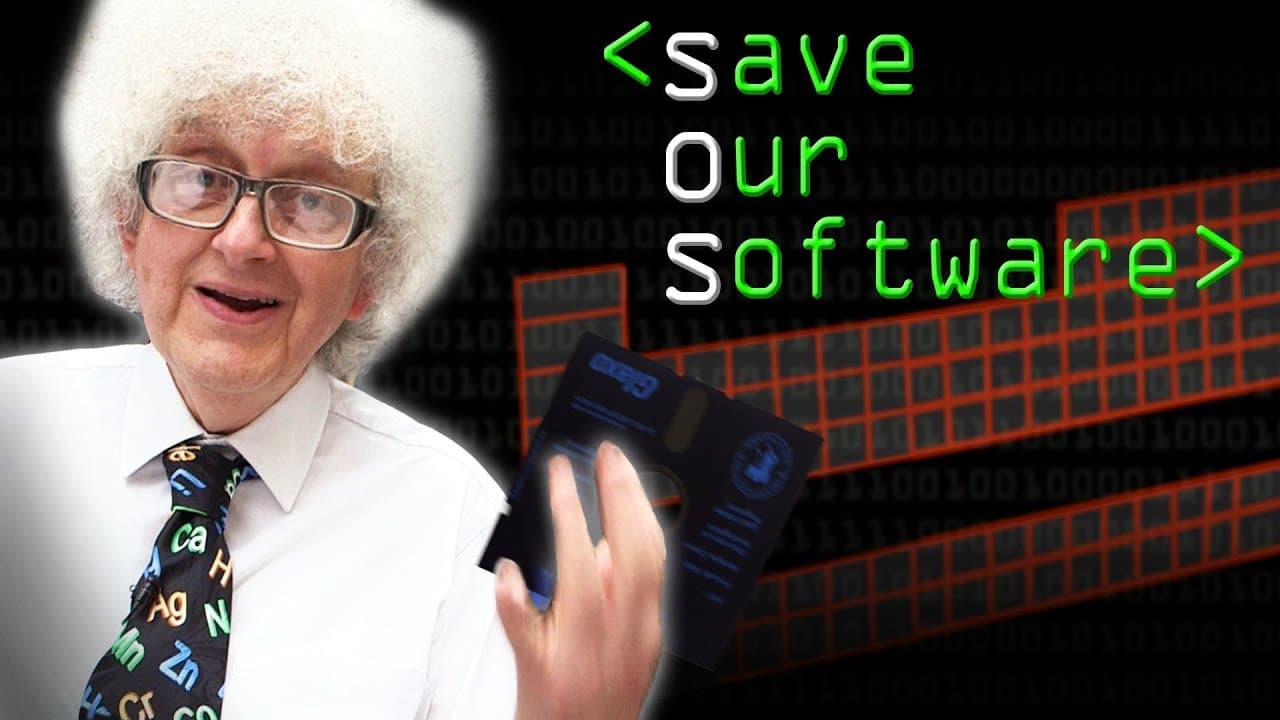
what we've got here is a piece of software that martin polyakov of periodic videos commissioned back in the 80s enabled people a level students to test their chemistry knowledge and if you look on periodic videos perhaps they were running out of storage space you'll see a video where martin and i get this up and running on the bbc micro and actuall... Read More
Key Insights
- 🥶 Archiving and emulating old software allows for the preservation of historical data and knowledge.
- 👾 The choice between compressed and uncompressed formats for archiving data depends on balancing storage space and accessibility concerns.
- 🥶 Emulation of old software requires copying the data and replicating the original system to ensure compatibility.
- 📂 Open-source emulators and common file formats can simplify the process of archiving and emulating software for future use.
- 👻 Emulated software can be hosted on web pages using JavaScript emulators, enhancing accessibility and usability.
- 💾 Hardware limitations, such as finding compatible floppy drives, can be overcome through network transfers or alternative copying methods.
- 🏃 Archiving software should aim to include the necessary components for running the software, such as emulators, to ensure its functionality in the future.
Install to Summarize YouTube Videos and Get Transcripts
Explore YouTube Video Summarizer or Get YouTube Transcript Extractor
Questions & Answers
Q: Why is it important to archive and emulate old software?
Archiving and emulating old software is crucial to preserve historical data and knowledge, allowing future generations to access and understand the technology of the past. It also ensures compatibility and usability of old software on modern computers.
Q: What challenges are involved in archiving compressed files for long-term access?
Archiving compressed files, such as JPEGs and raw files, presents challenges in terms of long-term accessibility. While JPEGs are widely supported, raw files may become less accessible over time. Converting them to a more common format may ensure future accessibility but also increases storage space requirements.
Q: How can old software be emulated on modern computers?
Emulating old software requires copying the data and emulating the complete system it was originally intended to run on. This may involve using emulators specific to the original platform and ensuring the data is readable and compatible within the emulation environment.
Q: How can archiving and emulating software be simplified?
There are various ways to simplify the archiving and emulation process, such as using open-source emulators, converting data to common file formats, and creating user-friendly interfaces for running emulated software.
Summary & Key Takeaways
-
Martin Polyakov commissioned a software in the 80s to test chemistry knowledge, which can now be emulated on modern computers using appropriate emulators.
-
Compressed files, such as JPEGs and raw files, require careful consideration when archiving for long-term access and storage.
-
Emulating old software, like Martin's chemistry games, not only involves copying the data but also emulating the complete system it was meant to run on.
Read in Other Languages (beta)
Share This Summary 📚
Summarize YouTube Videos and Get Video Transcripts with 1-Click
Try YouTube Summary with ChatGPT & Claude or YouTube Transcript Generator
Explore More Summaries from Computerphile 📚




Summarize YouTube Videos and Get Video Transcripts with 1-Click
Try YouTube Summary with ChatGPT & Claude or YouTube Transcript Generator