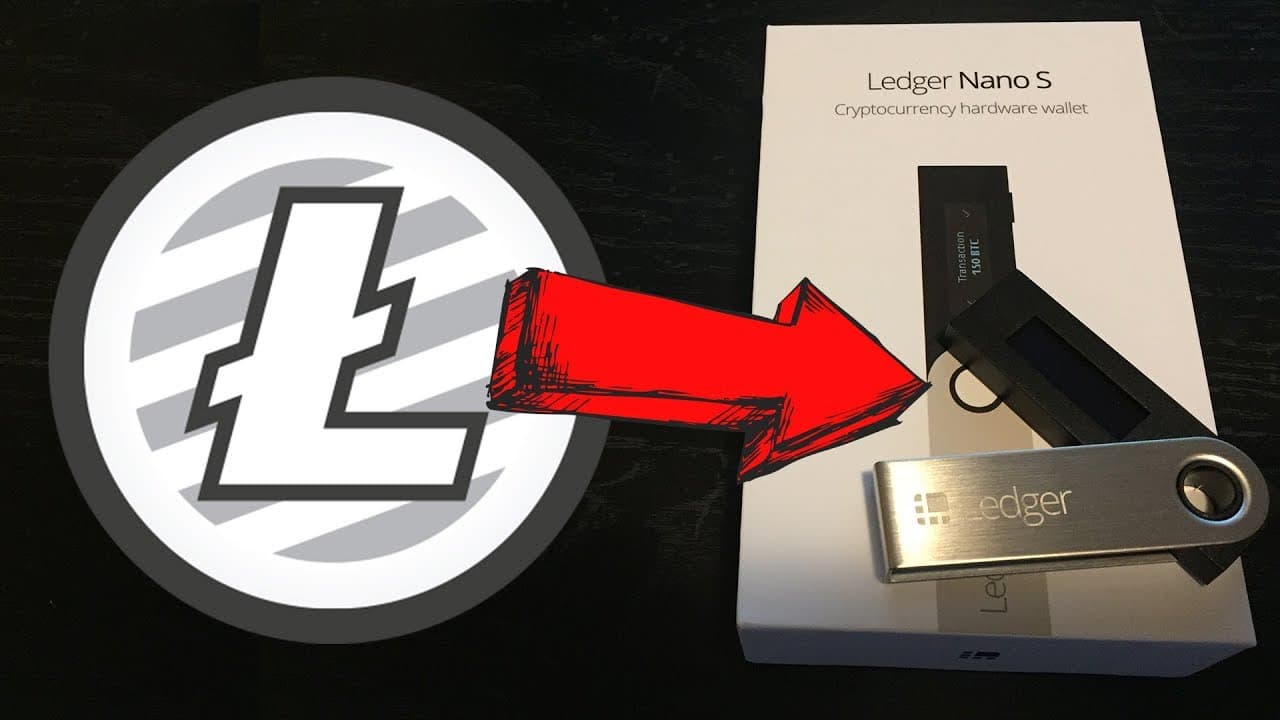
HOW TO STORE LITECOIN + OTHER CRYPTOS ON A LEDGER NANO S (Hardware Wallet)
TL;DR
Learn how to add different cryptocurrencies to a Ledger Nano S hardware wallet and find out how to protect your wallet and recovery phrase in case of loss or theft.
Transcript
what's going on you guys so I just recently did a video showing you how to set up a Leger nano s cryptocurrency hardware wallet and I had a few people ask some questions so I kind of wanted to clear some things up and also show you guys how to add other cryptocurrencies to this wallet because a lot of people are under the misconception that the onl... Read More
Key Insights
- 🎅 Ledger Nano S can store multiple cryptocurrencies, and users simply need to add the respective applications to the device.
- 😚 Losing the hardware wallet does not mean losing access to your cryptocurrencies if you have stored the recovery phrase securely.
- 🎅 Authenticity and security are crucial when purchasing a Ledger Nano S, and users should take precautions to ensure they receive a genuine device.
- 🈸 The process of adding different cryptocurrencies to the Ledger Nano S involves installing the Bitcoin Chrome application, the Ledger Manager, and the specific application for the desired cryptocurrency.
- 🈸 Disabling browser support for the specific cryptocurrency application is necessary for accessing the wallet through the Bitcoin Chrome application.
Install to Summarize YouTube Videos and Get Transcripts
Explore YouTube Video Summarizer or Get YouTube Transcript Extractor
Questions & Answers
Q: What happens if you lose your Ledger Nano S hardware wallet?
If you lose your hardware wallet but have the recovery phrase stored safely, you can set up a new device and recover your account. Only losing both the wallet and recovery phrase would result in the loss of your cryptocurrencies.
Q: How do I access my account if I forget my password for the Ledger Nano S?
If you forget your password, you can use the recovery phrase to regain access to your device. It is important to keep the recovery phrase securely.
Q: How can I ensure the authenticity of a Ledger Nano S device when purchasing?
When purchasing a Ledger Nano S, ensure it comes in a sealed package. You can even take the device apart to check for tampering. Avoid devices that come in opened packages, as they may have been tampered with.
Q: Can I store cryptocurrencies other than Bitcoin and Ethereum on a Ledger Nano S?
Yes, you can store a variety of cryptocurrencies on a Ledger Nano S. The device supports many popular coins such as Litecoin, Bitcoin Cash, Ethereum, Dogecoin, and Ripple.
Summary & Key Takeaways
-
The Ledger Nano S can store more than just Bitcoin or Ethereum; it can store dozens of different cryptocurrencies.
-
Losing the hardware wallet does not mean losing your cryptocurrencies. As long as you have the recovery phrase, you can set up a new device and regain access to your account.
-
It is recommended to keep the Ledger Nano S in a safe place and store the recovery phrase securely, such as in a safety deposit box or with a trusted friend.
Read in Other Languages (beta)
Share This Summary 📚
Summarize YouTube Videos and Get Video Transcripts with 1-Click
Try YouTube Summary with ChatGPT & Claude or YouTube Transcript Generator
Explore More Summaries from Ryan Scribner 📚






Summarize YouTube Videos and Get Video Transcripts with 1-Click
Try YouTube Summary with ChatGPT & Claude or YouTube Transcript Generator