Adding FTP Access to my Minecraft Server Hosting System | DevLog #6
TL;DR
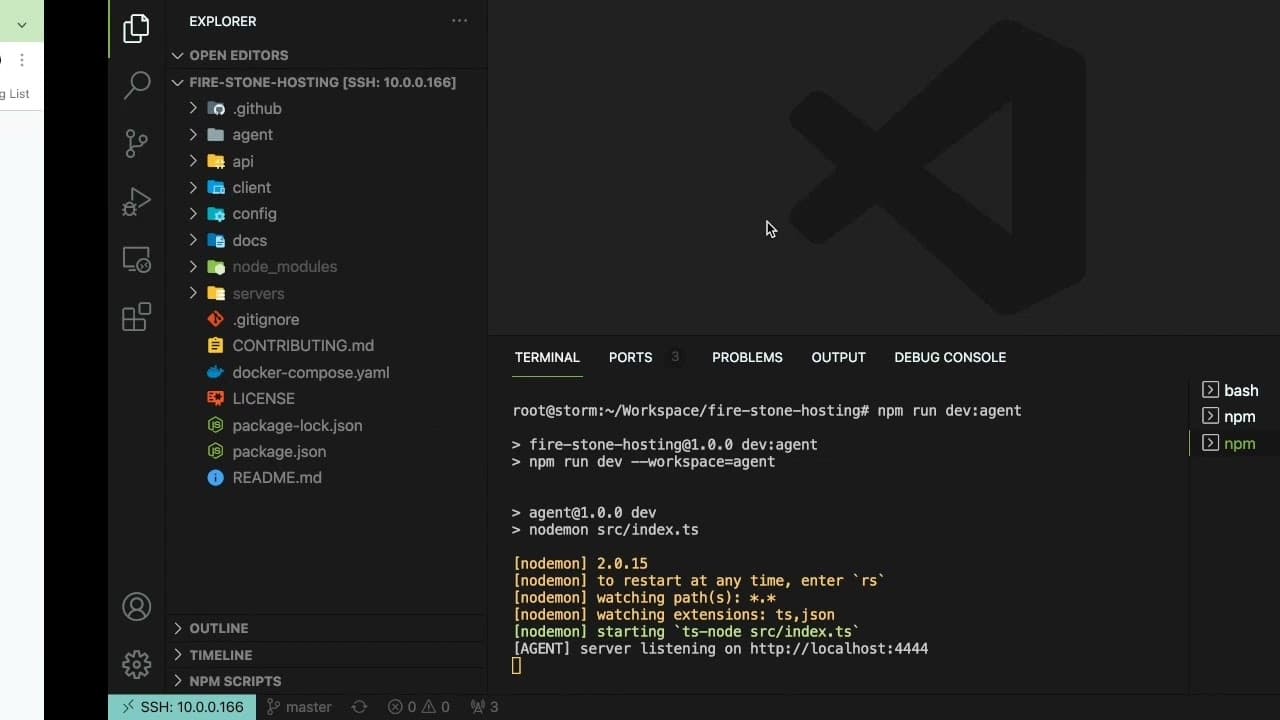
The creator shares progress on a Minecraft server hosting project, including FTP integration and server management.
Transcript
how's it going everyone i want to give another devlog video update of my minecraft server hosting system so if you're interested in learning more about this project i'm working on be sure to stick around and be sure to subscribe if you're new to this channel um so basically i've been working on a system where you can come in and kind of rent a mine... Read More
Key Insights
- 🛟 The project uses Docker to streamline server management, allowing for multiple Minecraft servers to run simultaneously.
- 📁 Integration of FTP access vastly improves users' ability to manage files, giving them direct control over their gaming experience.
- 😀 The creator faces ongoing technical challenges, particularly concerning file transfer permissions, indicating a typical hurdle in software development.
- 🤗 The project demonstrates a practical application of programming skills, showcasing learning through hands-on development.
- 🖐️ Community engagement plays a crucial role in the project's evolution as it invites user input for features and troubleshooting.
- 💦 Working with remote servers and SSH connections is highlighted as a vital skill in modern software development.
- 👤 Security measures are emphasized, with strategies in place to isolate user environments and protect sensitive data.
Install to Summarize YouTube Videos and Get Transcripts
Explore YouTube Video Summarizer or Get YouTube Transcript Extractor
Questions & Answers
Q: What are the main features of the Minecraft server hosting system being developed?
The main features include the ability for clients to rent Minecraft servers easily, an FTP server for file management, and a setup that utilizes Docker for efficient resource management. This structure allows users to connect through FTP clients for direct control over their game files, worlds, and server configurations.
Q: How does the FTP server work with the Minecraft server?
The FTP server operates by creating isolated docker containers for each client, allowing them to connect through their individual FTP servers. This setup prevents security risks such as one client accessing another's server files, and it utilizes a shared directory for efficient file access and management between the two servers.
Q: What challenges did the creator face when integrating the FTP feature?
The creator encountered issues related to file permissions that prevented file uploads through the FTP server. They explored various configurations and ultimately resolved the problem by adjusting permissions on the server folder, which improved accessibility for file transfers and uploads.
Q: Why is Docker used in this project?
Docker is utilized to encapsulate the Minecraft servers and associated services in containers, allowing for easy deployment, scaling, and management. This technology abstracts the server environment and helps in resource isolation, enabling the developer to run multiple servers efficiently on the same hardware without conflicts.
Q: What kind of feedback is the creator seeking from viewers?
The creator invites viewers to provide suggestions for additional features, troubleshooting advice, and general feedback on the development process. This engagement fosters a sense of community and helps the creator incorporate helpful ideas into the ongoing project enhancements.
Q: How does the creator plan to improve the system?
The creator aims to resolve existing issues like permissions for file uploads and enhance the overall user experience by continually developing new features based on user feedback. They express enthusiasm for documenting the learning process and sharing insights with the community.
Summary & Key Takeaways
-
The developer is building a Minecraft server hosting system that allows users to rent servers with Docker support, making server management efficient and scalable.
-
A newly added FTP server feature enables clients to access and modify their server files via FTP clients like FileZilla, fostering greater control over their server environments.
-
The video highlights ongoing challenges, including permissions for file uploads, and invites community feedback on improvements and future features.
Read in Other Languages (beta)
Share This Summary 📚
Summarize YouTube Videos and Get Video Transcripts with 1-Click
Try YouTube Summary with ChatGPT & Claude or YouTube Transcript Generator
Explore More Summaries from Web Dev Cody 📚





Summarize YouTube Videos and Get Video Transcripts with 1-Click
Try YouTube Summary with ChatGPT & Claude or YouTube Transcript Generator