Hacking with Raspberry Pi on Parrot OS (hacking 101)
TL;DR
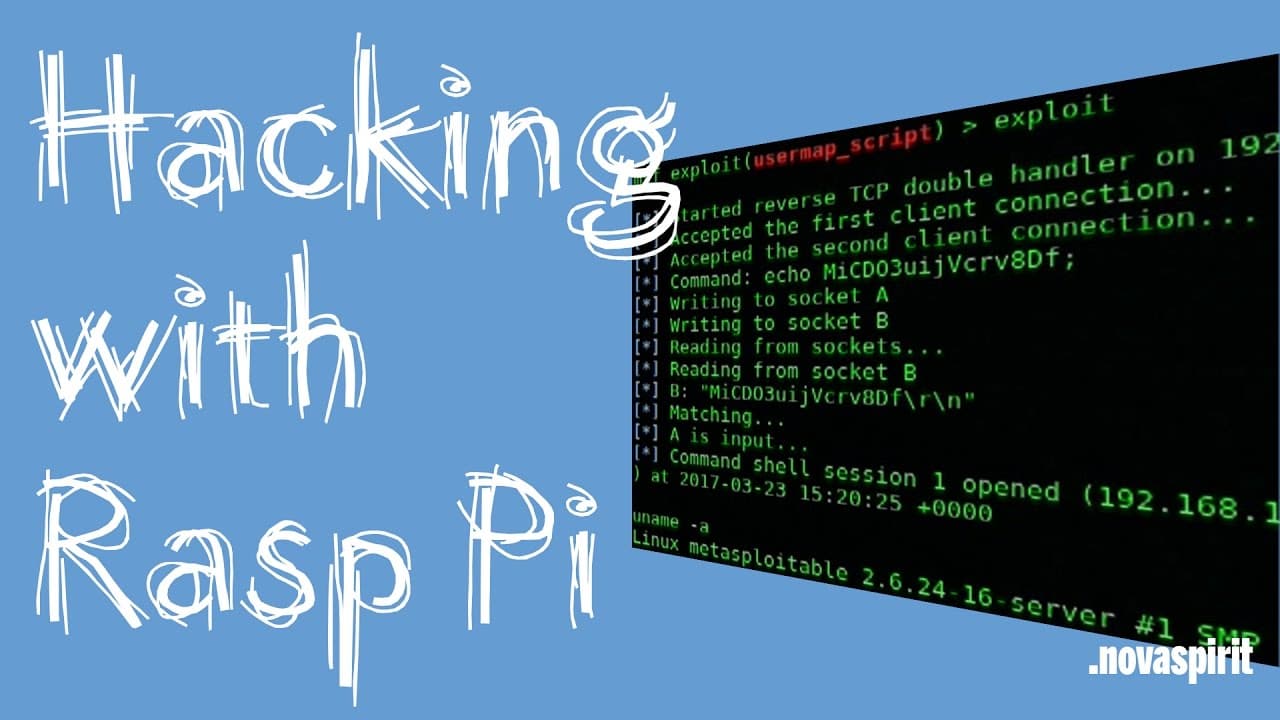
This video demonstrates installing Parrot OS and hacking Metasploitable 2.
Transcript
hey guys what's going on it's Don here from nova spirit Tech and today I'm going to be demoing the install of parrot OS, I really didn't get a chance to demo it I just basically showed you guys how to install it and stuff like that so here we are we're going to be hacking a vulnerable operating system called metasploitable 2 using parrot OS so let'... Read More
Key Insights
- 👤 Parrot OS is an effective platform for ethical hacking, offering a user-friendly interface and powerful tools.
- 🛟 Metasploitable 2 serves as a secure environment for learning hacking techniques without legal implications.
- 🔨 Nmap is recognized as a vital tool in ethical hacking for network reconnaissance and vulnerability assessment.
- 🐕🦺 Understanding the underlying protocols and services of an operating system is crucial for successful exploitation.
- 👊 Using Metasploit can significantly streamline the process of launching attacks by simplifying exploit selection and configuration.
- 🤗 The demonstration emphasizes hands-on practice as a method to gain confidence in using hacking tools.
- ❓ Ethical considerations are paramount; this demonstration focuses on educational and legal hacking practices.
Install to Summarize YouTube Videos and Get Transcripts
Explore YouTube Video Summarizer or Get YouTube Transcript Extractor
Questions & Answers
Q: What is the purpose of using Metasploitable 2 in this demonstration?
Metasploitable 2 is designed as a deliberately vulnerable operating system, making it ideal for beginners in ethical hacking to practice their skills and test tools without causing harm to real systems. Its vulnerabilities are documented, which helps learners understand how to exploit them.
Q: Why is Nmap used before running Metasploit in the video?
Nmap is employed to scan the target system for open ports and services. This initial step is essential to identify potential vulnerabilities that can be exploited during the hacking process. By discovering which ports are open, hackers can focus their efforts on known exploits linked to these services.
Q: How does the Metasploit Framework assist in the hacking process?
The Metasploit Framework provides a robust platform with a plethora of pre-packaged exploits and tools that simplify the hacking process. In the video, Metasploit is used to set up and execute attacks against the identified vulnerabilities of the Metasploitable 2 system, significantly speeding up the exploitation phase.
Q: What command is used to initiate a scan with Nmap, and what does it target?
The command used is "nmap -p 139,445 [target IP]". This command specifically targets the Samba service ports commonly used in Windows and some Linux systems. Scanning these ports is crucial to identify any vulnerabilities for potential exploitation.
Summary & Key Takeaways
-
The video provides a step-by-step guide for installing Parrot OS and using it to hack into Metasploitable 2, a deliberately vulnerable operating system.
-
Key tools highlighted for the hacking process include Metasploit and Nmap, which help identify vulnerabilities and exploit them effectively.
-
The demonstration shows how to set up a virtual machine for Metasploitable 2, run scans, and successfully exploit vulnerabilities.
Read in Other Languages (beta)
Share This Summary 📚
Summarize YouTube Videos and Get Video Transcripts with 1-Click
Try YouTube Summary with ChatGPT & Claude or YouTube Transcript Generator
Explore More Summaries from Novaspirit Tech 📚






Summarize YouTube Videos and Get Video Transcripts with 1-Click
Try YouTube Summary with ChatGPT & Claude or YouTube Transcript Generator