Products
Features
YouTube Video Summarizer
Summarize YouTube videos
Web & PDF Highlighter
Highlight web pages & PDFs
Chat with PDF
Ask any PDF questions with AI
Ask AI Clone
Chat with your highlights & memories
Audio Transcriber
Transcribe audio files to text
Glasp Reader
Read and highlight articles
Kindle Highlight Export
Export your Kindle highlights
Idea Hatch
Hatch ideas from your highlights
Integrations
Obsidian Plugin
Notion Integration
Pocket Integration
Instapaper Integration
Medium Integration
Readwise Integration
Snipd Integration
Hypothesis Integration
Apps & Extensions
Chrome Extension
Safari Extension
Edge Add-ons
Firefox Add-ons
iOS App
Android App
Discover
Discover
Ideas
Discover new ideas and insights
Articles
Curated articles and insights
Books
Book recommendations by great minds
Posts
Essays and notes from readers
Quotes
Inspiring quotes collection
Videos
Curated videos and summaries
Explore Glasp
Glasp Newsletter
Weekly insights and updates
Glasp Talk
Interview series with great minds
Glasp Blog
Latest news and articles
Glasp Use Cases
Learn how others use Glasp
Build & Support
Glasp API
Access Glasp's API for developers
MCP Connector
Connect Glasp to Claude & ChatGPT
Community
Glasp Reddit Community
Students
Student discount and benefits
FAQs
Frequently Asked Questions
AboutPricing
DashboardLog inSign up

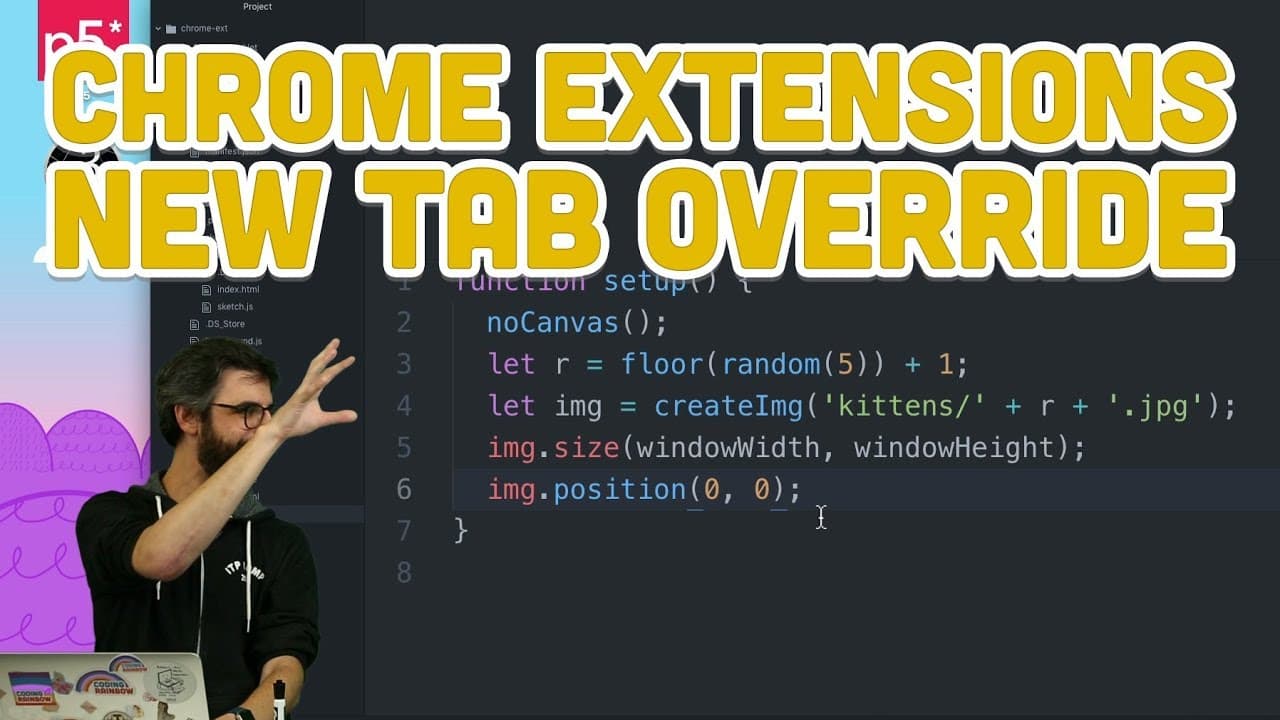
11.7: Chrome Extensions: New Tab Override - Programming with Text
54.8K views
•
November 27, 2017
by
The Coding Train
YouTube video player
11.7: Chrome Extensions: New Tab Override - Programming with Text

TL;DR

Chrome extensions can override default pages like new tab, allowing custom content for a personalized browsing experience.

Transcript

okay I've got one more probably more than that but at least one more thing to show you about Chrome extensions I'm gonna show you about overrides what is it override so first of all if you use the Chrome browser and you ever hit command T or new tab you get this default page which has a Google search and like shows you some recent web pages that yo... Read More

Key Insights

  • 📑 Chrome extensions can override default pages like new tab, history, and bookmarks.
  • 👶 Users can customize new tab pages with their own content using code in the manifest.json file.
  • 🛃 Displaying daily affirmations, interactive sketches, or random kitten images are examples of custom content.
  • ❓ Errors in Chrome extension overrides can be resolved by fixing syntax issues and reloading the extension.

Install to Summarize YouTube Videos and Get Transcripts

Explore YouTube Video Summarizer or Get YouTube Transcript Extractor

Questions & Answers

Q: How can Chrome extensions be used to override default pages?

Chrome extensions can override default pages like new tab, history, and bookmarks by adding specific code to the manifest.json file. This allows users to create personalized browsing experiences with custom content.

Q: What are some examples of content that can be displayed using Chrome extension overrides?

Users can display daily affirmations, personalized messages, or interactive elements like interactive sketches or random kitten images by utilizing Chrome extension overrides to customize their browsing experience.

Q: How can errors be resolved when creating Chrome extension overrides?

Errors when creating Chrome extension overrides, like extra commas in the JSON file, can be resolved by carefully reviewing the code, removing any syntax errors, saving the file, and reloading the extension to ensure proper functionality.

Q: What possibilities are there for creating custom content with Chrome extension overrides?

With Chrome extension overrides, users can create practical features like weather updates, beautiful visuals, inspirational messages, or any custom content they can imagine, allowing for a highly personalized browsing experience.

Summary & Key Takeaways

  • Chrome extensions can override default pages like new tab, history, and bookmarks.

  • By adding code to the manifest.json file, users can create custom pages for new tabs.

  • Examples include displaying daily affirmations or personalized content like kitten images.


Read in Other Languages (beta)

English

Share This Summary 📚

Summarize YouTube Videos and Get Video Transcripts with 1-Click

Download browser extensions on:

Try YouTube Summary with ChatGPT & Claude or YouTube Transcript Generator

Explore More Summaries from The Coding Train 📚

Coding Challenge #116: Lissajous Curve Table thumbnail
Coding Challenge #116: Lissajous Curve Table
The Coding Train
ITP/IMA Winter Show 2018 thumbnail
ITP/IMA Winter Show 2018
The Coding Train
Computer Mouse Conference Demos! (node.js + tensorflow.js) thumbnail
Computer Mouse Conference Demos! (node.js + tensorflow.js)
The Coding Train
8.1: Fractals - The Nature of Code thumbnail
8.1: Fractals - The Nature of Code
The Coding Train
ITP/IMA Winter Show 2019 thumbnail
ITP/IMA Winter Show 2019
The Coding Train
Coding Challenge #126: Toothpicks thumbnail
Coding Challenge #126: Toothpicks
The Coding Train

Summarize YouTube Videos and Get Video Transcripts with 1-Click

Download browser extensions on:

Try YouTube Summary with ChatGPT & Claude or YouTube Transcript Generator

Apps & Extensions

  • Chrome Extension
  • Safari Extension
  • Edge Add-ons
  • Firefox Add-ons
  • iOS App
  • Android App

Key Features

  • YouTube Video Summarizer
  • Web & PDF Summarizer
  • Web & PDF Highlighter
  • Chat with PDF
  • Ask AI Clone
  • Audio Transcriber
  • Glasp Reader
  • Kindle Highlight Export
  • Idea Hatch

Integrations

  • Obsidian Plugin
  • Notion Integration
  • Pocket Integration
  • Instapaper Integration
  • Medium Integration
  • Readwise Integration
  • Snipd Integration
  • Hypothesis Integration

More Features

  • APIs
  • MCP Connector
  • Blog & Post
  • Embed Links
  • Image Highlight
  • Personality Test
  • Quote Shots

Company

  • About us
  • Blog
  • Community
  • FAQs
  • Job Board
  • Newsletter
  • Pricing
Terms

•

Privacy

•

Guidelines

© 2026 Glasp Inc. All rights reserved.




