How to Install and Run GPT for Alpaca Locally
TL;DR
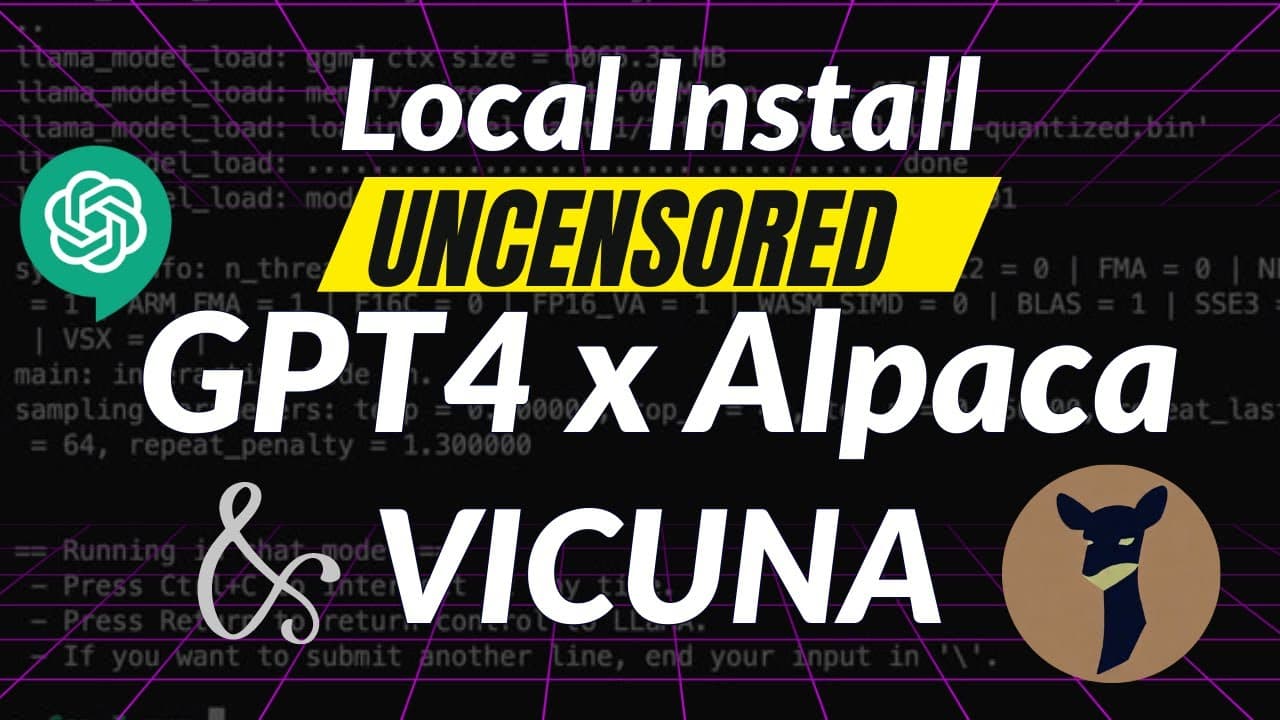
To install and run GPT for Alpaca locally, download the Llama.cpp library and the GPT for Alpaca model files. Extract the files, modify the run.bat file with the correct model name, and execute it to receive uncensored responses. Ensure your system has sufficient RAM (8GB or more) for optimal performance.
Transcript
in this video I am going to show you a model that is completely uncensored and it's not never going to tell you that as a language model I can't do anything because you have something controversial the model is called GPT for alpaca and in this video I'm going to show you how can you install this locally on your own machine and run it for free and ... Read More
Key Insights
- 🏃 Llama.cpp library provides an optimized package for running large language models on CPU.
- 📁 The installation process requires downloading the necessary files for the language models and modifying the run.pat file.
- ✍️ The GPT for Alpaca and Gokunya language models offer uncensored responses and can be used for various purposes, including role-playing and creative writing.
- 🏃 The system requirements for running the language models include sufficient RAM and a CPU-based setup.
- 📁 The models can be customized by replacing the downloaded model file and modifying the run.pat file accordingly.
- ❓ The language models demonstrate coherent and contextually relevant responses to prompts and queries.
- ❓ Alternative language models like GPT-3 are compared to GPT for Alpaca and Gokunya, highlighting the unrestricted nature of the latter.
Install to Summarize YouTube Videos and Get Transcripts
Explore YouTube Video Summarizer or Get YouTube Transcript Extractor
Questions & Answers
Q: How do I install GPT for Alpaca and Gokunya on my local machine?
To install GPT for Alpaca and Gokunya, you need to download the necessary files from the provided links and use Llama.cpp library for installation. The video provides detailed instructions on the process.
Q: What are the system requirements for running GPT for Alpaca and Gokunya?
You will need a machine with sufficient RAM, preferably 10GB for the 13 billion parameter model or 8GB for the 7 billion parameter model. The installation process demonstrated in the video uses CPU only.
Q: Can I modify the language model used in the installation process?
Yes, you can replace the downloaded language model file with a different one. The video explains how to modify the run.pat file to use a different model.
Q: Are the language models restricted in their responses?
No, the GPT for Alpaca and Gokunya language models provide uncensored and unrestricted responses. They can be used to ask a wide range of questions and engage in conversations on various topics.
Summary & Key Takeaways
-
The video shows how to install the GPT for Alpaca and Gokunya language models on your local machine using the Llama.cpp library.
-
It provides step-by-step instructions on downloading and extracting the necessary files for installation.
-
The video also demonstrates running prompts and receiving responses from the language models.
Read in Other Languages (beta)
Share This Summary 📚
Summarize YouTube Videos and Get Video Transcripts with 1-Click
Try YouTube Summary with ChatGPT & Claude or YouTube Transcript Generator
Explore More Summaries from Prompt Engineering 📚
![Open Assistant: Open Source ChatGPT is Here!!! [live Demo] thumbnail](/_next/image?url=https%3A%2F%2Fi.ytimg.com%2Fvi%2FVFPrwxPBBVU%2Fhqdefault.jpg&w=750&q=75)

Summarize YouTube Videos and Get Video Transcripts with 1-Click
Try YouTube Summary with ChatGPT & Claude or YouTube Transcript Generator