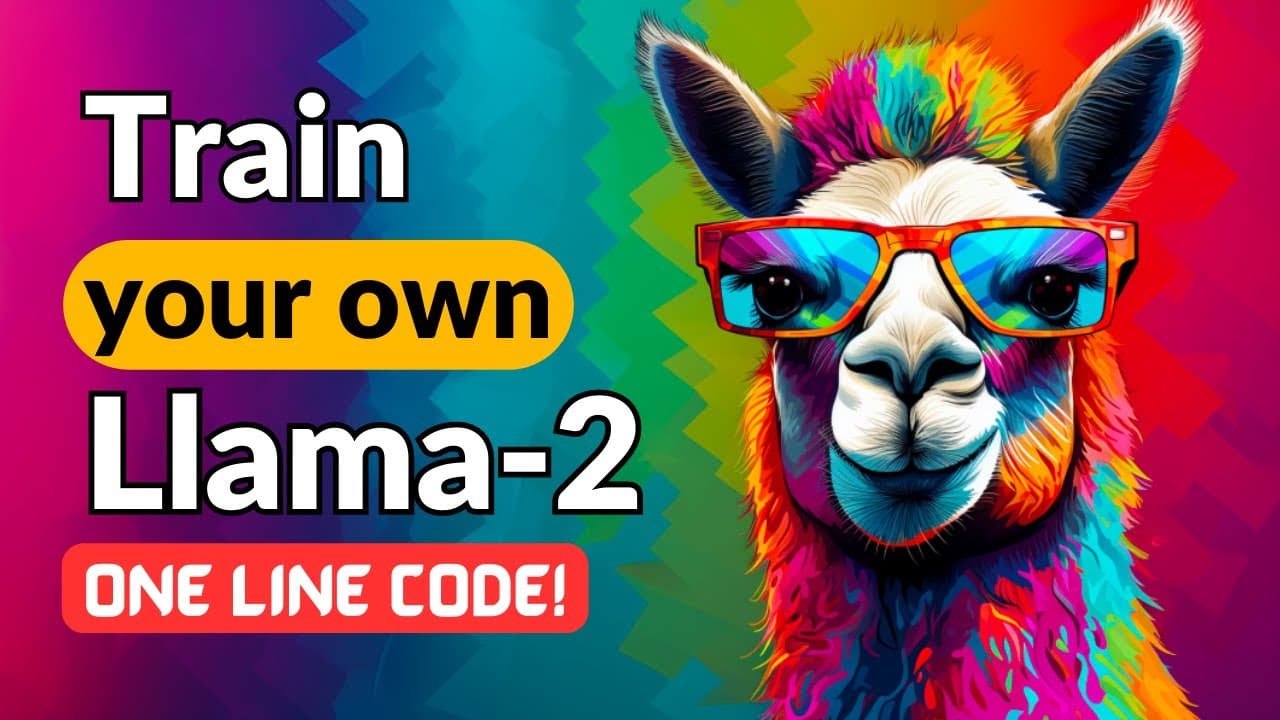
LLAMA-2 🦙: EASIET WAY To FINE-TUNE ON YOUR DATA 🙌
TL;DR
Learn how to easily fine-tune a Llama2 model on your own dataset using the Auto Train library from Hugging Face, with step-by-step instructions provided.
Transcript
this is the easiest way you can fine tune a llama 2 model on your own data set we will do it with a single line of code using Auto Train library from hugging phase the best part is you can fine tune any model you want using the exact same line of code in order to run this locally on your own machine you will need to download the Auto Train Advance ... Read More
Key Insights
- 📚 The Auto Train library from Hugging Face allows for easy fine-tuning of various models.
- 🔮 Fine-tuning a language model like Llama2 requires specifying the project, model, and dataset.
- 🔢 The dataset needs to be formatted correctly with specific input and output tokens.
- 👟 Running the code locally requires the Auto Train Advanced package and an Nvidia GPU.
- 👟 Google Colab can be used as an alternative for running the code without an Nvidia GPU.
- 📁 The training process creates a project folder and monitors the tokenization and training progress.
- 🚅 The final trained model can be accessed through Hugging Face or downloaded for local use.
Install to Summarize YouTube Videos and Get Transcripts
Explore YouTube Video Summarizer or Get YouTube Transcript Extractor
Questions & Answers
Q: What is the purpose of the Auto Train library from Hugging Face?
The Auto Train library allows for the fine-tuning of various models, including language models, computer vision models, and neural network models using tabular datasets.
Q: How do I run the code locally on my machine?
To run the code locally, you need to download the Auto Train Advanced package from Hugging Face's GitHub repository. Make sure you have a Python version greater than 3.8 and an Nvidia GPU.
Q: Can I use Google Colab if I don't have an Nvidia GPU?
Yes, you can use Google Colab if you don't have an Nvidia GPU. Simply choose the GPU runtime option when setting up the Colab environment.
Q: How do I format my dataset for fine-tuning?
The dataset should be formatted using a specific structure, such as the Alpaca format or the OpenAssistant Go-On-Code format. The model expects input and output tokens to be clearly defined using specific special tokens.
Key Insights:
- The Auto Train library from Hugging Face allows for easy fine-tuning of various models.
- Fine-tuning a language model like Llama2 requires specifying the project, model, and dataset.
- The dataset needs to be formatted correctly with specific input and output tokens.
- Running the code locally requires the Auto Train Advanced package and an Nvidia GPU.
- Google Colab can be used as an alternative for running the code without an Nvidia GPU.
- The training process creates a project folder and monitors the tokenization and training progress.
- The final trained model can be accessed through Hugging Face or downloaded for local use.
- Assistance and further resources can be found in the Hugging Face Discord server or by contacting the author directly.
Summary & Key Takeaways
-
The provided content demonstrates how to fine-tune a Llama2 model on a custom dataset using the Auto Train library from Hugging Face.
-
Instructions are given for running the code locally on your own machine or on Google Colab.
-
Key steps include installing the necessary packages, logging in to Hugging Face, specifying the project and model to fine-tune, and formatting the dataset in a specific way.
Read in Other Languages (beta)
Share This Summary 📚
Summarize YouTube Videos and Get Video Transcripts with 1-Click
Try YouTube Summary with ChatGPT & Claude or YouTube Transcript Generator
Explore More Summaries from Prompt Engineering 📚
![Open Assistant: Open Source ChatGPT is Here!!! [live Demo] thumbnail](/_next/image?url=https%3A%2F%2Fi.ytimg.com%2Fvi%2FVFPrwxPBBVU%2Fhqdefault.jpg&w=750&q=75)

Summarize YouTube Videos and Get Video Transcripts with 1-Click
Try YouTube Summary with ChatGPT & Claude or YouTube Transcript Generator