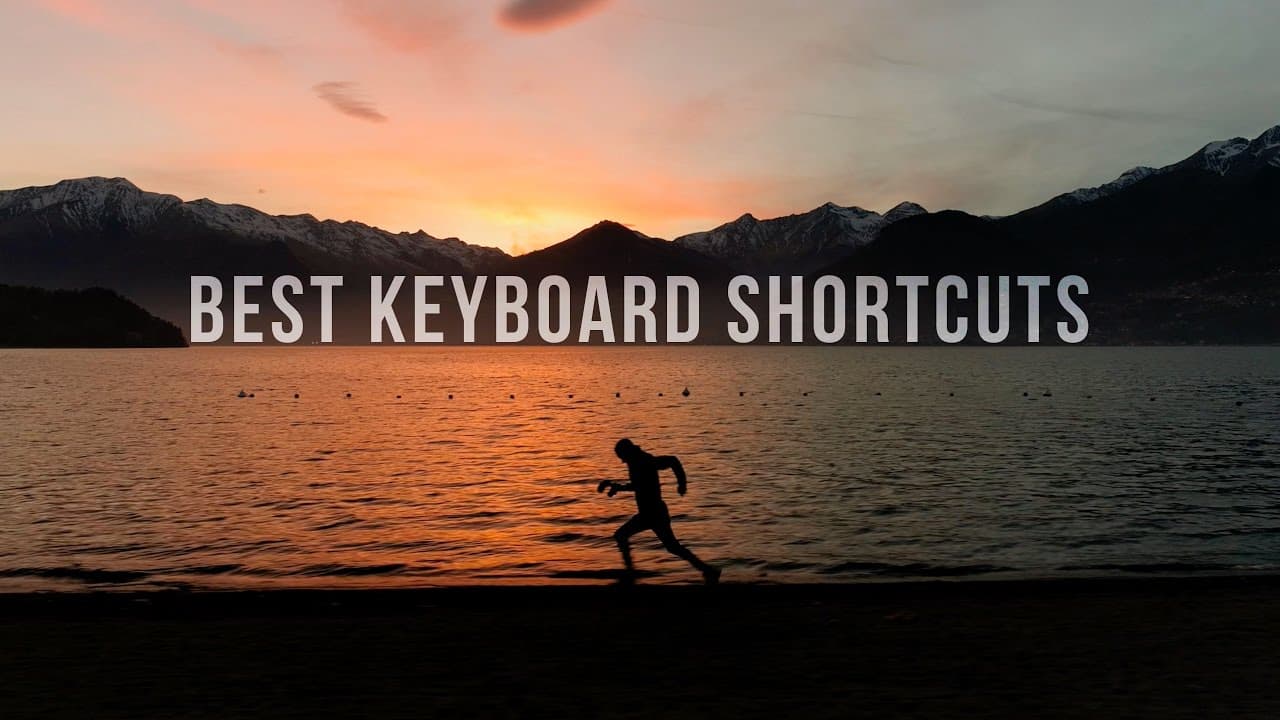
Save Yourself HOURS Of Editing With These Keyboard Shortcuts
TL;DR
Learn essential keyboard shortcuts to drastically improve editing speed and efficiency.
Transcript
hey guys welcome to child fields today we're going to look at something that's going to save you hours of time in your editing process so let's get to it if you guys have been wondering why I haven't been uploading as many videos in the last couple weeks it's because I've been on a lot of trips first I was in the Dominican with my friend mark bone ... Read More
Key Insights
- 🇩🇴 Travel experiences in the Dominican Republic and Italy showcased in the content.
- 🧘 Importance of keyboard shortcuts in enhancing editing speed and workflow efficiency.
- 🧘 Demonstrated keyboard shortcuts, such as add edit and ripple trim edit, improve editing process.
- 🤩 Markers and option key usage highlighted for accurate clip placement and track manipulation.
- 😥 Slip and Rolling Edit tools are essential for refining in and out points as well as syncing edits to music beats.
- ⌛ Customizing keyboard shortcuts optimizes efficiency and reduces editing time.
- 🧙 Practice with keyboard shortcuts can turn editors into efficient wizards.
Install to Summarize YouTube Videos and Get Transcripts
Explore YouTube Video Summarizer or Get YouTube Transcript Extractor
Questions & Answers
Q: How can keyboard shortcuts enhance the editing process?
Keyboard shortcuts significantly speed up editing by eliminating extra clicks, allowing seamless cuts and edits.
Q: What is the ripple trim edit functionality and how does it improve editing?
Ripple trim edits streamline the editing process by cutting, deleting, and moving clips in one keystroke, enhancing overall efficiency.
Q: How can markers be utilized in editing projects?
Markers assist in noting crucial points in a timeline, aiding in accurate clip placement and syncing to music beats.
Q: Why is it beneficial to use the option or Alt key in editing?
The option key enables functions like duplication and separate manipulation of audio and video tracks, enhancing editing precision and efficiency.
Summary & Key Takeaways
-
Filmmaker shares travel experiences in the Dominican Republic and Italy.
-
Emphasizes the importance of keyboard shortcuts in saving editing time.
-
Demonstrates top keyboard shortcuts for quick edits and efficient workflow.
Read in Other Languages (beta)
Share This Summary 📚
Summarize YouTube Videos and Get Video Transcripts with 1-Click
Try YouTube Summary with ChatGPT & Claude or YouTube Transcript Generator
Explore More Summaries from Matti Haapoja 📚

Summarize YouTube Videos and Get Video Transcripts with 1-Click
Try YouTube Summary with ChatGPT & Claude or YouTube Transcript Generator