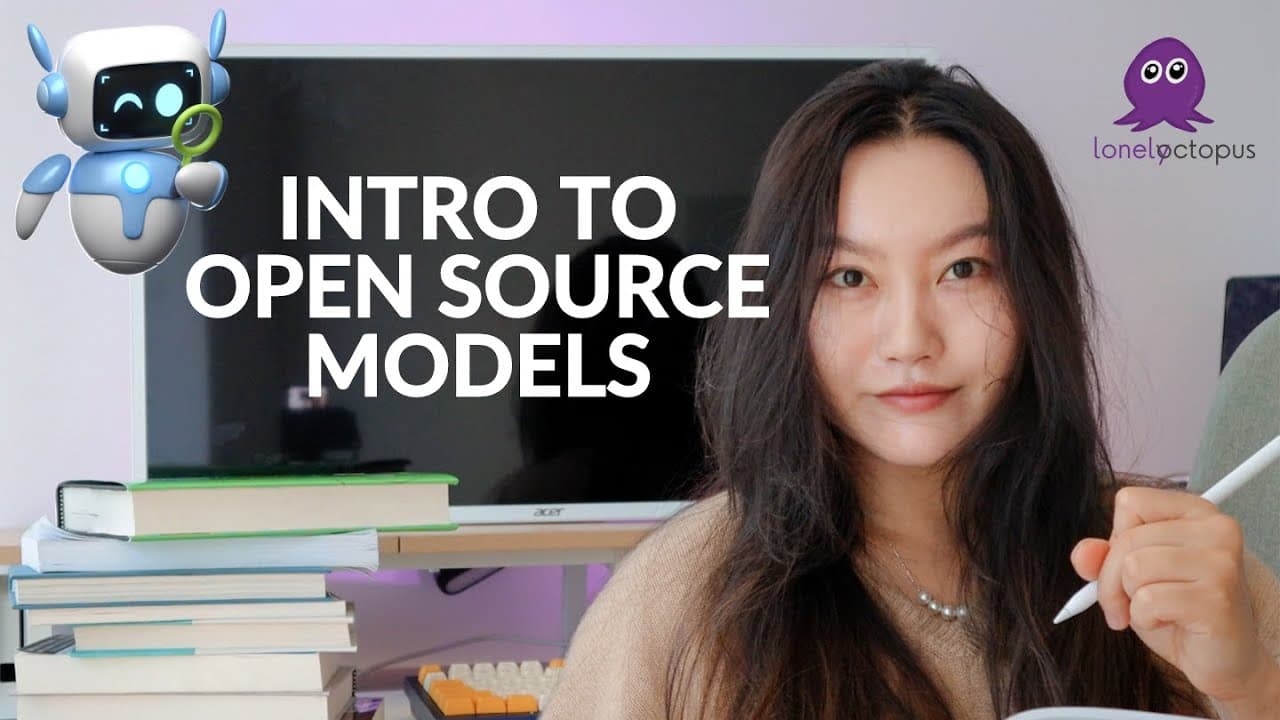
🐙 Lunch & Learn: Intro to Open Source Models
TL;DR
Exploring open source AI models and their applications.
Transcript
Hello friends how are you all doing sorry I'm a few minutes late today it is raining so hard outside like crazy hard outside I'm currently in South Carolina us so I know it's also a really early time for like middle of the night we're really early for a lot of people so my apologies on that one is cuz I do have to catch a flight to Austin in just a... Read More
Key Insights
- Open source models provide flexibility and transparency, unlike closed source models such as OpenAI's GPT.
- Hugging Face offers a vast library of open source models, making it a valuable resource for developers.
- LM Studio and OLLama are tools that simplify the use of open source models, with LM Studio being more user-friendly for beginners.
- Closed source models often have privacy concerns and require subscriptions, while open source models are free and can be run locally.
- Fine-tuning open source models allows for customization, enabling them to perform specific tasks more efficiently.
- Open source models can be specialized for non-English languages, providing broader accessibility.
- Using open source models requires understanding of computational requirements, which can be intensive.
- Open source models can be integrated with tools like LangChain to analyze specific datasets, such as step count data.
Install to Summarize YouTube Videos and Get Transcripts
Explore YouTube Video Summarizer or Get YouTube Transcript Extractor
Questions & Answers
Q: What are the benefits of using open source models over closed source models?
Open source models offer greater flexibility and transparency as they allow users to access and modify the model's code. They are free to use, unlike closed source models which often require subscriptions. Additionally, open source models can be run locally, addressing privacy concerns associated with data sharing on closed platforms.
Q: How does LM Studio assist beginners in using open source models?
LM Studio provides a user-friendly interface that simplifies the process of working with open source models. It allows users to search, download, and interact with models without requiring extensive coding knowledge. This makes it an ideal starting point for individuals new to AI and machine learning.
Q: What are some challenges of using open source models?
One of the main challenges is the computational power required to run these models, as they can be resource-intensive. Additionally, users may need to have some coding knowledge to fully utilize and customize these models. Despite these challenges, the benefits of flexibility and cost-effectiveness make open source models appealing to many developers.
Q: Can open source models be used for non-English languages?
Yes, open source models can be specialized for non-English languages, which is a significant advantage over many closed source models that are primarily designed for English. This allows developers to create applications and tools that cater to a broader audience, enhancing accessibility and inclusivity.
Q: What is fine-tuning in the context of open source models?
Fine-tuning involves adjusting an open source model to perform specific tasks more effectively by providing it with additional data or modifying its parameters. This process enhances the model's performance in targeted areas, making it more efficient and tailored to specific applications or industries.
Q: How can open source models be integrated with other tools for data analysis?
Open source models can be integrated with tools like LangChain to analyze specific datasets. For example, a model can be customized to analyze step count data and identify trends or patterns. This integration allows for more in-depth analysis and application of AI models in real-world scenarios.
Q: What are some popular platforms for accessing open source models?
Hugging Face is a popular platform that offers a vast library of open source models across various domains, including natural language processing and computer vision. It provides users with access to hundreds of thousands of models, making it a valuable resource for developers looking to explore and utilize open source AI technology.
Q: What is the role of temperature in customizing open source models?
Temperature is a parameter that controls the creativity and coherence of a model's responses. A higher temperature setting results in more creative and varied outputs, while a lower setting produces more consistent and coherent responses. Adjusting the temperature allows users to tailor the model's behavior to suit specific applications or preferences.
Summary & Key Takeaways
-
The session introduces open source AI models, highlighting their advantages over closed source models like OpenAI's GPT. Participants learn about tools such as LM Studio and OLLama, which facilitate the use of these models, especially for beginners.
-
Open source models are praised for their flexibility, transparency, and cost-effectiveness. They can be fine-tuned for specific tasks and are accessible for various languages, making them a versatile choice for developers.
-
The discussion covers the practical aspects of using open source models, including computational requirements and customization options. The session also demonstrates how to integrate these models with tools like LangChain for data analysis.
Read in Other Languages (beta)
Share This Summary 📚
Summarize YouTube Videos and Get Video Transcripts with 1-Click
Try YouTube Summary with ChatGPT & Claude or YouTube Transcript Generator
Explore More Summaries from Tina Huang 📚




Summarize YouTube Videos and Get Video Transcripts with 1-Click
Try YouTube Summary with ChatGPT & Claude or YouTube Transcript Generator