10 Things to Remove from Your Website to Increase Your Rankings
TL;DR
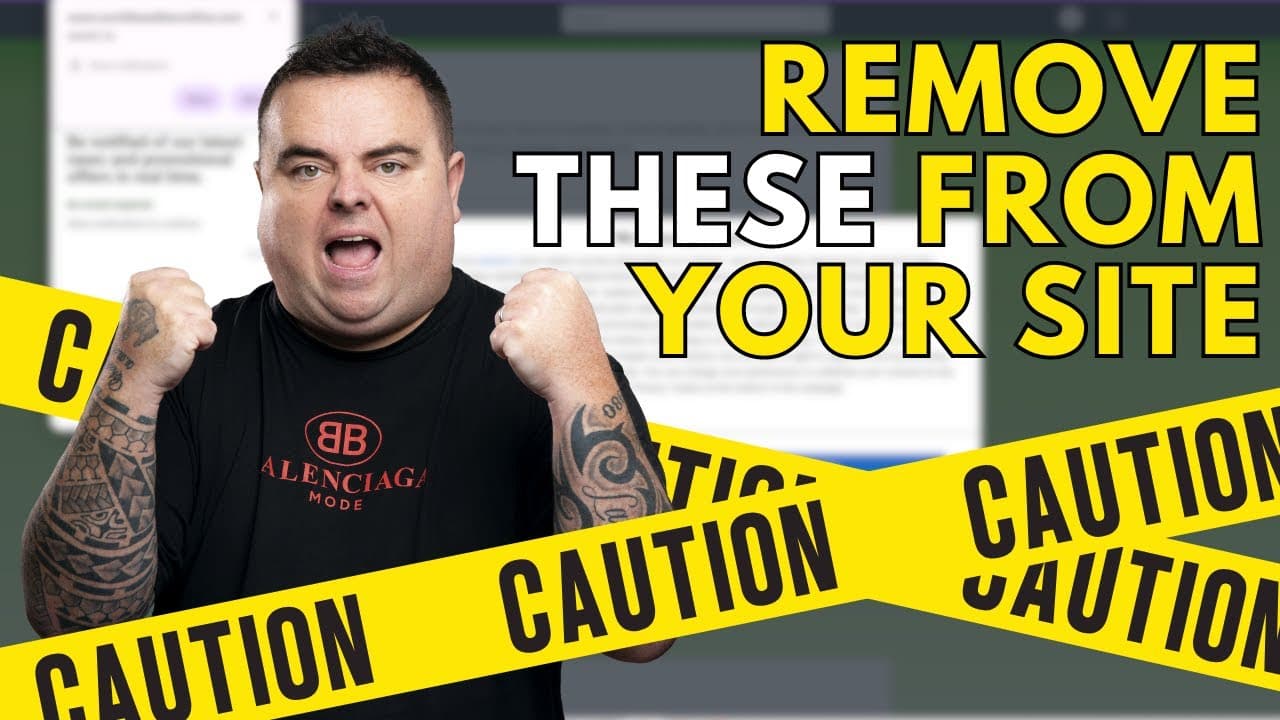
Remove 10 elements from your website to improve SEO.
Transcript
hi guys so in a previous video I spoke about utilizing cloudways hosting to get better performance out of your website now on top of that you can also remove a whole bunch of things to help improve your website's performance even further now there's a whole bunch of reasons as to why you would want to get better websit type performance mainly slow ... Read More
Key Insights
- Utilizing Cloudways hosting can significantly enhance website speed and performance, providing a strong foundation for further optimizations.
- Outdated or irrelevant content should be identified and removed or updated to improve website speed and maintain SEO rankings.
- Autoplay videos and audio can negatively impact user experience and page load times, suggesting the use of embedded YouTube videos instead.
- Excessive popups and ads can hinder user engagement and slow down website performance, affecting SEO negatively.
- Large images and unoptimized scripts are common culprits for slow loading times; tools like GTmetrix can help identify and fix these issues.
- Broken links and 404 errors can damage SEO; regular audits using tools like SEMrush can help maintain link integrity.
- Reducing unnecessary plugins and widgets can streamline website performance, enhancing both speed and user experience.
- Clear, keyword-rich headlines improve user engagement and SEO, while over-complicated navigation menus can deter users and should be simplified.
Install to Summarize YouTube Videos and Get Transcripts
Explore YouTube Video Summarizer or Get YouTube Transcript Extractor
Questions & Answers
Q: What is the impact of outdated content on website performance?
Outdated content can slow down a website and negatively affect its search engine rankings. It fails to engage users and does not contribute to SEO, as Google prefers fresh, relevant content. Removing or updating outdated content can improve website speed, user experience, and overall SEO effectiveness.
Q: How do autoplay videos affect website speed and user experience?
Autoplay videos can significantly slow down website load times and disrupt user experience, especially if users are in environments where sound is intrusive. They consume bandwidth and resources, leading to increased bounce rates. It's recommended to use embedded videos, like those from YouTube, to mitigate these issues.
Q: Why should excessive ads and popups be minimized on a website?
Excessive ads and popups can overwhelm users, leading to poor engagement and increased bounce rates. They slow down page load times and detract from the main content, negatively impacting user experience and SEO. Minimizing them can improve site performance and maintain user interest.
Q: What tools can help identify slow-loading elements on a website?
Tools like GTmetrix, Pingdom, and Google PageSpeed Insights are invaluable for identifying slow-loading elements such as large images, unoptimized scripts, and resource-heavy plugins. These tools provide detailed reports on website performance, allowing for targeted optimizations to enhance speed and user experience.
Q: How do broken links and 404 errors impact SEO?
Broken links and 404 errors can harm SEO by disrupting the flow of link equity and providing a poor user experience. They signal to search engines that a website is not well-maintained. Regular audits using tools like SEMrush can help identify and fix these issues to maintain SEO integrity.
Q: Why is it important to streamline plugins and widgets on a website?
Excessive plugins and widgets can slow down website performance by consuming resources and increasing load times. Streamlining them not only improves speed but also enhances user experience. It's crucial to evaluate the necessity of each plugin and widget, removing those that are redundant or unused.
Q: What role do headlines play in improving website SEO?
Clear, keyword-rich headlines are crucial for SEO as they help search engines understand the content's relevance and attract users' attention. Ambiguous headlines can confuse visitors and decrease engagement. Well-crafted headlines drive clicks and improve time spent on the site, positively influencing SEO rankings.
Q: How can navigation menus affect user experience and SEO?
Over-complicated navigation menus can confuse users and deter them from exploring a website, leading to higher bounce rates. Simplified, intuitive navigation improves user experience, making it easier for visitors to find relevant content. This enhances engagement and positively impacts SEO by reducing bounce rates and increasing time on site.
Summary & Key Takeaways
-
The video discusses how removing specific elements from your website can improve performance and search engine rankings. It emphasizes the importance of using Cloudways hosting for better speed and highlights the negative impact of outdated content, autoplay media, and excessive ads.
-
Key recommendations include optimizing images and scripts, fixing broken links, minimizing plugin usage, and ensuring clear and concise headlines. These actions can enhance user experience and improve SEO effectiveness, ultimately leading to better website performance.
-
The video also suggests using tools like GTmetrix and SEMrush for regular audits and optimizations. It stresses the importance of updating blog post dates and breaking up long paragraphs to improve readability and user engagement, contributing to overall SEO success.
Read in Other Languages (beta)
Share This Summary 📚
Summarize YouTube Videos and Get Video Transcripts with 1-Click
Try YouTube Summary with ChatGPT & Claude or YouTube Transcript Generator
Explore More Summaries from Craig Campbell SEO 📚





Summarize YouTube Videos and Get Video Transcripts with 1-Click
Try YouTube Summary with ChatGPT & Claude or YouTube Transcript Generator