This might be the most configurable rich text editor for next.js
TL;DR
Creating a personalized writing platform using Tip Tap SL for enhanced editing features.
Transcript
so on another side project that I'm working on I know I have a lot of side projects so don't judge me but this one is basically a writing platform that I'm making for my wife and I want to create a platform to help her write books um that's a little bit better than Google Docs or anything like that so over here we have like a your book section you ... Read More
Key Insights
- 🧘 The custom writing platform being developed caters specifically to the needs of writers, enhancing their ability to draft and edit text efficiently.
- 🤑 Tip Tap SL is an MIT-licensed rich text editor that fosters an interactive user experience with real-time formatting capabilities.
- 👻 The editor allows for easy rearrangement of chapters, which is crucial for organizing content as part of the writing workflow.
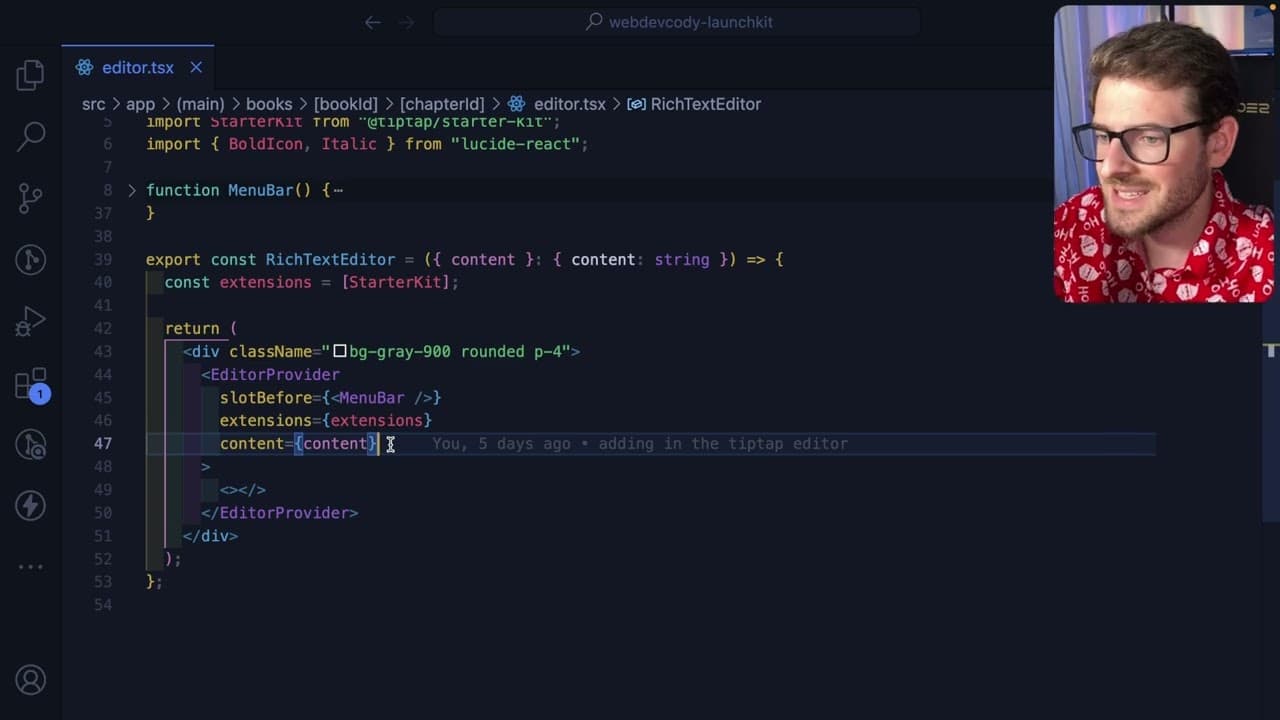
- 👨💻 The video showcases practical coding examples that demonstrate how to integrate and utilize Tip Tap in a project effectively.
- 👤 Users can personalize their editing experience through customizable buttons and toolbar settings linked to text formatting functions.
- 💄 Tip Tap includes a well-documented foundation, making it easier for developers to understand and implement advanced features without extensive learning curves.
- 📦 Additional text-editing capabilities can be unlocked by installing specific packages to enable functionalities such as underlining, maximizing the tool's versatility.
Install to Summarize YouTube Videos and Get Transcripts
Explore YouTube Video Summarizer or Get YouTube Transcript Extractor
Questions & Answers
Q: What motivated the creation of this writing platform?
The primary motivation behind creating this writing platform stems from the desire to offer a more personalized and functional tool for the speaker's wife to write books effectively. The goal was to surpass the limitations of existing platforms like Google Docs by introducing tailored features that enhance the writing experience.
Q: How does the Tip Tap SL editor enhance the writing process?
The Tip Tap SL editor provides a customizable and rich text editing experience that enables users to format texts easily, such as making text bold, italic, or underlined, with simple button clicks. This level of customization allows writers to focus on content creation without being hindered by complex formatting challenges.
Q: What are some key functionalities of the Tip Tap editor mentioned in the video?
Key functionalities of the Tip Tap editor include the ability to create and rearrange chapters, apply various text styles (bold, italic, underline), and utilize a customizable menu bar with buttons that correspond to specific formatting actions. Additionally, the documentation provides extensive support for implementing these features smoothly.
Q: Are there any additional functionalities available in Tip Tap aside from basic text formatting?
Yes, Tip Tap offers various advanced functionalities such as strike-through, lists, block quotes, and more. By importing specific extensions, users can expand the capabilities of the editor to include additional formatting options, making it a robust tool for comprehensive content creation.
Summary & Key Takeaways
-
The speaker is developing a custom writing platform aimed at improving experiences for authors, specifically for their wife, intending to provide better functionalities than existing tools like Google Docs.
-
The platform utilizes Tip Tap SL React, a rich text editor, which allows users to create and organize chapters seamlessly while offering various formatting options for enhanced text manipulation.
-
The tutorial highlights specific code implementations and customization features of Tip Tap, such as bolding, italicizing, underlining, and modifying toolbar functionalities to make editing more intuitive and user-friendly.
Read in Other Languages (beta)
Share This Summary 📚
Summarize YouTube Videos and Get Video Transcripts with 1-Click
Try YouTube Summary with ChatGPT & Claude or YouTube Transcript Generator
Explore More Summaries from Web Dev Cody 📚





Summarize YouTube Videos and Get Video Transcripts with 1-Click
Try YouTube Summary with ChatGPT & Claude or YouTube Transcript Generator