How to Install a Desktop Environment on Your Server
TL;DR
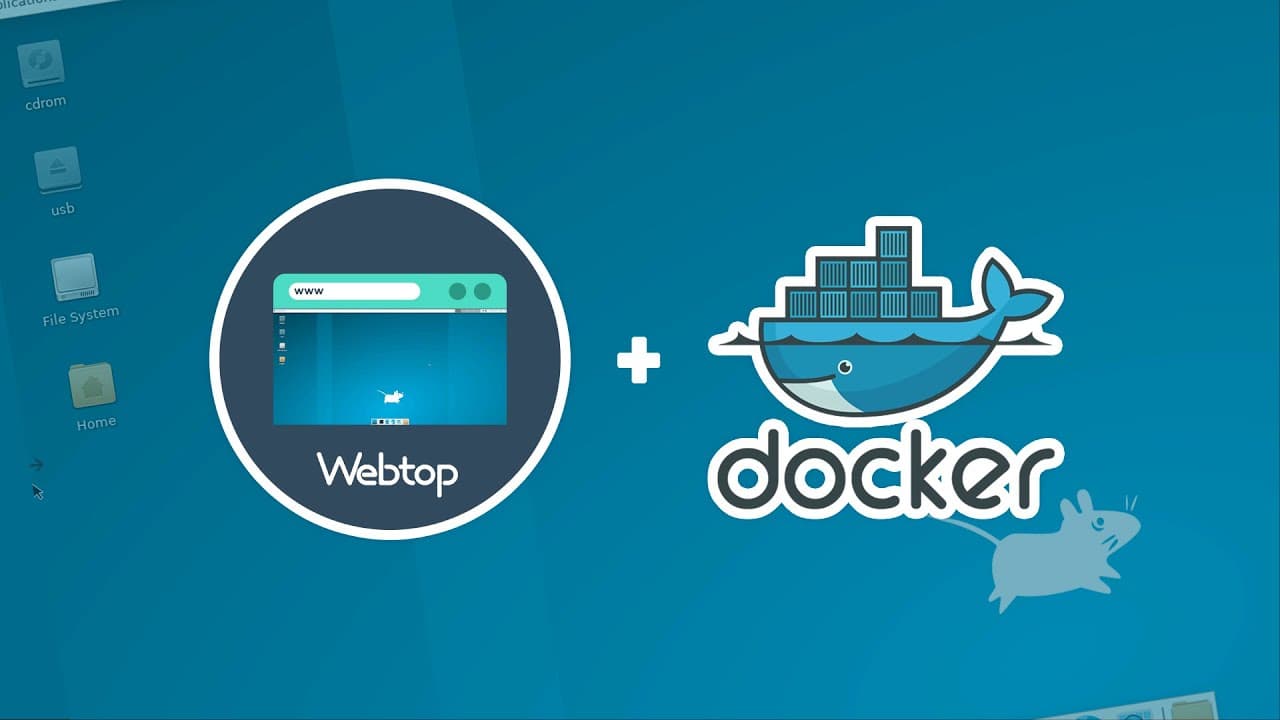
To install a desktop environment on your server, use Webtop with Docker to set up the XFCE Alpine desktop. Access your server through a web browser at your server's IP address and port 3000. You can choose from various desktop styles like KDE, i3, or Mate, and may need to run it in privileged mode for certain environments.
Transcript
so this is an xfce alpine desktop and i've got this installed on one of my docker servers and you may ask yourself why somebody would install a desktop on a server system and the reality is sometimes i'm lazy and i don't want to do things through command line sometimes it's nice to just navigate through files and folders through a gui system so tha... Read More
Key Insights
- 👤 XFCE Alpine desktop can be installed on a Docker server for a graphical user interface (GUI) experience.
- 🕸️ Web Top on Linux Servers provides an Alpine and Ubuntu-based container with multiple desktop environment options accessible through a web browser.
- 👻 Different desktop styles like KDE, i3, and Mate can be installed using Web Top, allowing users to choose the setup they are most familiar with.
- 🕸️ The default login credentials for Web Top are "abc" for both the username and password.
- 📬 Some tags available for Web Top include xfce alpine, xfce ubuntu, kde, i3, mate, i3, open box, and ice wm.
- 👤 To access the XFCE Alpine desktop, users need to go to the server's IP address and port 3000 in a web browser.
- 🏃 Running Web Top with privileged mode may be necessary for certain desktop environments like KDE and i3.
Install to Summarize YouTube Videos and Get Transcripts
Explore YouTube Video Summarizer or Get YouTube Transcript Extractor
Questions & Answers
Q: Why would someone install a desktop on a server system?
Installing a desktop on a server allows for easier file and folder navigation through a GUI system, providing a more user-friendly interface for certain tasks and saving time on command-line operations.
Q: How can I access the XFCE Alpine desktop on my server?
After setting up the desktop, you can access it by going to your server's IP address and port 3000 in a web browser. The default login credentials are "abc" for both the username and password.
Q: Can I use different desktop environments with Web Top?
Yes, apart from XFCE Alpine, Web Top supports various desktop environments like Ubuntu, KDE, i3, Mate, etc. You can choose and install the desktop environment of your preference.
Q: What configurations are required to run Web Top with privileged mode?
If you want to run the KDE or i3 flavors of Ubuntu, you need to enable privileged mode. Otherwise, you can comment out or remove the "privileged: true" line from the Docker Compose file.
Summary & Key Takeaways
-
This video demonstrates how to install XFCE Alpine desktop on a Docker server for easier navigation through files and folders using a graphical user interface (GUI).
-
Web top on Linux Servers is an Alpine and Ubuntu-based container that supports multiple desktop environments accessible via a web browser.
-
By following the provided instructions, users can choose different desktop styles like KDE, i3, or Mate and connect to their server's IP address on port 3000 to access the desktop.
Read in Other Languages (beta)
Share This Summary 📚
Summarize YouTube Videos and Get Video Transcripts with 1-Click
Try YouTube Summary with ChatGPT & Claude or YouTube Transcript Generator
Explore More Summaries from DB Tech 📚



Summarize YouTube Videos and Get Video Transcripts with 1-Click
Try YouTube Summary with ChatGPT & Claude or YouTube Transcript Generator