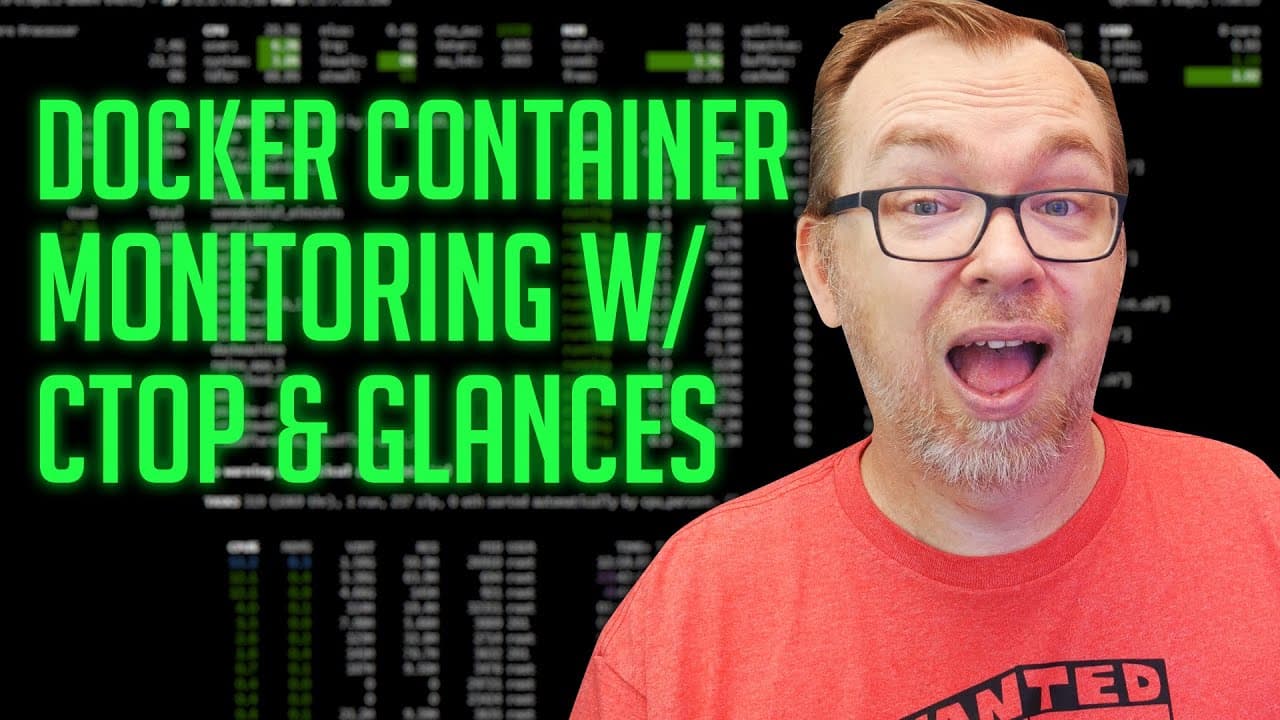
Docker Container Monitoring with CTOP and Glances
TL;DR
Two container monitoring tools, Ctop and Glances, offer real-time insights into individual containers' performance, including CPU and memory usage, network activity, and more.
Transcript
hey guys happy Friday hope everybody is doing well out there today because we're headed into a holiday weekend I thought we would do something a little different we're just gonna take a look at two different containers today both of them are actually to monitor your entire system but but more specifically to monitor all of your containers simultane... Read More
Key Insights
- 🐙 Ctop and Glances offer different interfaces for monitoring container performance, with Ctop providing a console-based view and Glances offering a graphical dashboard.
- ⌛ Both tools provide real-time insights into CPU and memory usage, network activity, and other container metrics.
- 👻 Ctop allows users to view historical data on CPU and memory usage since container restart, while Glances focuses more on current monitoring without historical data.
- ✋ Users can manage and control containers through Ctop and Glances, including starting, stopping, and executing commands within the containers.
- 📈 Using Ctop and Glances together can provide a comprehensive overview of container performance and system metrics.
- 💨 Ctop and Glances are useful for quickly monitoring and troubleshooting containers, offering a convenient way to view and analyze container performance at a glance.
- 🐙 Ctop and Glances can be valuable tools for system administrators, developers, and anyone managing a containerized environment.
Install to Summarize YouTube Videos and Get Transcripts
Explore YouTube Video Summarizer or Get YouTube Transcript Extractor
Questions & Answers
Q: How does Ctop differ from Glances in terms of displaying container information?
Ctop provides a console-based interface that displays real-time metrics for CPU, memory, network activity, and more. Glances, on the other hand, offers a graphical dashboard layout to visualize container performance and system information.
Q: Can Ctop and Glances be run simultaneously to monitor multiple containers?
Yes, both Ctop and Glances allow users to monitor multiple containers simultaneously. They provide insights into individual containers' performance and can be used together to get a comprehensive overview of the entire system.
Q: Is historical data available in Ctop and Glances?
Ctop offers historical data on CPU and memory usage, as well as network activity since the container was restarted. Glances, however, does not provide historical data and focuses more on real-time monitoring.
Q: Can containers be managed or controlled through Ctop and Glances?
Yes, Ctop and Glances provide capabilities to start, stop, pause, and restart containers directly from their interfaces. They also allow users to execute commands within the containers and view container logs.
Key Insights:
- Ctop and Glances offer different interfaces for monitoring container performance, with Ctop providing a console-based view and Glances offering a graphical dashboard.
- Both tools provide real-time insights into CPU and memory usage, network activity, and other container metrics.
- Ctop allows users to view historical data on CPU and memory usage since container restart, while Glances focuses more on current monitoring without historical data.
- Users can manage and control containers through Ctop and Glances, including starting, stopping, and executing commands within the containers.
- Using Ctop and Glances together can provide a comprehensive overview of container performance and system metrics.
- Ctop and Glances are useful for quickly monitoring and troubleshooting containers, offering a convenient way to view and analyze container performance at a glance.
- Ctop and Glances can be valuable tools for system administrators, developers, and anyone managing a containerized environment.
- These tools can help identify resource-intensive containers, track network activity, and optimize container performance for efficient system management.
Summary & Key Takeaways
-
Ctop and Glances are two container monitoring tools that allow users to view the performance of individual containers in real-time.
-
Ctop provides information such as CPU and memory usage, network activity, and historical data on a console-based interface.
-
Glances offers a graphical dashboard display of container metrics, including CPU usage, memory utilization, network connections, and system information.
Read in Other Languages (beta)
Share This Summary 📚
Summarize YouTube Videos and Get Video Transcripts with 1-Click
Try YouTube Summary with ChatGPT & Claude or YouTube Transcript Generator
Explore More Summaries from DB Tech 📚

Summarize YouTube Videos and Get Video Transcripts with 1-Click
Try YouTube Summary with ChatGPT & Claude or YouTube Transcript Generator