What Are the Best Tips and Hidden Features for iPhone 13 Pro?
TL;DR
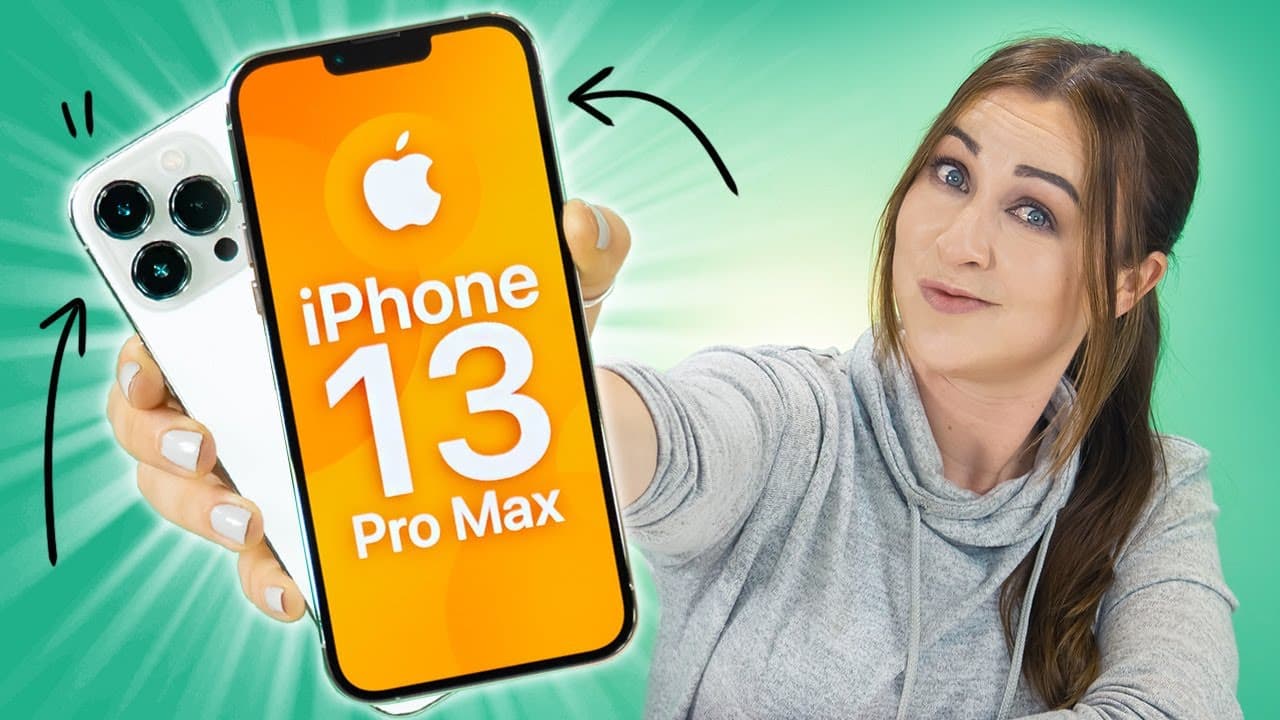
The best tips for the iPhone 13 Pro include using the macro photography feature for stunning close-ups, customizing text size through the Control Center for better readability, and taking advantage of cinematic mode and ProRes video for high-quality filmmaking. Other notable features include scanning text with the camera, exploring different photographic styles, and enjoying the smoothness of the 120Hz refresh rate.
Transcript
hey guys welcome back to hail's world and get ready for some tips and tricks on the beautiful iphone 13 pro and pro max along with some useful features on ios 15 so if you open up the camera application and get really close to an object you'll notice a little lens switch and that happens every time you get really close to an object like this the ph... Read More
Key Insights
- 😚 Utilize the macro photography feature on the iPhone 13 Pro for stunning close-up shots.
- 😀 Customize text size in apps for improved visibility and readability.
- 🎮 Enjoy the cinematic mode and ProRes video capabilities for enhanced video creation.
- 😀 Leverage the scan and copy feature within the camera app for text extraction.
- 😀 Explore different photographic styles in the camera app for personalized image aesthetics.
- 😀 Easily organize and access apps on home screens using drag-and-drop features.
- ☠️ Experience the smoothness of the 120Hz refresh rate on the iPhone 13 Pro.
Install to Summarize YouTube Videos and Get Transcripts
Explore YouTube Video Summarizer or Get YouTube Transcript Extractor
Questions & Answers
Q: How can you take stunning macro photos with the iPhone 13 Pro?
To take macro photos with the iPhone 13 Pro, get close to the object to trigger the lens switch, allowing for detailed close-up shots. Practice getting close to objects for the best results.
Q: What is the benefit of cinematic mode on the iPhone 13 Pro?
Cinematic mode on the iPhone 13 Pro enables automatic focus transitions for a cinematic look in videos. Users can edit focus transitions post-recording, creating engaging and professional-looking videos.
Q: How can users enable ProRes video recording on the iPhone 13 Pro?
Users can enable ProRes video recording on the iPhone 13 Pro by accessing the camera settings and toggling on Apple ProRes after selecting the video mode. This feature offers high-quality video recording capabilities on the device.
Q: What unique scanning and copying feature does the iPhone 13 Pro offer?
The iPhone 13 Pro's camera app includes a scan and copy feature that allows users to capture and extract text from images. This feature is useful for copying text, numbers, or other information quickly and efficiently.
Summary & Key Takeaways
-
Explore iPhone 13 Pro's macro photography feature, allowing for stunning close-up shots.
-
Customize text size in apps through Control Center settings for improved visibility.
-
Discover cinematic mode and ProRes video capabilities for enhanced video creation on iPhone 13 Pro.
Read in Other Languages (beta)
Share This Summary 📚
Summarize YouTube Videos and Get Video Transcripts with 1-Click
Try YouTube Summary with ChatGPT & Claude or YouTube Transcript Generator
Explore More Summaries from Hayls World 📚






Summarize YouTube Videos and Get Video Transcripts with 1-Click
Try YouTube Summary with ChatGPT & Claude or YouTube Transcript Generator