Must-Have Chrome Extensions for Better Browsing
TL;DR
These essential Chrome extensions enhance your online shopping, browsing, and content consumption experience. From the Camalyzer that tracks Amazon prices to Fake Spot for authenticating reviews, these tools help you save money and make informed decisions. Improve your workflow with note-taking and video speed control plugins tailored to your needs.
Transcript
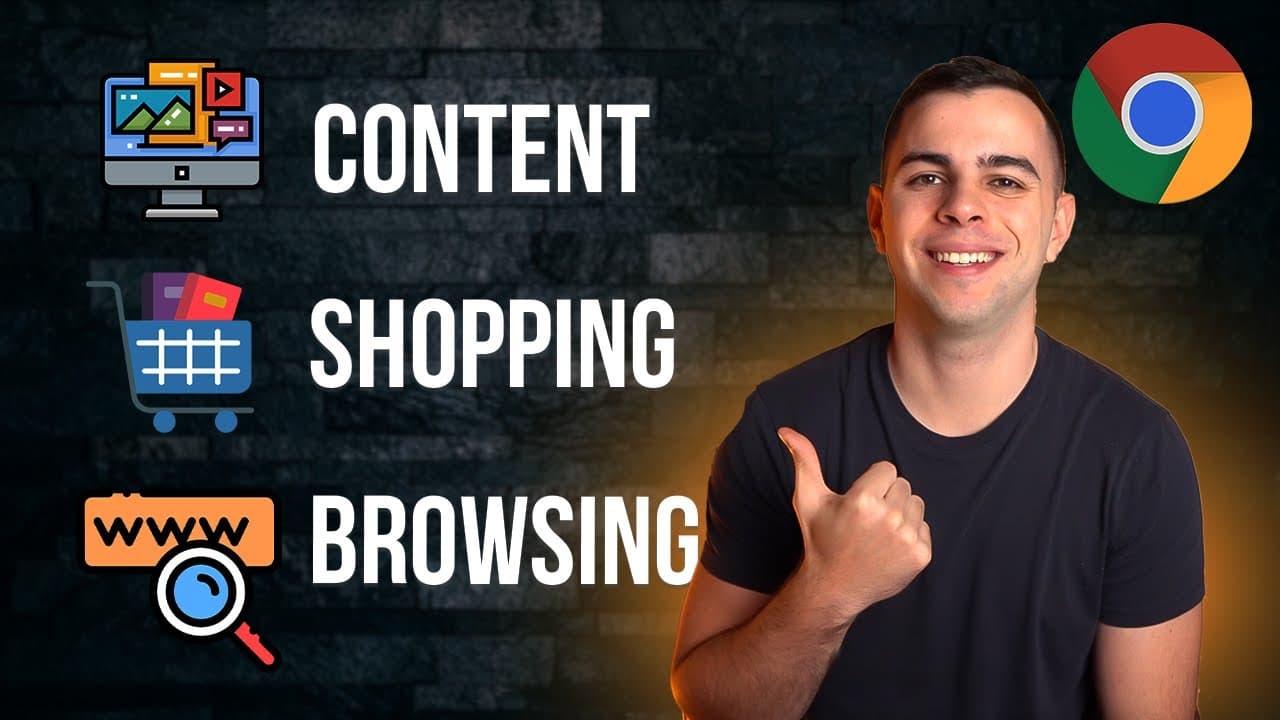
today we're going over chrome extensions and i'll be dividing this video into three different categories for these extensions the first one is going to be online shopping the second is going to be browsing experience and finally we're going over my favorite ones for content consumption timestamps are shown here as well as the description below like... Read More
Key Insights
- 🆘 The Camalyzer plugin offers valuable price history and alerts for Amazon shoppers, helping them make informed purchasing decisions.
- 👤 The Fake Spot Reviews extension helps users identify genuine product reviews on Amazon, enabling better judgment when comparing similar products.
- 👻 Similar Web provides insights into website traffic, allowing users to determine the popularity and trustworthiness of unfamiliar websites.
- 🔑 Password manager extensions like One Password streamline the process of managing and accessing passwords across different devices.
- 🐎 Numerous Chrome extensions enhance the browsing experience, including image expanders for small pictures and video speed controllers for adjusting playback speed.
- 👀 Plugins like Mimics enable users to take notes while watching videos, making it convenient for research or content consumption purposes.
- 👤 Auto Quality for YouTube ensures videos default to the desired resolution based on the user's preference.
Install to Summarize YouTube Videos and Get Transcripts
Explore YouTube Video Summarizer or Get YouTube Transcript Extractor
Questions & Answers
Q: How does the Camalyzer plugin help with online shopping on Amazon?
The Camalyzer plugin provides price history for Amazon items, allowing users to see the fluctuation in prices over time. This information helps in making informed decisions about when to purchase a product and potentially save money.
Q: How does the Fake Spot Reviews extension work?
The Fake Spot Reviews extension analyzes product reviews on Amazon and assigns them a rating from A to F based on their authenticity. This helps users distinguish between genuine and fake reviews, making it easier to decide on a product's quality.
Q: How can the Similar Web extension be useful for browsing new websites?
The Similar Web extension provides insights into a website's traffic, including average visits over time and the top countries that visit the site. This can be helpful when exploring unfamiliar websites to gauge their popularity and trustworthiness.
Q: What does the Mimics extension do for content consumption?
Mimics allows users to take notes while watching videos on platforms like YouTube. It also inserts timestamps for easy referencing. The notes can be exported to note-taking software like Obsidian or Notion for further organization.
Summary & Key Takeaways
-
The first category of Chrome extensions mentioned is for online shopping, with a focus on the "Camalyzer" plugin. It provides price history and alerts, helping users save money on Amazon purchases.
-
The second category covers browsing experience, with a highlight on the "Fake Spot Reviews" extension. It analyzes product reviews on Amazon to determine their authenticity and provides a rating.
-
The final category explores plugins that enhance content consumption on platforms like YouTube. This includes extensions like "Auto Quality for YouTube," "Mimics" for note-taking, and "Video Speed Controller" for adjusting playback speed.
Read in Other Languages (beta)
Share This Summary 📚
Summarize YouTube Videos and Get Video Transcripts with 1-Click
Try YouTube Summary with ChatGPT & Claude or YouTube Transcript Generator
Explore More Summaries from FromSergio 📚
Summarize YouTube Videos and Get Video Transcripts with 1-Click
Try YouTube Summary with ChatGPT & Claude or YouTube Transcript Generator