The Best Free Photoshop Alternative (Edit PSD Files WITHOUT Photoshop)
TL;DR
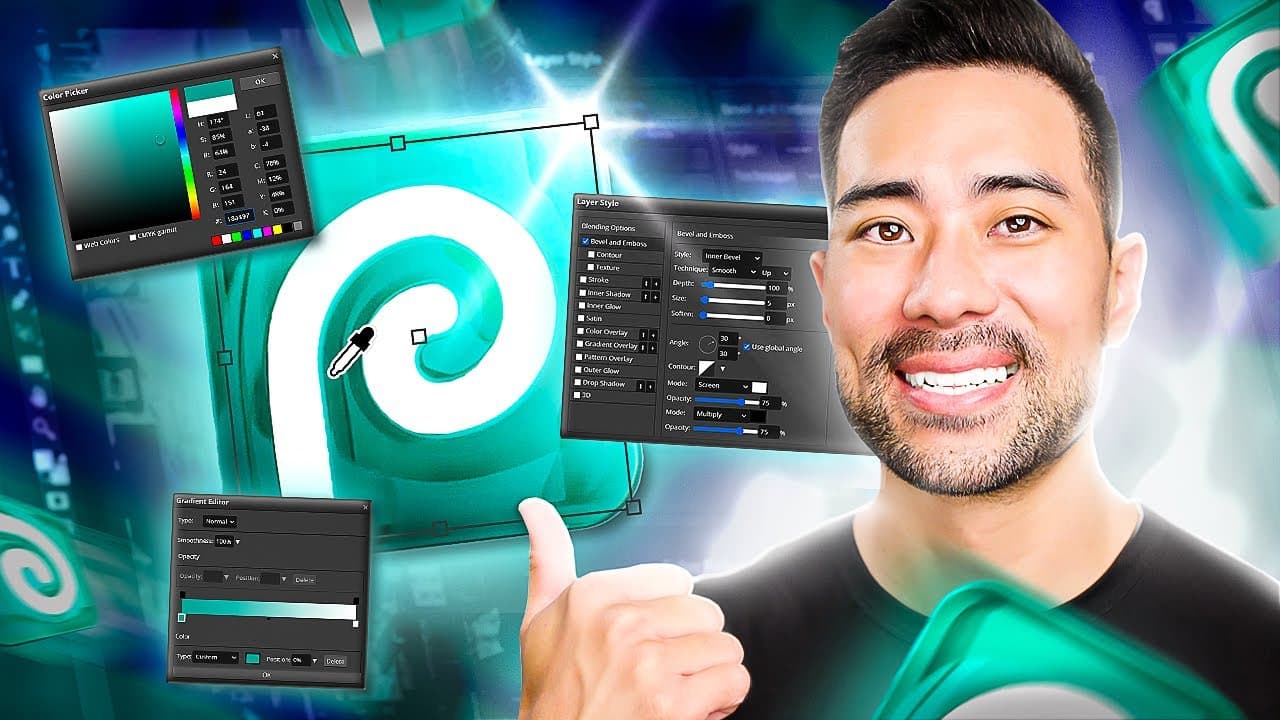
"Learn how to edit PSD files and manipulate your photos using the free Photoshop alternative, Photopea."
Transcript
- Do you wanna learn how you can fully edit PSD files and manipulate your photos and images just like you would in Photoshop, but without a Photoshop subscription? And no, this doesn't involve trying to get an illegal copy of Photoshop or anything of that nature. It's free to use. And I'm gonna show you right now what it is. So firstly, this is wha... Read More
Key Insights
- 🥶 Photopea is a free online tool that allows users to edit PSD files and perform manipulations on photos and images.
- 👤 The interface of Photopea is similar to Photoshop, making it familiar to Photoshop users.
- 🧘 Users can edit smart objects and apply various adjustments to photos, such as temperature, exposure, and contrast.
- 🎨 Photopea offers a library of templates for different design projects, including social media graphics, websites, and presentations.
- 🥶 While Photopea is a free tool, there is also a premium plan available at a reasonable cost.
- 🎏 The performance of Photopea may have some limitations, such as lag or delay in certain operations.
- 🤍 Users can embed and integrate Photopea on their webpages or offer it as a white-labeled tool to their viewers.
Install to Summarize YouTube Videos and Get Transcripts
Explore YouTube Video Summarizer or Get YouTube Transcript Extractor
Questions & Answers
Q: How is Photopea different from Photoshop?
Photopea is a free online tool that offers many features and capabilities similar to Photoshop. However, it may not have the full range of options and functionalities that Photoshop provides.
Q: Can Photopea handle PSD files created in Photoshop?
Yes, Photopea can open and edit PSD files, including smart objects. Users can make changes to text, adjust layers, and apply filters, just like in Photoshop.
Q: Is there a desktop version of Photopea?
Yes, Photopea offers a desktop version. However, it still relies on the web and may have some lag or delay in performance.
Q: Does Photopea have any limitations or downsides?
While Photopea is a powerful free tool, it does have some limitations. There may be ads displayed in the free version, and certain advanced tools and functionalities found in Photoshop may not be available.
Summary & Key Takeaways
-
Photopea is a free online tool that allows users to edit PSD files and perform various manipulations on photos and images.
-
The interface of Photopea is similar to Photoshop, with tools and options that are familiar to Photoshop users.
-
Users can edit smart objects, adjust settings like temperature and exposure, and access a library of templates for design projects.
Read in Other Languages (beta)
Share This Summary 📚
Summarize YouTube Videos and Get Video Transcripts with 1-Click
Try YouTube Summary with ChatGPT & Claude or YouTube Transcript Generator
Explore More Summaries from Aurelius Tjin 📚
Summarize YouTube Videos and Get Video Transcripts with 1-Click
Try YouTube Summary with ChatGPT & Claude or YouTube Transcript Generator