What Are the Best Free AI Tools Without Signup?
TL;DR
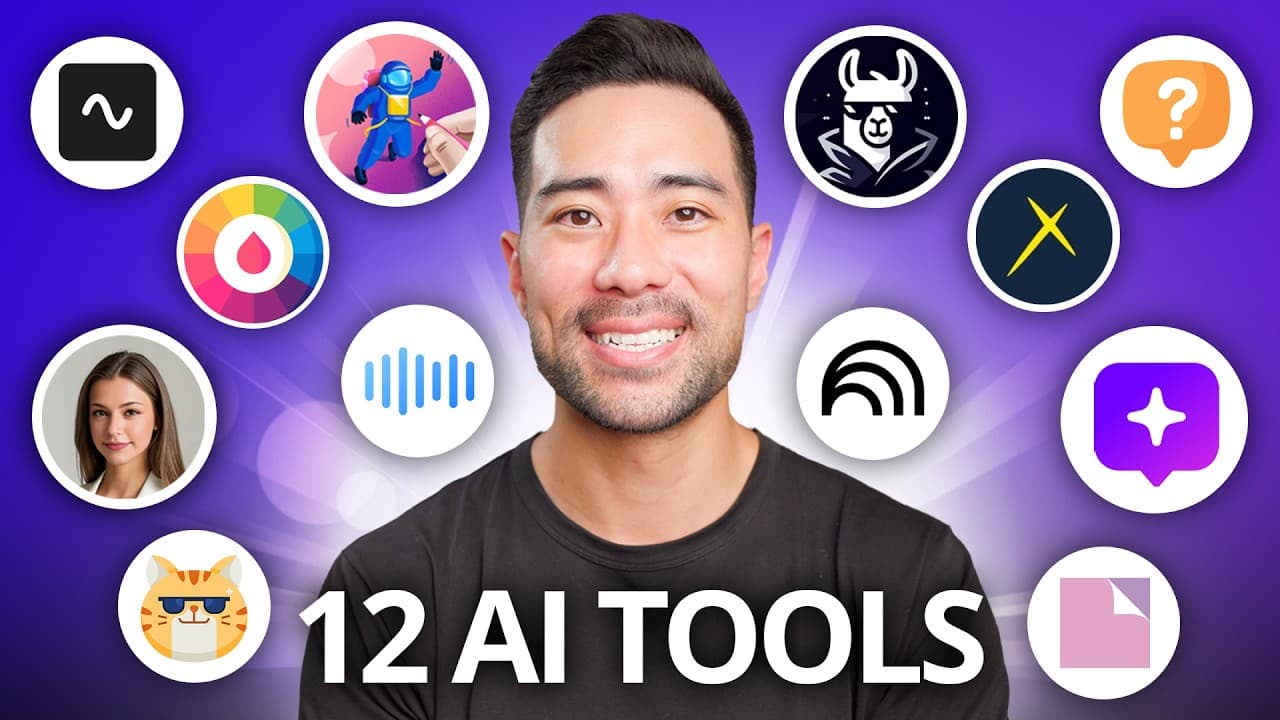
Discover 12 AI tools that are free to use and don't require signups. These tools range from animating drawings and generating text-to-speech to creating professional headshots and summarizing documents. Each tool offers unique features to enhance productivity and creativity, making them valuable for content creators, marketers, and tech enthusiasts.
Transcript
I found 12 free and useful AI tools for you to try most of which don't even require a sign up so no gimmicks no credit card required to sign up just powerful tools for you to start using right away but here's the catch I'm not sure how long they'll stay free so you want to jump on these while you can let's di... Read More
Key Insights
- AI tools can animate drawings by detecting characters and allowing users to add animations.
- Text-to-speech converters offer various accents and sound natural, enhancing accessibility.
- AI headshot generators create professional photos without requiring signups.
- Document summarizers can outline PDFs quickly, aiding research and study.
- AI transcription tools like Riverside provide free, accurate transcriptions for audio and video files.
- Infographic generators help create visual content like timelines and lists with limited free usage.
- Whybot generates mind maps for deeper exploration of topics, enhancing learning.
- Prompt generators improve AI interactions by crafting detailed prompts for chatbots.
Install to Summarize YouTube Videos and Get Transcripts
Explore YouTube Video Summarizer or Get YouTube Transcript Extractor
Questions & Answers
Q: How to animate a drawing using AI?
To animate a drawing using AI, start by uploading a clear drawing on white paper. The AI tool detects the character and allows you to highlight joints. You can then choose animations such as dancing or walking. This tool enables you to bring static images to life without needing advanced skills.
Q: What are the features of a free text-to-speech converter?
A free text-to-speech converter allows users to input text and select various accents and languages. It provides natural-sounding speech and offers customization options like speed and pitch. Once converted, users can download the audio for personal or professional use, enhancing accessibility and content creation.
Q: How does the AI headshot generator work?
The AI headshot generator creates professional photos by allowing users to select styles and upload images. Users can choose gender, age, and ethnicity to tailor the headshot. The AI processes the input to generate a high-quality image, offering an easy solution for creating professional portraits without signups.
Q: What is the purpose of a document summarizer?
A document summarizer condenses lengthy texts into concise summaries, saving time for researchers and students. Users upload PDF files and select summary styles, such as outlines or translations. The tool processes the document quickly, providing a gist of the content, which is particularly useful for academic and professional research.
Q: How to use an AI transcription tool?
To use an AI transcription tool, upload an audio or video file to the platform. The tool transcribes the content accurately, providing options to download it as text or captions. This service is beneficial for creating subtitles for videos and transcribing podcasts, offering a cost-effective alternative to paid services.
Q: What can you create with an infographic generator?
An infographic generator allows users to create visual content such as timelines, lists, and process diagrams. Users can input data or topics, and the tool generates graphics based on the input. With limited free usage, it serves as a valuable tool for educators, marketers, and content creators to visually communicate information.
Q: How does Whybot enhance topic exploration?
Whybot enhances topic exploration by generating mind maps that delve into questions and subtopics. Users input a question, and the tool creates a visual map with expanding nodes, offering deeper insights. This interactive approach aids learning and understanding, making complex information more accessible and engaging.
Q: What is a prompt generator used for?
A prompt generator is used to craft detailed prompts for AI interactions, improving the quality of responses from chatbots like ChatGPT. Users specify roles and tasks, and the tool generates prompts that guide the AI to produce more relevant and informative content, enhancing the effectiveness of digital communication.
Summary & Key Takeaways
-
The video highlights 12 AI tools that are free and do not require signups, making them easily accessible for users. These tools include an animation tool for drawings, a text-to-speech converter, and a headshot generator, among others. Each tool is designed to enhance productivity and creativity in various fields.
-
Among the tools featured are document summarizers and transcription services, which streamline information processing for researchers and content creators. Infographic generators and mind map tools facilitate visualization of information, while prompt generators enhance AI interactions.
-
Emphasizing the importance of supporting free tools, the video encourages users to donate to developers if they find value in these services. The tools are positioned as valuable resources for those looking to explore AI technology without financial or sign-up barriers.
Read in Other Languages (beta)
Share This Summary 📚
Summarize YouTube Videos and Get Video Transcripts with 1-Click
Try YouTube Summary with ChatGPT & Claude or YouTube Transcript Generator
Explore More Summaries from Aurelius Tjin 📚




Summarize YouTube Videos and Get Video Transcripts with 1-Click
Try YouTube Summary with ChatGPT & Claude or YouTube Transcript Generator