Learn to Build a Full React Project in Under 90 Minutes | Step-by-Step Guide
TL;DR
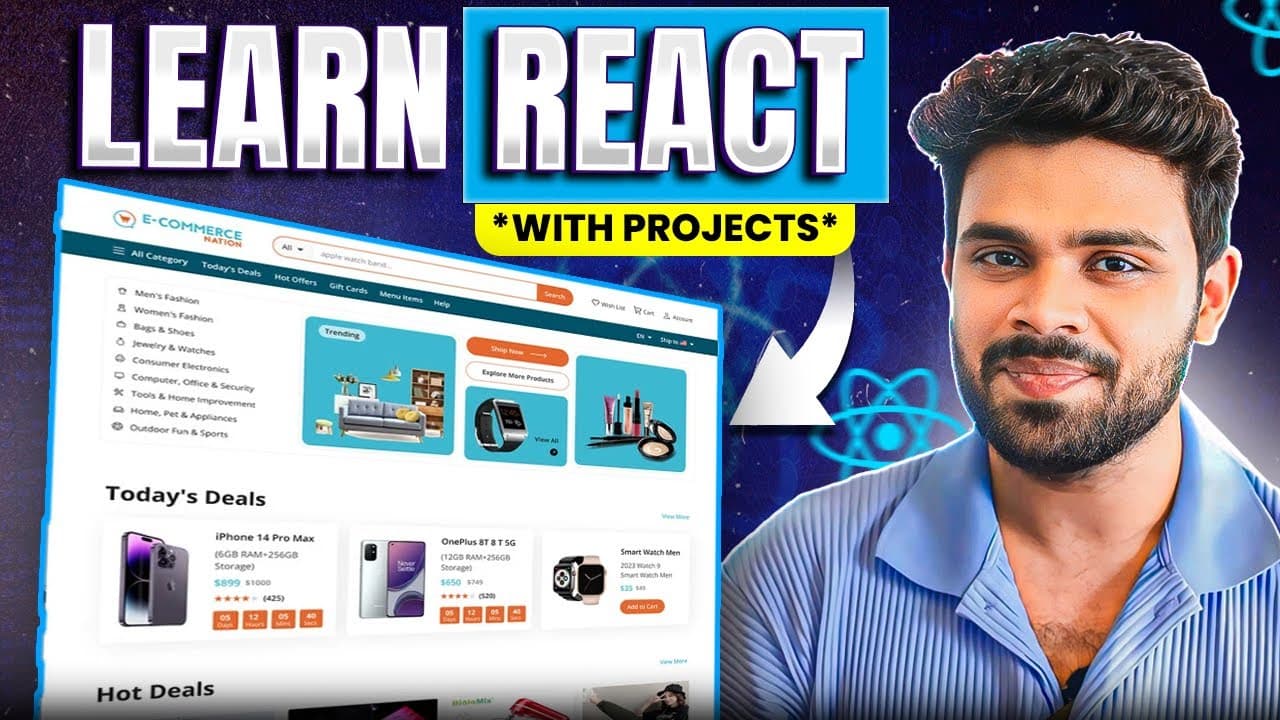
Learn to build an e-commerce shoe store using React and OneEntry CMS.
Transcript
hi everyone before we start the tutorial let me introduce your educator so we have shant a senior front-end engineer from Microsoft and today you're going to be building an endtoend react app with Shri Kant you are going to use react functional components CSS react routes and one entry CMS for backend and thanks a lot to one entry for making the ba... Read More
Key Insights
- 🌍 The tutorial utilizes a practical approach to building a fully functional e-commerce site, emphasizing real-world applications of React and headless CMS.
- ❤️🩹 By leveraging OneEntry CMS, developers can focus on front-end development without getting bogged down by backend complexities.
- 👤 Incorporating routing with React Router enhances the application’s navigational structure, promoting better user engagement.
- 😫 The process of setting up project dependencies is crucial for ensuring compatibility and functionality within the software environment.
- 👨💻 Utilizing TypeScript improves code quality by providing static typing, which helps catch errors early and improves maintainability.
- 🎨 The responsive design elements incorporated into the application ensure usability across various devices and screen sizes.
- 👤 Emphasis on interactivity through animations and smooth transitions enriches user experience and engagement on the platform.
Install to Summarize YouTube Videos and Get Transcripts
Explore YouTube Video Summarizer or Get YouTube Transcript Extractor
Questions & Answers
Q: Who is the instructor for this tutorial and what is their background?
The instructor is Shrikant, who is a senior front-end engineer at Microsoft. He has expertise in developing applications using modern web technologies, including React, and aims to share his knowledge through comprehensive tutorials.
Q: What technologies will be used to build the e-commerce application?
The application will utilize React for the front end, leveraging functional components and CSS for styling, while OneEntry CMS will be employed as the headless CMS backend for content management.
Q: Why is OneEntry CMS recommended for this project?
OneEntry CMS simplifies the backend setup for front-end developers by handling content management without requiring extensive backend knowledge. It offers flexibility and is suitable for both mobile applications and web platforms.
Q: What are the initial steps to set up the React project?
The initial steps include ensuring that Node.js and npm are installed, creating a folder for the project, and then using the command npx create-react-app <app-name> --template typescript to bootstrap a new React application with TypeScript.
Q: How do users create their OneEntry CMS account for this tutorial?
Users need to visit account.oneentry.cloud to register, providing their mobile number, name, and email. They can use the coupon code provided in the tutorial to access a free trial of service features.
Q: How do products get displayed in the e-commerce application?
Products are rendered by mapping through the data retrieved from the OneEntry CMS API within React components. Each product is encapsulated in a card component that includes images, titles, descriptions, and prices.
Q: How can the layout be managed and transitioned in the application?
The layout transitions are managed through state hooks in React, which dynamically alter the CSS classes applied to elements, allowing for visual changes like minimizing headers and fading in navigation components.
Q: What is the importance of utilizing routing in this application?
Routing allows the e-commerce application to navigate between different components such as the home page, sneakers, and boots sections, ensuring a smooth user experience and making it easy to manage URLs for specific product categories.
Summary & Key Takeaways
-
The tutorial is led by Shrikant, a Microsoft front-end engineer, focusing on creating an e-commerce website using React and OneEntry CMS.
-
The project involves using React functional components, CSS, React Router, and a back-end CMS to streamline content management for front-end developers.
-
Users are encouraged to provide feedback on the tutorial as additional related tutorials will be released on the Learnard channel.
Read in Other Languages (beta)
Share This Summary 📚
Summarize YouTube Videos and Get Video Transcripts with 1-Click
Try YouTube Summary with ChatGPT & Claude or YouTube Transcript Generator
Explore More Summaries from Fraz 📚

Summarize YouTube Videos and Get Video Transcripts with 1-Click
Try YouTube Summary with ChatGPT & Claude or YouTube Transcript Generator