Splice - Array Methods - Javascript Tutorial
TL;DR
The splice method modifies arrays by removing elements and optionally adding new ones.
Transcript
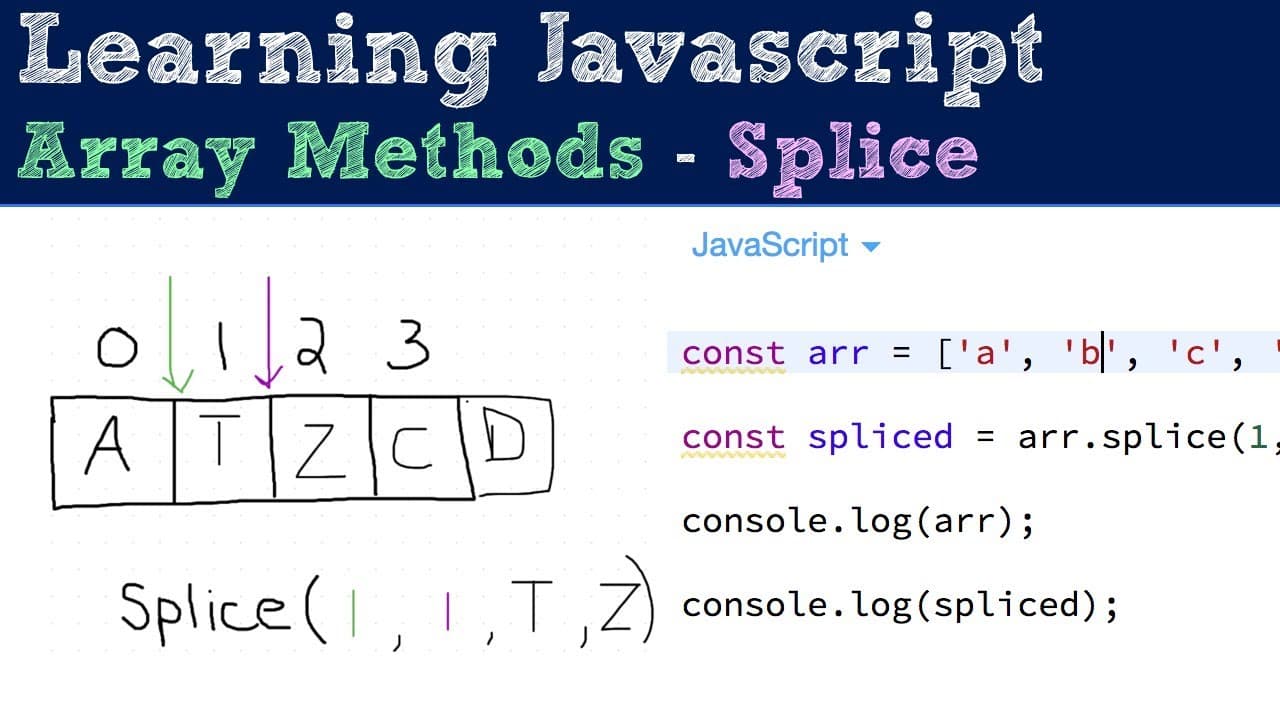
hey how's it going so in this video I'm gonna be talking about how to use the splice method which is another method on the array prototype and for this method basically it has three parameters the first one is required and that is the index in which you want to start splicing things out of the array the second one is optional and that's the amount ... Read More
Key Insights
- 👶 The splice method modifies the original array rather than creating a new one with the same elements. This can save memory in comparison to methods that return new arrays.
- ❤️🩹 Negative indices can be used with the splice method to count backwards from the end of the array, providing flexibility in targeting specific elements for removal.
- 👻 The removal count in splice can vary, allowing developers to remove just one element or a series of consecutive elements easily.
- 👻 Additional parameters in the splice method allow for the inclusion of multiple new items, demonstrating the method's versatility.
- ❓ The splice method is useful for maintaining the integrity of the main array while managing its contents dynamically during programs' execution.
- 👣 Developers can leverage the method’s return value to track and manipulate data that has been removed from the initial array, making it useful for debugging.
- 💦 Proper understanding of this method enhances one’s ability to work with arrays efficiently in JavaScript, promoting better coding practices.
Install to Summarize YouTube Videos and Get Transcripts
Explore YouTube Video Summarizer or Get YouTube Transcript Extractor
Questions & Answers
Q: What is the primary function of the splice method in JavaScript?
The splice method is designed to remove elements from an array starting at a specified index. It not only modifies the original array by removing the defined elements but also returns a new array containing those removed elements. This functionality can help manage arrays dynamically and efficiently during programming tasks.
Q: How do I specify the starting index and the number of elements to remove using splice?
To use the splice method, provide the starting index as the first argument. The second argument, which is optional, specifies how many elements to remove from that index. If the second parameter is omitted, splice will remove all elements from the starting index to the end of the array.
Q: Can the splice method add new elements to the array? If so, how?
Yes, the splice method can add new elements to an array. This is done by providing additional arguments after the first two parameters. The new elements are inserted at the index where the splice starts, replacing the removed elements. This allows both removal and addition of elements in a single operation.
Q: What happens if I provide an index greater than the length of the array?
If you provide an index greater than the length of the array, the splice method will not affect the original array and will return an empty array. This behavior ensures that the method does not cause errors or unintended modifications when attempting to splice outside the bounds of the existing array.
Summary & Key Takeaways
-
The splice method in JavaScript is used to remove elements from an array, starting at a specified index and returning a new array of removed items.
-
It accepts three parameters: the starting index, the number of elements to remove, and optional new elements to insert at the specified index.
-
The method alters the original array while providing flexibility in handling elements, allowing for both deletions and additions.
Read in Other Languages (beta)
Share This Summary 📚
Summarize YouTube Videos and Get Video Transcripts with 1-Click
Try YouTube Summary with ChatGPT & Claude or YouTube Transcript Generator
Explore More Summaries from Web Dev Cody 📚





Summarize YouTube Videos and Get Video Transcripts with 1-Click
Try YouTube Summary with ChatGPT & Claude or YouTube Transcript Generator