Multiple Pages In Adobe Express - Phil Pallen
TL;DR
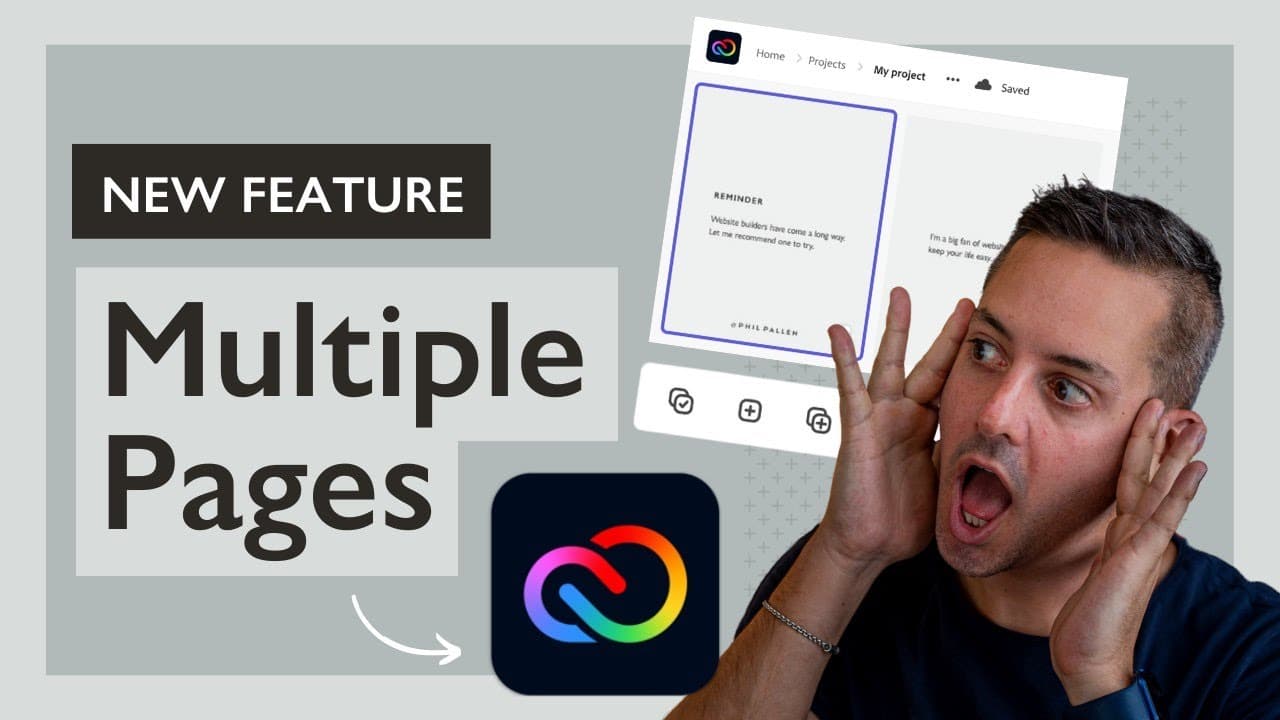
Adobe Express now offers multi-page functionality for creating Instagram carousels, flyers, and more, making design easier and more efficient.
Transcript
it is here finally and i could not be more excited at my favorite online and mobile design app for creating stunning graphics now has multi-page functionality perfect for instagram carousels flyers booklets and so much more let's dig right in and i'll show you some of my favorite tips and best practices to make your designs awesome in this wonderfu... Read More
Key Insights
- 🎠 Adobe Express introduces multi-page functionality for creating Instagram carousels, flyers, booklets, and more.
- 📟 Users can duplicate pages, view all pages, and design consistent elements across multiple slides.
- 👋 Best practices include ensuring all content is in place before duplicating pages and utilizing preset sizes for different platforms.
- 🎨 Multi-page functionality offers versatility for designing various types of graphic content efficiently.
- 🎨 Maintaining design consistency and formatting is crucial when utilizing the duplicate page feature in Adobe Express.
- 👾 The ability to design multiple slides in one project is a game-changer for creating visually appealing graphics.
- 👤 Users can benefit from the convenience of designing different-sized layouts within the same project using multi-page functionality.
Install to Summarize YouTube Videos and Get Transcripts
Explore YouTube Video Summarizer or Get YouTube Transcript Extractor
Questions & Answers
Q: What new feature has Adobe Express introduced for designing graphics?
Adobe Express has introduced multi-page functionality, allowing users to create Instagram carousels, flyers, brochures, and more with ease by duplicating pages and designing multiple slides in one project.
Q: How can users ensure design consistency when using the duplicate page feature?
To maintain design consistency, users should ensure elements like social media handles are in place before duplicating pages in Adobe Express to avoid manual adjustments on each slide.
Q: What are some best practices for utilizing the multi-page functionality in Adobe Express?
Best practices include ensuring all content and elements are in place before duplicating pages, taking advantage of preset sizes for different platform requirements, and utilizing the duplicate feature to maintain formatting consistency.
Q: How does multi-page functionality in Adobe Express benefit users in designing graphics?
Multi-page functionality in Adobe Express simplifies the design process by allowing users to create multiple slides in one project, making it easier to design Instagram carousels, flyers, brochures, and other multi-page layouts efficiently.
Summary & Key Takeaways
-
Adobe Express introduces multi-page functionality for designing Instagram carousels, flyers, brochures, and more.
-
Users can now duplicate pages, view all pages, and design multiple slides in one project, streamlining the design process.
-
Tips include ensuring elements are in place before duplicating pages and taking advantage of preset sizes for different platforms.
Read in Other Languages (beta)
Share This Summary 📚
Summarize YouTube Videos and Get Video Transcripts with 1-Click
Try YouTube Summary with ChatGPT & Claude or YouTube Transcript Generator
Explore More Summaries from Phil Pallen 📚






Summarize YouTube Videos and Get Video Transcripts with 1-Click
Try YouTube Summary with ChatGPT & Claude or YouTube Transcript Generator