Top 5 Apps for Steam Deck - Emulation and more!
TL;DR
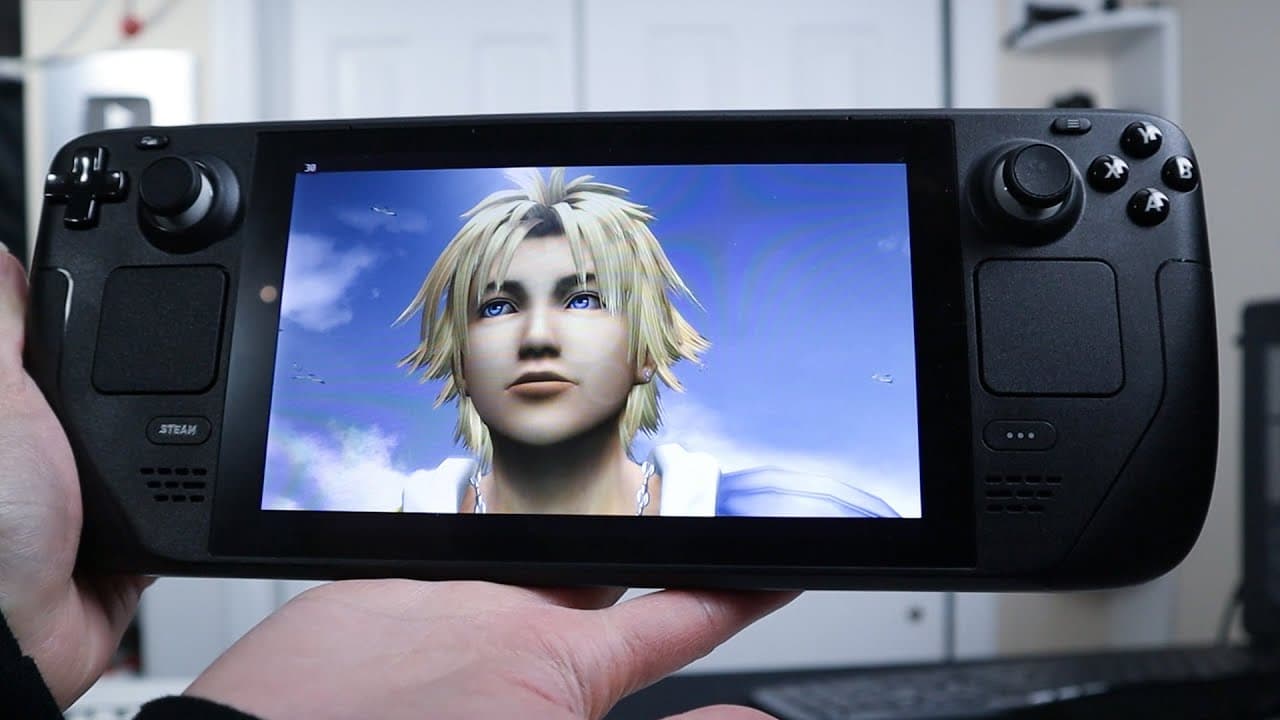
Discover essential applications to enhance your Steam Deck functionality.
Transcript
as you may know I bought a steam deck a couple of weeks ago and one of the things I did was add a lot of applications to it to make it do more than it should so here are my top five applications for the steam deck so let's check it out now I'm going to post a link of the original video of the steam jacket and the problems that I have with it right ... Read More
Key Insights
- 👾 Proton Up significantly enhances compatibility and performance for a wider array of games on the Steam Deck, making it essential for gamers seeking optimal playback.
- 👾 MuDeck facilitates retro gaming experiences by seamlessly integrating multiple emulators into the Steam environment, perfect for nostalgia-driven gamers.
- 🎮 The Heroic Game Launcher fills the gap for Epic Games and GOG users, allowing them to play games purchased from those platforms easily.
- 👀 Plex transforms the Steam Deck into a media center, making it possible to watch movies, shows, and live TV in a user-friendly format.
- 👻 Prism Launcher offers a tailored experience for Minecraft players, allowing for customization without external downloads, enhancing gameplay efficiency.
- 😤 Adding non-Steam games into the library is a critical step for users who want to maximize their gaming potential on the Steam Deck.
- 🕸️ The inclusion of a web browser like Google Chrome expands the utility of the Steam Deck, making it not only a gaming device but also suitable for browsing and multimedia.
Install to Summarize YouTube Videos and Get Transcripts
Explore YouTube Video Summarizer or Get YouTube Transcript Extractor
Questions & Answers
Q: What is Proton Up and why is it beneficial for Steam Deck users?
Proton Up is an application that enhances the Steam Deck's Proton library, allowing users to unlock additional compatibility features for running games. By enabling access to different versions of Proton, such as Glorious Eggroll (GE), users can improve game performance and frame rates, making a wide range of titles playable.
Q: How does MuDeck enhance retro gaming on the Steam Deck?
MuDeck is a powerful software that facilitates the emulation of older gaming consoles, such as PlayStation and Super Nintendo. It simplifies the installation of emulators and integrates them into the Steam library, providing an all-in-one solution for retro gamers who want seamless access to their favorite classic games.
Q: What functions does the Heroic Game Launcher serve on the Steam Deck?
The Heroic Game Launcher allows users to play games purchased on Epic Games and GOG platforms directly on their Steam Deck. It integrates with the Steam library, enabling users to easily add and launch non-Steam games without complicated setups, making it crucial for those with a diverse game collection.
Q: Can Plex be used as a media center on the Steam Deck?
Yes, Plex can be installed on the Steam Deck as a media client, allowing users to stream movies and TV shows, and even access live TV. Its compatibility with the Steam Deck facilitates seamless media consumption, making the device not just a gaming console but also an effective media center.
Q: How does Prism Launcher improve the Minecraft experience on the Steam Deck?
Prism Launcher is tailored for Minecraft, making it easy to manage different game versions and mods without complicated setups. It allows Steam Deck users to customize their gameplay experience with support for controller inputs, enabling a smooth and enjoyable Minecraft experience directly through the Steam interface.
Q: What is the significance of adding non-Steam games to the Steam Deck library?
Adding non-Steam games to the Steam Deck library enhances the versatility of the device, enabling users to access a broader range of titles from various platforms. This feature allows gamers to consolidate their library into one convenient location, making it simpler to launch games from different storefronts.
Q: What are the advantages of installing Google Chrome on the Steam Deck?
Installing Google Chrome provides users with a familiar web browsing experience on the Steam Deck. It allows for internet browsing, accessing web applications, and viewing content outside gaming, enhancing the overall functionality of the device and making it more versatile for tasks beyond gaming.
Summary & Key Takeaways
-
The video discusses the installation of five essential applications that enhance the capabilities of the Steam Deck, highlighting their specific functions and benefits.
-
Key applications mentioned include Proton Up for better game compatibility, MuDeck for retro gaming emulation, and Heroic Launcher for accessing Epic and GOG games.
-
Additional recommendations include Plex for media streaming and Prism Launcher for an improved Minecraft experience, along with a bonus of installing Google Chrome for web browsing.
Read in Other Languages (beta)
Share This Summary 📚
Summarize YouTube Videos and Get Video Transcripts with 1-Click
Try YouTube Summary with ChatGPT & Claude or YouTube Transcript Generator
Explore More Summaries from Novaspirit Tech 📚






Summarize YouTube Videos and Get Video Transcripts with 1-Click
Try YouTube Summary with ChatGPT & Claude or YouTube Transcript Generator