Automate ChatGPT with This Time-Saving Hack! #chatgpt #openai #plugin #booklet #automate
TL;DR
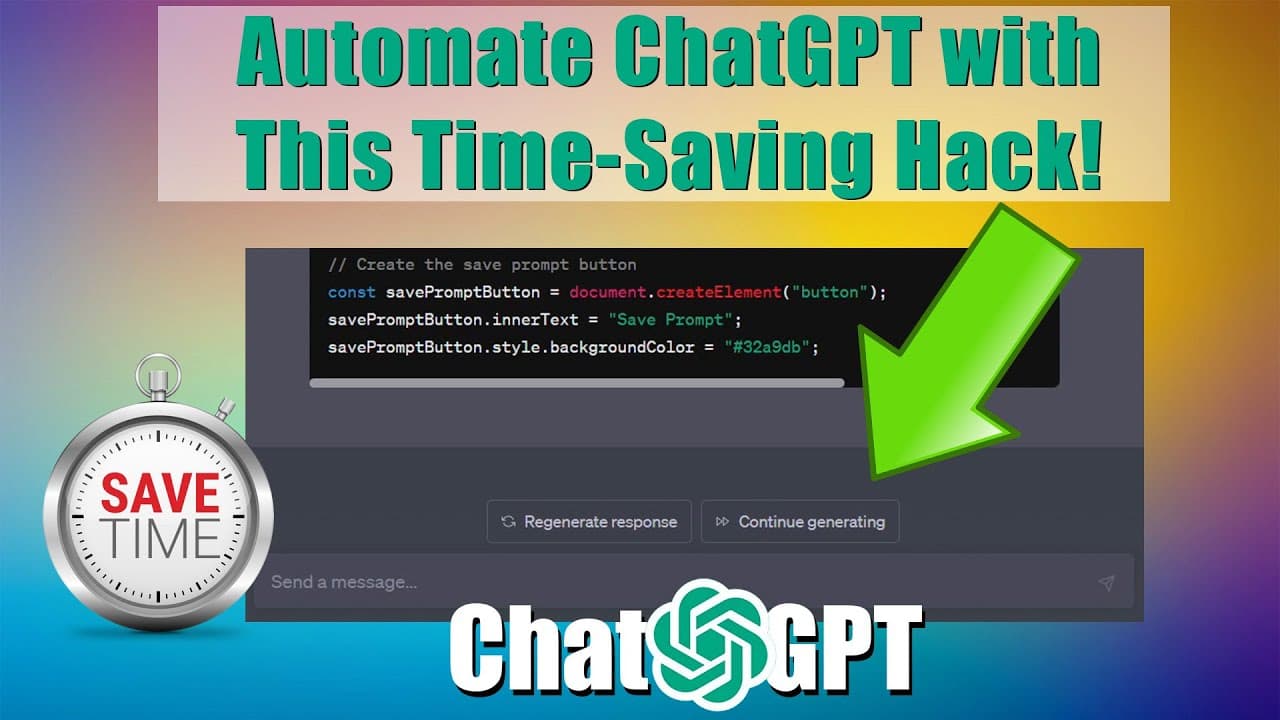
Learn how to automate the clicking of the continue button in OpenAI's ChatGPT, using three different methods: injection, bookmarklet, and Chrome extension.
Transcript
hello everyone a little over three weeks ago I created this video that shows you how to create a continue button for ChaCha PT since then openai has updated chapter PT and has provided their own continue button that proves to be more accurate and continues exactly where I left off so today I'm going to show you how you can automate the clicking of ... Read More
Key Insights
- 👤 OpenAI has implemented its own continue button, which is more accurate and resumes where the user left off.
- 🔄 Automating the clicking of the continue button can be done using three methods: injection, bookmarklet, and Chrome extension.
- 👨🔬 The injected code, bookmarklet, and Chrome extension all continuously search for and click the continue button.
- 👨💻 Code can be injected into the browser console, saved as a bookmarklet, or developed into a Chrome extension.
- 🈷️ Automating the continue button can improve workflow efficiency in tasks like writing articles or generating large amounts of data.
- 😷 It is possible to ask ChatGPT to explain or comment on code to better understand its functionality.
- 🫵 Viewers have the option to support the channel and the content creator through PayPal.
Install to Summarize YouTube Videos and Get Transcripts
Explore YouTube Video Summarizer or Get YouTube Transcript Extractor
Questions & Answers
Q: Why would I want to automate the clicking of the continue button in ChatGPT?
Automating the continue button saves time and effort, especially when generating large amounts of data or continuously interacting with the ChatGPT system.
Q: What are the three methods explained in the video?
The three methods are injection, bookmarklet, and Chrome extension. Injection involves copying and running code in the browser, bookmarklet allows you to save and run the code as a bookmark, and the Chrome extension constantly searches for the button on the website.
Q: How does the injection method work?
In the injection method, you copy the provided code, open the browser console, paste the code, and hit enter. The code will then continuously search for the continue button and click it until the page is refreshed.
Q: Can I use the bookmarklet method to automate the button?
Yes, with the bookmarklet method, you save the code as a bookmark, and when you click on the bookmark, it temporarily runs the code to click the continue button until the page is refreshed.
Q: How does the Chrome extension method function?
By creating a custom Chrome extension using the provided code, the extension will constantly search for and click the continue button on the ChatGPT website, eliminating the need for manual interaction.
Summary & Key Takeaways
-
The video demonstrates how to automate the clicking of the continue button in OpenAI's ChatGPT.
-
Three methods are explained: injecting code into the browser, creating a bookmarklet, and developing a Chrome extension.
-
Each method allows the code to continuously search for and click the continue button, saving time and effort.
Read in Other Languages (beta)
Share This Summary 📚
Summarize YouTube Videos and Get Video Transcripts with 1-Click
Try YouTube Summary with ChatGPT & Claude or YouTube Transcript Generator
Explore More Summaries from Automate My Life 📚
Summarize YouTube Videos and Get Video Transcripts with 1-Click
Try YouTube Summary with ChatGPT & Claude or YouTube Transcript Generator