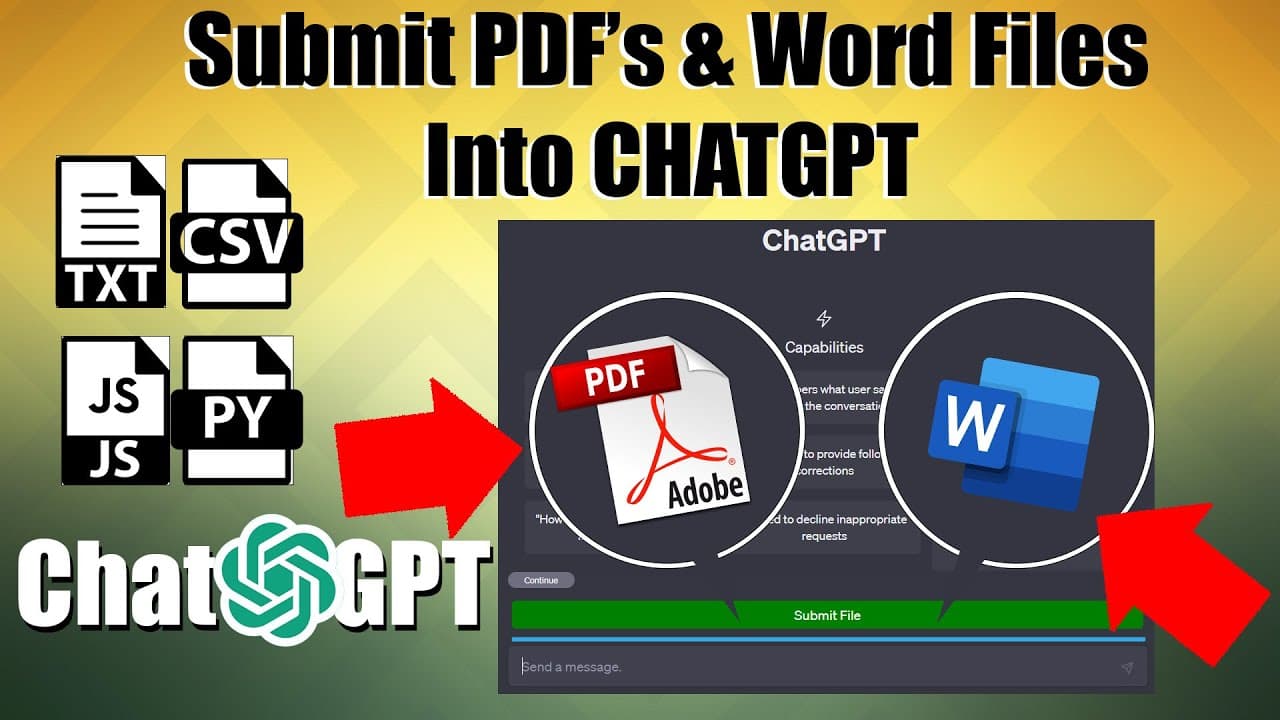
Easily Submit PDFs and Word Files using this incredible plugin! #chatgpt #openai #plugin
TL;DR
Learn how to enable the Chat CPT file uploader extension to read Microsoft Word and PDF files.
Transcript
hello everyone today I'm going to show you how I got the chat CPT file uploader extension to read Microsoft Word files and PDF files I know a number of you have been requesting this in the comments so I figured I'd make a video to walk you through the process so before we begin we're going to need two separate libraries to make this work with our p... Read More
Key Insights
- 📁 The Chat CPT file uploader extension can be enhanced to handle Microsoft Word and PDF files by incorporating the mammoth.js and pdf.js libraries.
- 📁 The content.js file is responsible for handling the uploaded files and utilizing the added functionality.
- 🦮 The Manifest file guides the extension's behavior and ensures the proper inclusion of required libraries.
- 👊 The extension can be tested by refreshing the extension page and starting a new chat session.
- 📁 Troubleshooting may involve checking file paths, permissions, and seeking assistance from the extension creator.
- 👶 The video creator plans to update the Chat CPT file uploader plugin with the new features and make it available for Firefox users.
- 💦 Support for the video creator's work can be provided through PayPal.
- ⚾ Testing may require multiple attempts, as the performance of Chat CPT can vary based on different sessions.
Install to Summarize YouTube Videos and Get Transcripts
Explore YouTube Video Summarizer or Get YouTube Transcript Extractor
Questions & Answers
Q: What are the two libraries required to enable the Chat CPT file uploader extension to read office files and PDFs?
The two libraries needed are mammoth.js for reading office files and pdf.js for reading PDFs.
Q: How can I integrate the libraries and code mentioned in the video into the extension?
The video provides step-by-step instructions on how to add the code and libraries to the extension's content.js file and update the Manifest file.
Q: What is the role of the Manifest file in a Chrome extension?
The Manifest file acts as the boss or director of the extension, directing how different scripts communicate with each other and specifying necessary files and permissions.
Q: What should I do if I encounter errors while implementing the code and libraries?
You can try refreshing the extension, double-checking the paths and permissions in the Manifest file, and reaching out to the creator of the extension for assistance.
Key Insights:
- The Chat CPT file uploader extension can be enhanced to handle Microsoft Word and PDF files by incorporating the mammoth.js and pdf.js libraries.
- The content.js file is responsible for handling the uploaded files and utilizing the added functionality.
- The Manifest file guides the extension's behavior and ensures the proper inclusion of required libraries.
- The extension can be tested by refreshing the extension page and starting a new chat session.
- Troubleshooting may involve checking file paths, permissions, and seeking assistance from the extension creator.
- The video creator plans to update the Chat CPT file uploader plugin with the new features and make it available for Firefox users.
- Support for the video creator's work can be provided through PayPal.
- Testing may require multiple attempts, as the performance of Chat CPT can vary based on different sessions.
- The video suggests starting a new chat if experiencing issues with the extension.
Summary & Key Takeaways
-
The video demonstrates the process of adding functionality to the Chat CPT file uploader extension to read both Microsoft Word and PDF files.
-
Two separate libraries, mammoth.js and pdf.js, are needed to enable the extension to read office files and PDFs respectively.
-
The video provides step-by-step instructions on how to implement the required code and libraries, and how to test the functionality.
Read in Other Languages (beta)
Share This Summary 📚
Summarize YouTube Videos and Get Video Transcripts with 1-Click
Try YouTube Summary with ChatGPT & Claude or YouTube Transcript Generator
Explore More Summaries from Automate My Life 📚
Summarize YouTube Videos and Get Video Transcripts with 1-Click
Try YouTube Summary with ChatGPT & Claude or YouTube Transcript Generator